

What are the error notifications of the Mijia Vacuum Cleaner 4 Pro?
The display of the Mijia Vacuum Cleaner 4 Pro can show fault icons to help you diagnose issues, and each icon indicates a specific problem.
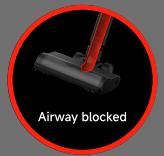
1. If the air duct blockage icon appears, the air duct is blocked. Please check and clean the dust compartment, filter, pre‑filter, post-filter, extension rod, extension hose, or brush head.
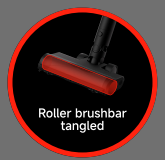
2. If the roller brushbar tangled icon appears, the roller brushbar is tangled with hair or fibres, and please check and clean the brush head.
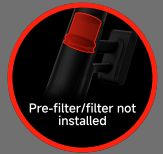
3. If the filter or pre‑filter not installed icon appears, the pre‑filter or HEPA filter is not properly seated, and please check and reinstall it firmly.
4. If the battery temperature protection icon appears, the battery temperature protection has been triggered, and wait for the battery temperature to return to normal before using the vacuum again.
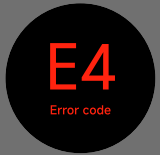
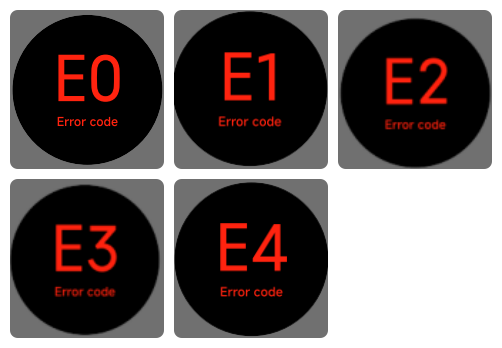
5. If any of the error codes E0, E1, E2, E3, or E4 appear, this indicates a critical component failure, and stop using the vacuum and contact after‑sales service immediately.
Does it help?
Yes
No