

How to do if Mi Smart Scale shows the hourglass icon?
Problem Explanation:
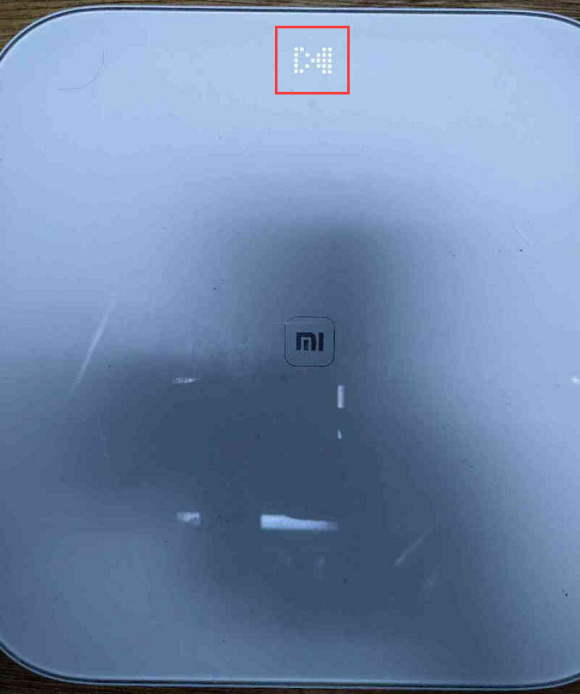
If the hourglass icon is displayed on the Mi Smart Scale after startup, and cannot be used normally due to the rotating hourglass icon, please follow the following steps:
1. First, try to take out the battery in the scale and reinstall it, and observe whether the hourglass icon will be displayed after the scale is turned on again.
2. If the hourglass icon is still displayed, it is suggested to apply for after-sales inspection.
If the hourglass icon is displayed on the Mi Smart Scale after startup, and cannot be used normally due to the rotating hourglass icon, please follow the following steps:
1. First, try to take out the battery in the scale and reinstall it, and observe whether the hourglass icon will be displayed after the scale is turned on again.
2. If the hourglass icon is still displayed, it is suggested to apply for after-sales inspection.
Does it help?
Yes
No