

Why are there color stripes when taking photos with the Xiaomi Gaming Monitor G27i 2026 using a mobile phone/camera?
When you see color stripes or wave-like patterns while photographing the Xiaomi Gaming Monitor G27i 2026 with a mobile phone or camera, this is a normal optical effect called moiré. It occurs because the refresh rate of the monitor and the shutter speed of the recording device do not synchronize perfectly. Since a monitor refreshes dozens or even hundreds of times per second and a camera captures several frames per second, the mismatch between these frequencies causes visible colored bands or flickering lines on recorded images.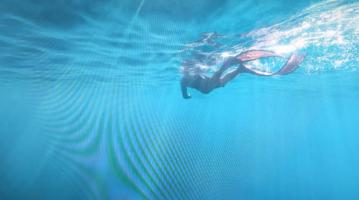 To reduce color stripes when taking photos of the Xiaomi Gaming Monitor G27i 2026, please refer to the following methods:
1. Adjust your camera’s shutter speed or frame rate to match the monitor’s refresh rate. The product refresh rate is around 60 Hz to 200 Hz.
2. Try lowering the monitor’s brightness or switching to another refresh rate to reduce the interference pattern.
3. Avoid using cameras in automatic exposure mode, as it constantly changes shutter timing and intensifies the effect.
4. If you only need to capture the image content, consider using a screenshot instead of photographing the screen directly.
1. Adjust your camera’s shutter speed or frame rate to match the monitor’s refresh rate. The product refresh rate is around 60 Hz to 200 Hz.
2. Try lowering the monitor’s brightness or switching to another refresh rate to reduce the interference pattern.
3. Avoid using cameras in automatic exposure mode, as it constantly changes shutter timing and intensifies the effect.
4. If you only need to capture the image content, consider using a screenshot instead of photographing the screen directly.
Does it help?
Yes
No