

Does the Redmi Watch 5 Active support incoming call notifications?
The Redmi Watch 5 Active supports incoming call notifications. When the watch is connected to your phone, it will vibrate and ring to notify you of incoming calls, displaying the caller's number or name. You can tap the red phone icon on the watch screen to reject the call, or tap the green icon to answer it (this action is synchronized with your phone).
Android:
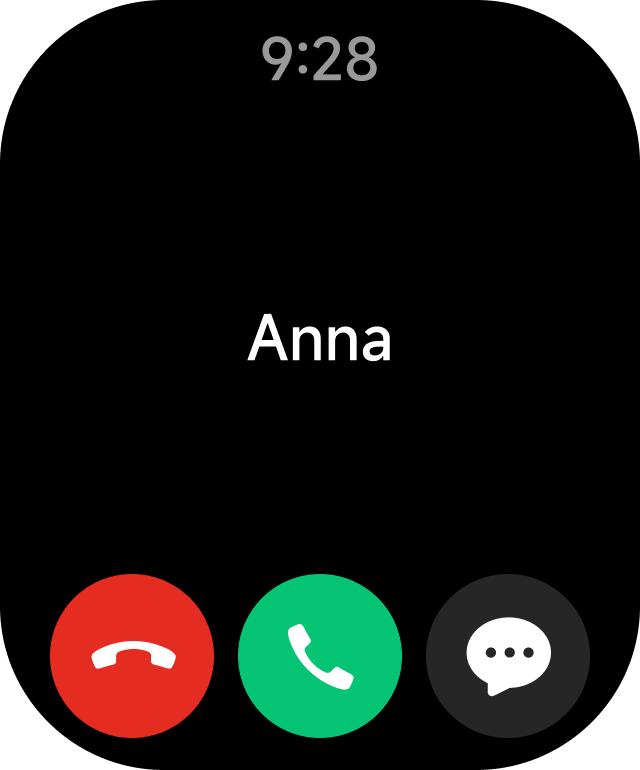
Android:
iOS:
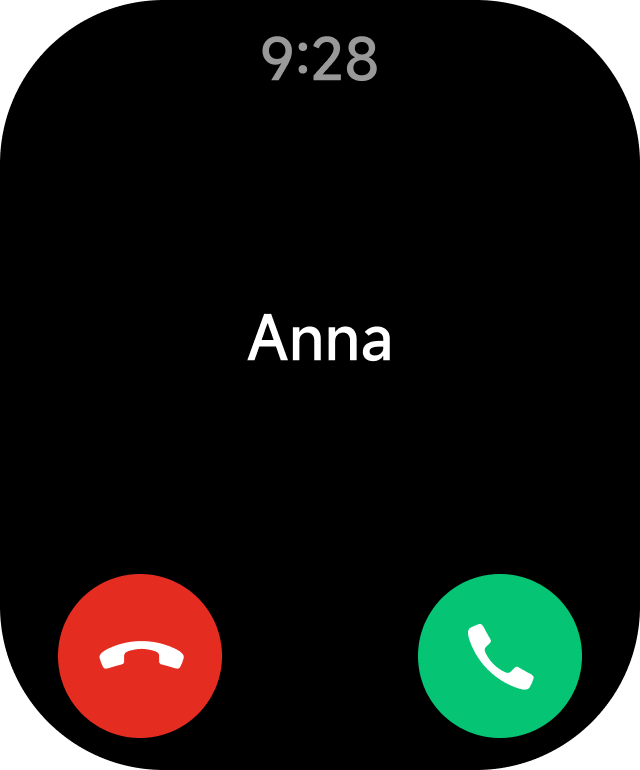
To display contact information, ensure that the watch is connected to the Mi Fitness APP. Open the APP >> [Device] >> select [Incoming calls] >> enable [Show contact info] to display the contact information.
Note:
1. The caller ID name on the watch will match that on your phone, while unknown callers will be displayed by their phone numbers. If do not disturb mode is enabled during its scheduled period, you will not receive incoming call notifications;
2. To ensure incoming call notifications, the Mi Fitness APP must be running in the background;
3. The watch supports Bluetooth calls with dual-mode Bluetooth;
4. The incoming call notifications feature is enabled by default and cannot be turned off separately.
Note:
1. The caller ID name on the watch will match that on your phone, while unknown callers will be displayed by their phone numbers. If do not disturb mode is enabled during its scheduled period, you will not receive incoming call notifications;
2. To ensure incoming call notifications, the Mi Fitness APP must be running in the background;
3. The watch supports Bluetooth calls with dual-mode Bluetooth;
4. The incoming call notifications feature is enabled by default and cannot be turned off separately.
Does it help?
Yes
No