

Allow the App notifications to show on the floating notification banners.
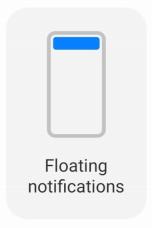
1. Go to Settings >
  Notifications & Control center.
2. Tap Floating notifications in NOTIFICATIONS.
3. Tap beside an App to enable Floating notifications.
1. Go to
Settings > Notifications & Control center.2. Tap Floating notifications in NOTIFICATIONS.
3. Tap
beside an App to enable Floating notifications.