

What to do if the body fat cannot be measured on the Xiaomi Body Composition Scale S400?
If the body fat cannot be measured on the Xiaomi Body Composition Scale S400, please follow the steps below to troubleshoot:
1. Check whether the scale is properly bound and connected.
2. After the scale is successfully bound, if the first measurement fails, please follow the app instructions to save the weight and measure again.
3. Before measurement, please ensure the scale's surface is clean and free of dirt. If dust or other dirt is on the surface, the electrodes may be poorly in contact. Please wipe the scale's surface clean with a wet tissue.
If the Xiaomi Body Composition Scale S400's surface shows "----" during measurement, please follow the steps below to troubleshoot:
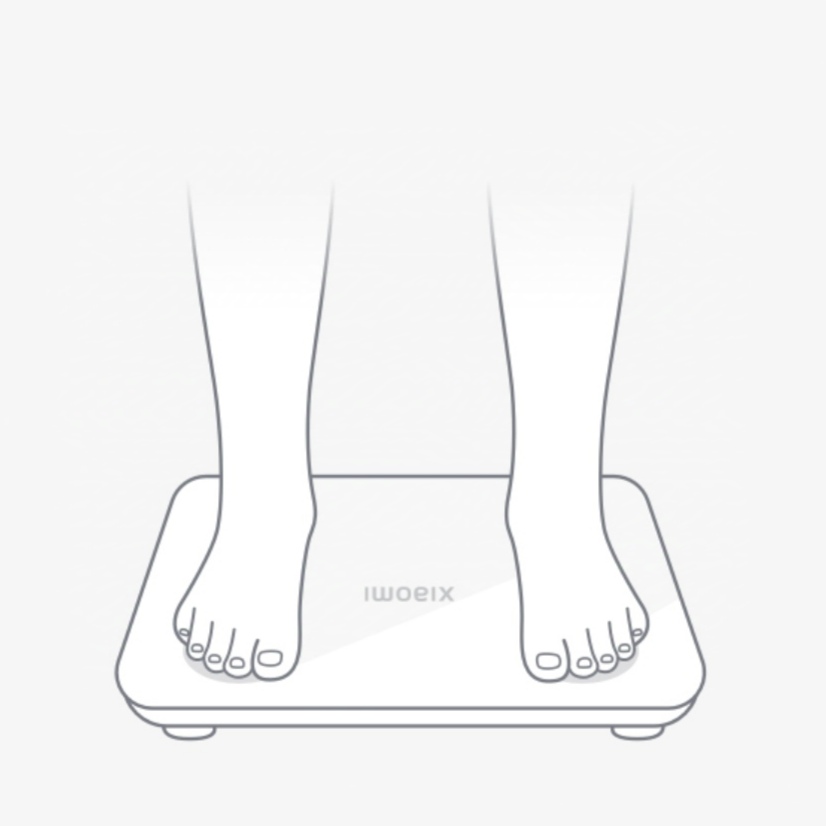
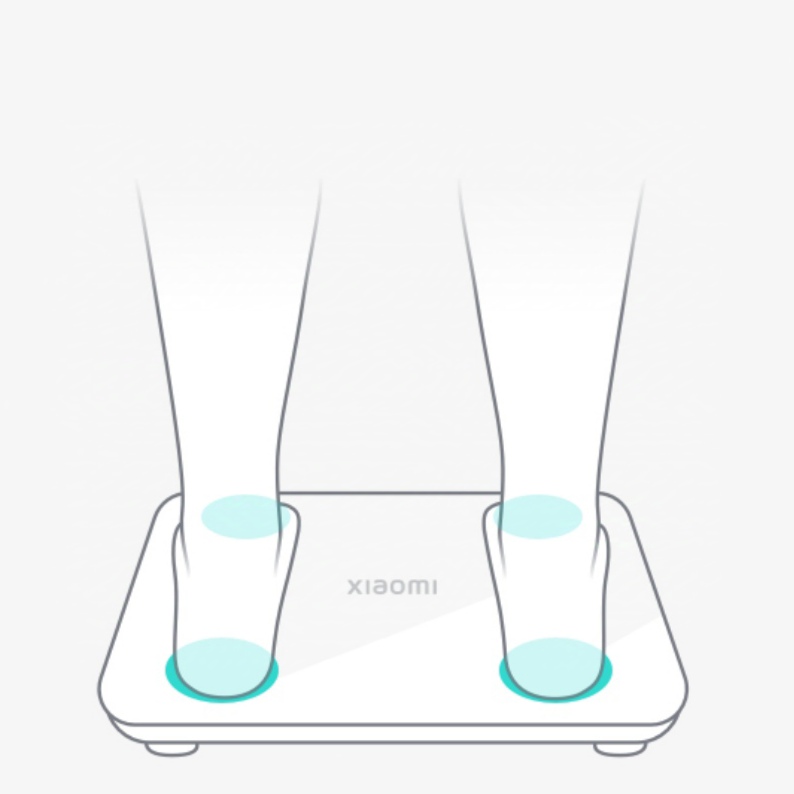
1. Make sure that the measuring posture is correct: Please step barefoot on the scale without shoes or socks, and keep your feet in full contact with the four electrodes on the scale's surface.
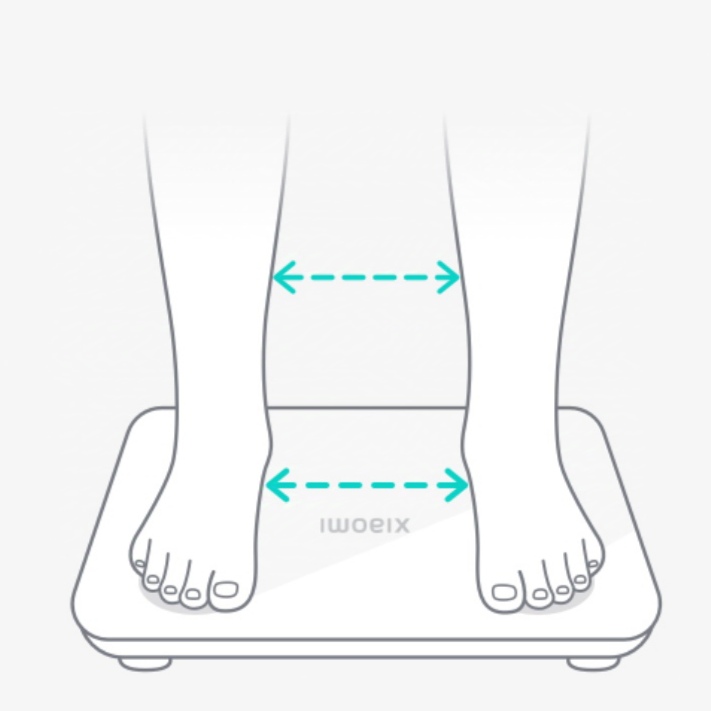
2. During measurement, keep your legs or feet apart.
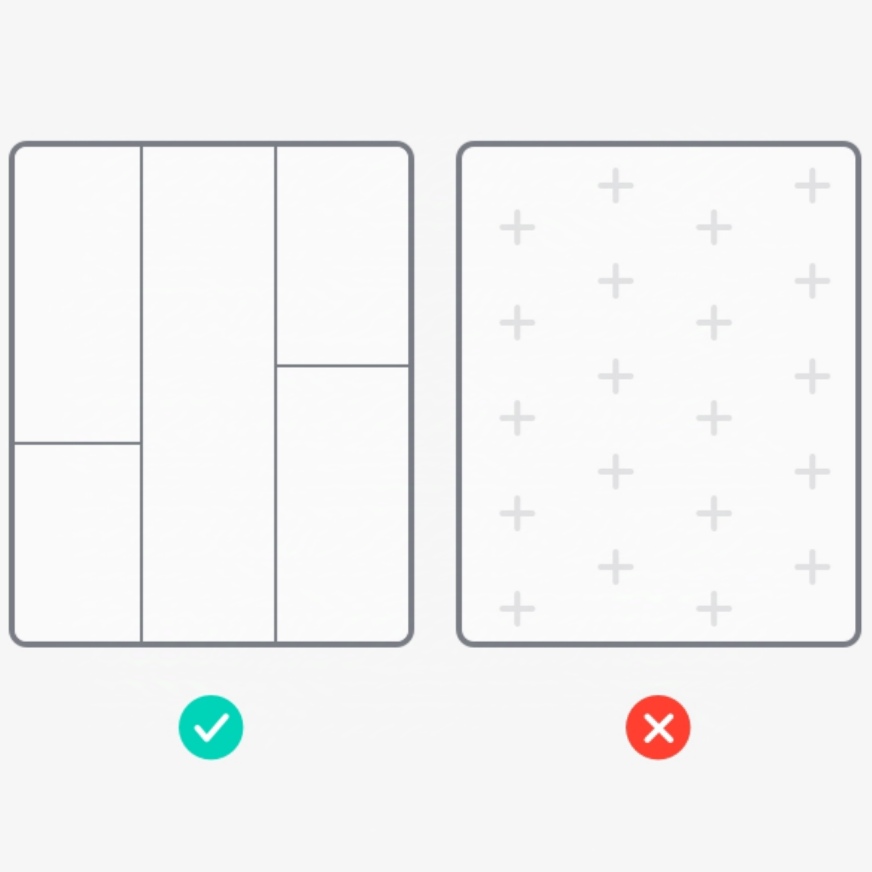
a. Place the scale on a flat floor.
b. Step barefoot on the scale.
c. Keep legs and feet apart.
d. Try to keep contact with the electrodes with both feet.
3. Please go to "Member management" and check whether there are other members with a weight similar to yours (within 2 kg). If so, your personal information cannot be matched to measure your body composition without connecting to the App. It is recommended to use the scale when connecting to the App.
4. When measuring offline, please claim the data in the "Unclaimed data" and connect to the App to complete a measurement.
5. Please go to Member management to check whether the gender, date of birth, and height are filled in correctly. At present, body composition measurement is available for people in the following ranges: age: 6 to 80 years; height: 90 cm to 220 cm; weight: 20 kg to 150 kg.
Does it help?
Yes
No