

Why does the Xiaomi Watch S4 41mm record sleep data when being placed on the charger?
If the Xiaomi Watch S4 41mm records sleep when placed on the charger, please refer to the following information:
1. Under normal circumstances, the watch will not record sleep when placed on the charger.
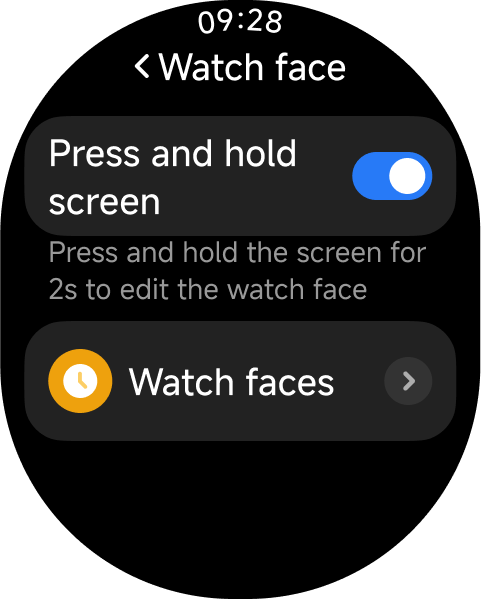
2. Please turn off [Press and hold screen] in the watch by going to [Settings] >> [Home screen] >> [Watch face]. If this option is turned off, the watch will enter forced sleep mode, causing it to mistakenly record sleep when it is stationary on the charger.
3. This forced sleep mode issue is currently being optimized and will be resolved in a future software update.
Note:
Keep your watch updated to ensure that future software optimizations, including improvements to forced sleep mode, are applied.
Does it help?
Yes
No