

How to turn off "Find device"?
You can turn on [Find device] in the Xiaomi Cloud to locate and track your device or clear its data remotely.
To turn off [Find device], please refer to the following methods:
Method 1:
Open the [Settings] App on the phone >> [Xiaomi Account] >> [Devices] >> select the device >> [Find device] >> turn off [Find device].
Method 2:
Open Xiaomi Cloud on a website and log into your account >> [Find device] >> select the device >> [Remove this device].
Method 3:
In the lock interface on the phone, enter your Xiaomi account and password to activate the device.
If you forget your password, you can appeal to change the password on Xiaomi Cloud. If you forget your Xiaomi account and password, please log into the Xiaomi Cloud via email and try to change the password and check the Xiaomi account.
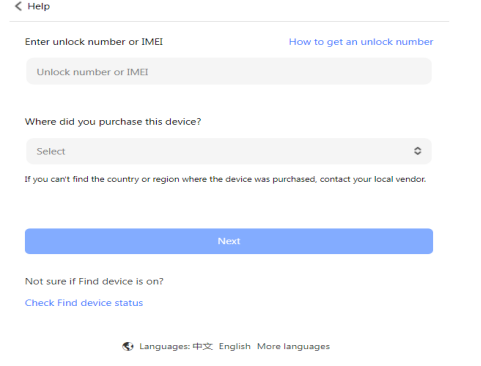
If you are unable to activate it for other reasons, you can try submitting an unlock request:
1. Enter https://i.mi.com/find/device/activationlock#/
2. Fill in the information as prompted on the page and wait for the result.
3. The result will be notified to you by SMS/email, and “Find device” will be automatically turned off after the application is passed, and you can submit an application again if the application fails.
Does it help?
Yes
No