

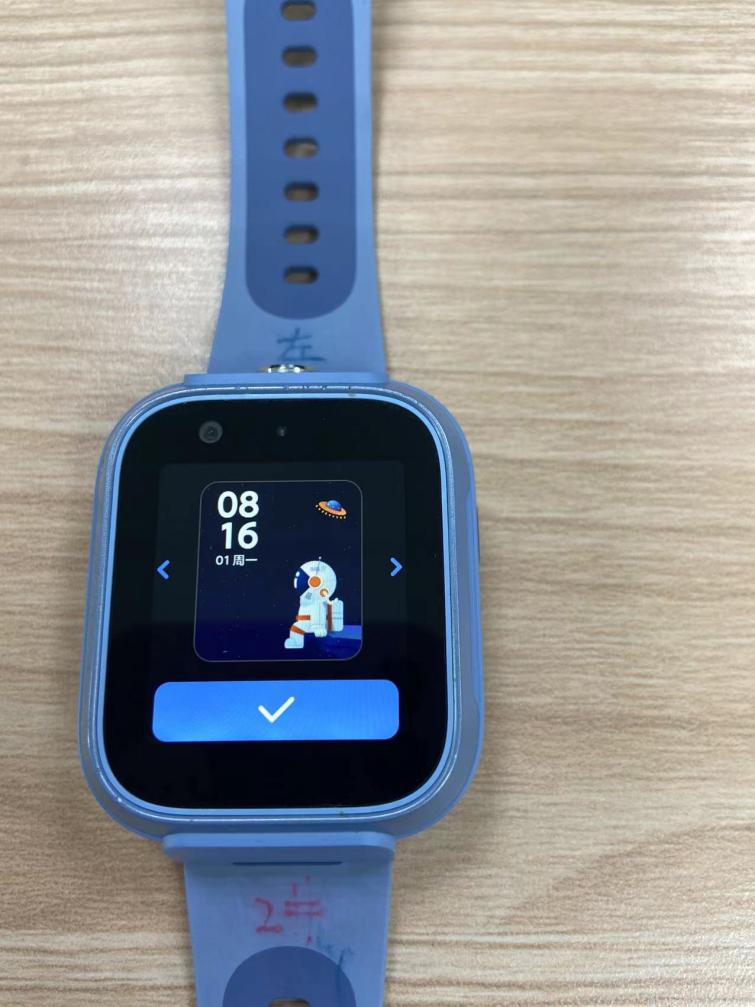
To change the watch displays, press and hold the watch displays screen (clock screen) and then tap the left and right arrows to change the watch displays, or go to Watch Setting→Dial switch→tap the left and right arrows to change the watch displays.
The clock format can be switched to support the selection of 12-hour and 24-hour systems. Setting path: Watch Setting→Clock format→Select 12Hour or 24Hour.
The clock format can be switched to support the selection of 12-hour and 24-hour systems. Setting path: Watch Setting→Clock format→Select 12Hour or 24Hour.