

What are the common error messages on the Mijia Smart Air Purifier 6?
Please refer to the following table for typical faults, display messages, and suggested solutions:
Fault Description | Display Message | Solution |
Motor error | 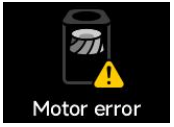 | Check if the filter is properly installed and the plastic packaging is removed;
Check for foreign objects blocking or jamming the fan motor;
Unplug the purifier for 10 seconds and restart;
If problem persists, contact after-sales support. |
Cover unclosed |  | Please close the filter compartment cover and restart the purifier;
If the cover is already closed but the message remains, unplug for 10 seconds and restart;
If unresolved, contact after-sales support. |
Grille unclosed | 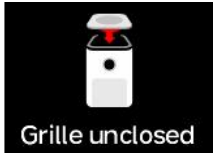 | Please close the grille and restart the purifier;
If the grille is closed but the message persists, unplug for 10 seconds and restart;
If unresolved, contact after-sales support. (Grille alert has higher priority than cover alert) |
Filter life less than 5% warning | 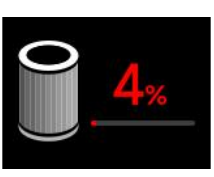 | Filter life is running low, please replace the filter in time. |
Updating...
Don’t power off | 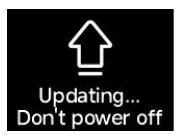 | The purifier is entering firmware upgrade mode, please wait patiently until upgrade is complete. After reboot, normal use can resume. |
Filter installation warning | 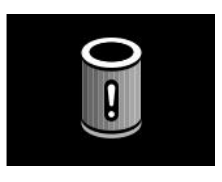 | Please scan the QR code on the screen to purchase official filters. If purchased from official Xiaomi channels but warning persists, contact after-sales support. |
Does it help?
Yes
No