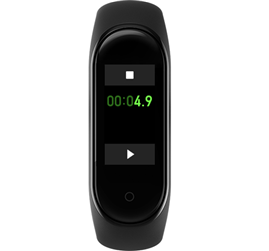
Function explanation:
Click the Additional settings on the Mi Band,select the countdown function,click

or

button and set the countdown time, the set range is 00′01″——99′59″.
Click

button to start countdown.
Click

to pause countdown.
Click

to continue countdown.
Click

to stop countdown.
Click“×”to return the pause interface,click “√”to quit the countdown.