

How to set up Privacy protection for Xiaomi Smart Camera C500 Pro?
Method 1:
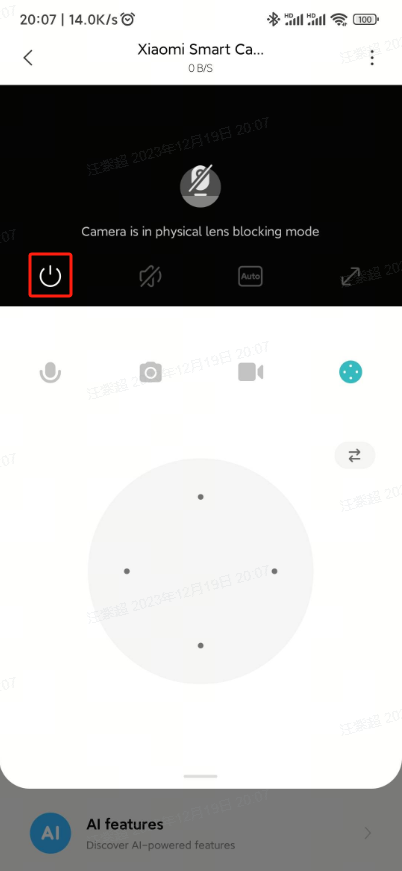
After entering the surveillance screen of the camera, tap the Privacy Protection button, and the device will immediately enter the Privacy protection mode.
Method 2:
Go to [Mi Home] APP >> Select the camera >> Tap [...] at the upper right corner >> [Camera Settings] >> [Privacy protection] >> You can directly turn on the Privacy protection or set the timer to auto Privacy protection.
After entering the surveillance screen of the camera, tap the Privacy Protection button, and the device will immediately enter the Privacy protection mode.
Method 2:
Go to [Mi Home] APP >> Select the camera >> Tap [...] at the upper right corner >> [Camera Settings] >> [Privacy protection] >> You can directly turn on the Privacy protection or set the timer to auto Privacy protection.
Does it help?
Yes
No