![How to connect Xiaomi Smart Camera C500 Pro to [Mi Home] APP?](https://i01.appmifile.com/webfile/globalimg/logo/pwa-mi/72x72.png)

How to connect Xiaomi Smart Camera C500 Pro to [Mi Home] APP?
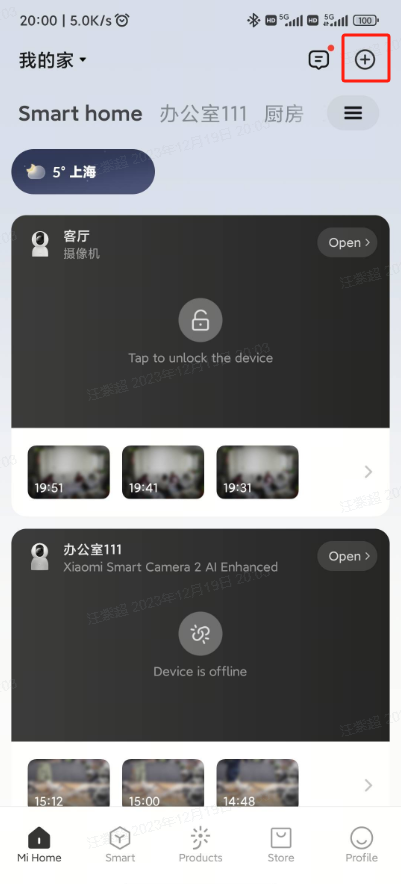
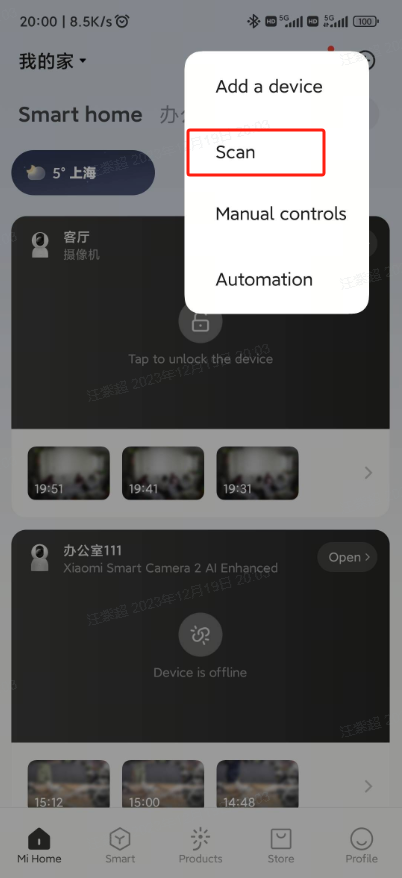
Select [Scan] in Mi Home APP >> tap [+]at the upper right corner, then follow the instructions on the page (press and hold the reset button for about 7 seconds until the indicator light blinks orange) >> wait for the successful binding.
Does it help?
Yes
No