

Why does the Xiaomi OpenWear Stereo Pro touch control sometimes become unresponsive?
If the Xiaomi OpenWear Stereo Pro touch control sometimes becomes unresponsive, please refer to the information to troubleshoot:
1. The touch area is located at the "Xiaomi" logo. Touching it off-center also causes unresponsiveness. In cold weather, if your hands become dry, the earphones can not function properly. Touch the correct area and ensure your fingers are warm and slightly moist.
2. Touching the prompt area when the earphones are not worn or not fitted correctly can cause no response. Adjust the earphones according to the manual to ensure a correct fit.
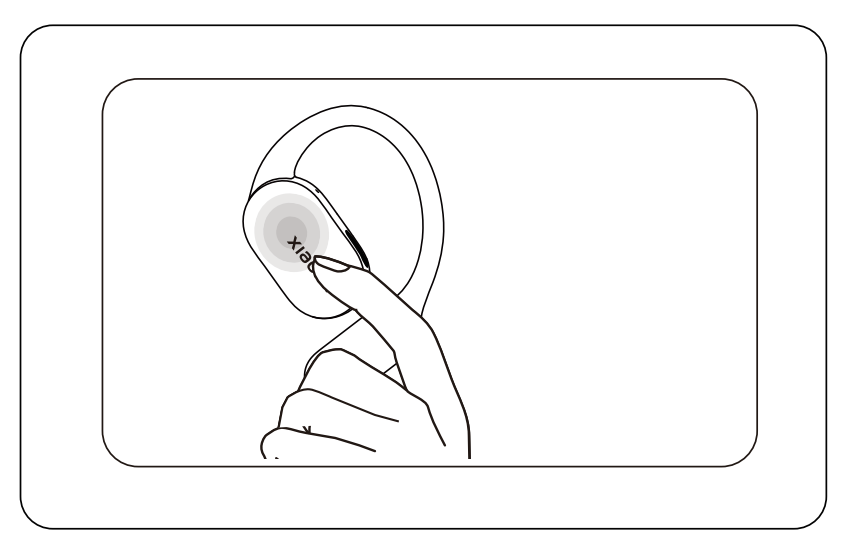
3. The speed of continuous pressing is too slow. Please make sure to press 2 times in quick succession and make proper contact with the touch area.
4. If the finger is dirty or has too much liquid on it, it can cause the pressure indicator area to become insensitive. Please keep both your finger surface and the earphone pressure indicator area clean before pressing.
If the issue persists after trying these solutions, please contact the after-sales service center for inspection and assistance.
Does it help?
Yes
No