

What to do if the sound of the Mi TV 4S 32 changes dramatically
If the sound on your Mi TV 4S 32 changes dramatically, please refer to the following steps:
1. Check Audio Settings:
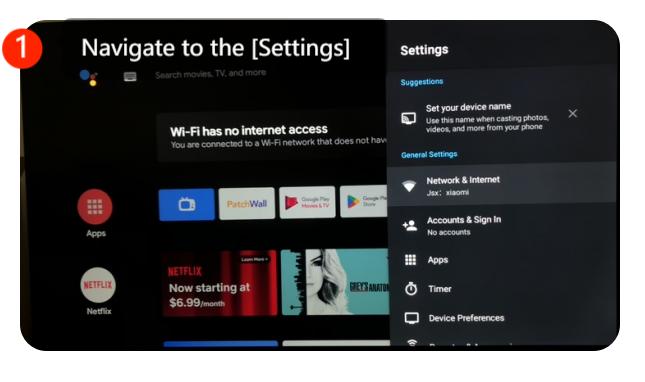
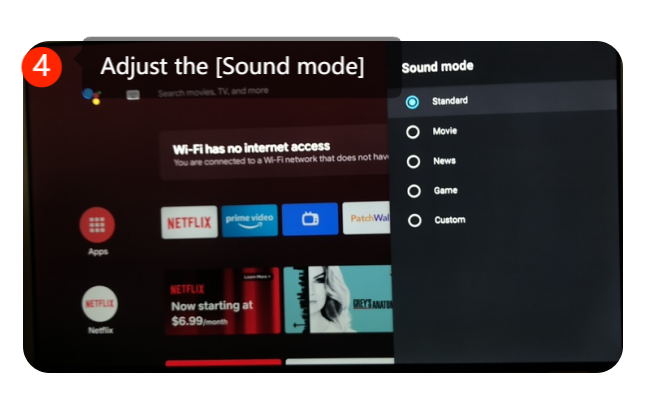
Navigate to [Settings] >> go to [Device preferences] at the upright corner >> select the [Sound] >> adjust the [sound mode]


2. Ensure that the audio settings are correctly configured.
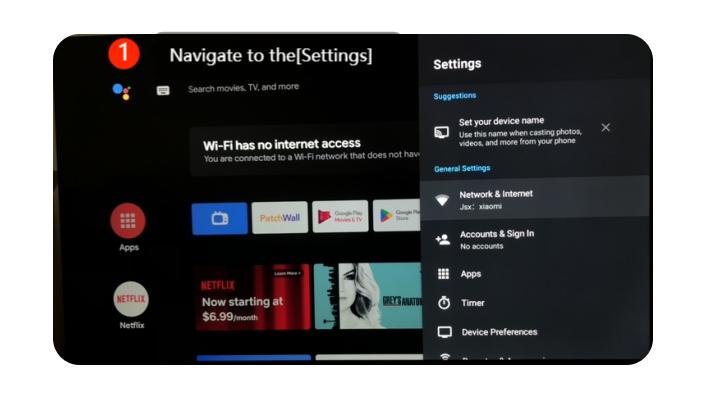
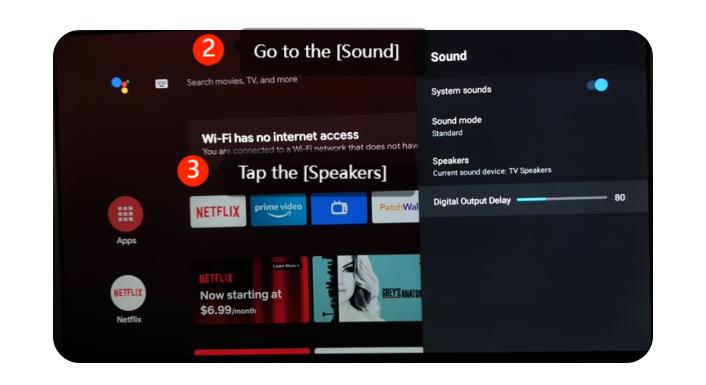
Navigate to the [Settings] >> go to the [Device preferences] at the up right corner >> select the [ Sound] >> adjust the [Digital output delay]


3. Speaker Check:
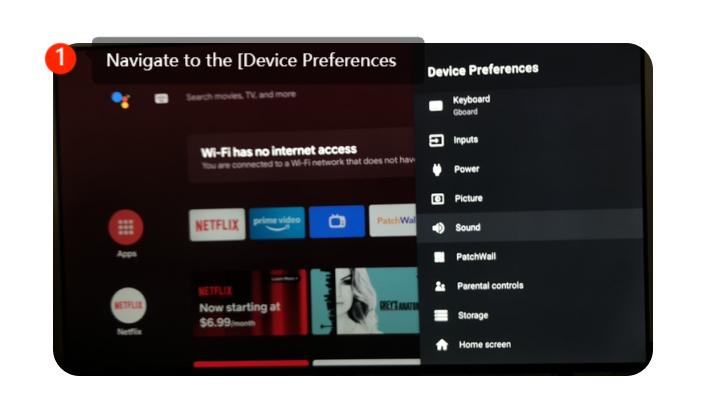
If the audio is still distorted or significantly different, it might be an issue with the TV's internal speakers. Please navigate to the [Device preferences] >> [Sound] >> tap the [Speakers] >> turn on the [TV Speakers]

4. Check External Devices:
If you have external devices like a soundbar, home theater system, or gaming console connected to your TV, please check their settings and connections. Sometimes, these external devices can affect the audio output.
5. Update Software:
Ensure that your TV’s software is up to date as manufacturers often release firmware updates that can fix bugs and improve the overall performance of the TV. Please navigating to [Settings] >> select [Device Preferences] >> select [About] >> select [System update].
1. Check Audio Settings:
Navigate to [Settings] >> go to [Device preferences] at the upright corner >> select the [Sound] >> adjust the [sound mode]
2. Ensure that the audio settings are correctly configured.
Navigate to the [Settings] >> go to the [Device preferences] at the up right corner >> select the [ Sound] >> adjust the [Digital output delay]
3. Speaker Check:
If the audio is still distorted or significantly different, it might be an issue with the TV's internal speakers. Please navigate to the [Device preferences] >> [Sound] >> tap the [Speakers] >> turn on the [TV Speakers]
4. Check External Devices:
If you have external devices like a soundbar, home theater system, or gaming console connected to your TV, please check their settings and connections. Sometimes, these external devices can affect the audio output.
5. Update Software:
Ensure that your TV’s software is up to date as manufacturers often release firmware updates that can fix bugs and improve the overall performance of the TV. Please navigating to [Settings] >> select [Device Preferences] >> select [About] >> select [System update].
Does it help?
Yes
No