

How to bind Mi Electric Scooter 3 with Mi Home APP?
Solution:
With the Mi Home app functions, operations such as firmware upgrades and scooter locking or unlocking can be carried out using Bluetooth. You can also view riding data at any time and modify various personalized settings.
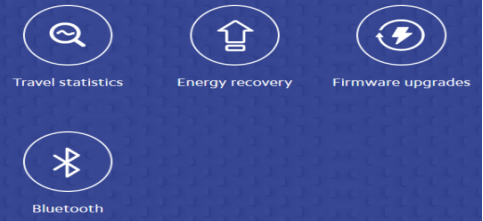
First, confirm that the mobile phone system and bluetooth version meet the conditions of use, turn on the mobile phone Bluetooth function, directly open and log in the App, and then operate the binding connection.
Binding steps:
Enter Mi Home app->click the add button in the upper right corner-> input device name/select nearby devices/select device from the vehicle, select device ->Mi Electric Scooter 3-> and operate and connect according to the prompts.
1. After clicking the scooter, it will prompt you to press the power button of the scooter to pair up;
2. Keep the mobile phone network connection open and get close to the scooter to wait for the matching;
3. After the addition, you can choose the room where the equipment belongs and customize the name of the vehicle;
4. After the naming is completed, you can choose to share the device;
5. After the addition, it will search the vehicle connection again and then enter the vehicle plug-in page;
6. The new vehicle binding needs to be activated. When it is added, there will be a guide video.
Note: When the vehicle is not activated, the vehicle will start with a Didi sound and a speed limit. Parameters of the scooter can be set after activation.
Does it help?