

What should I do if I forget Second space password?
Solution:
If the fingerprint for entering the Second space is set, it is recommended to enter second space through the fingerprint, and migrate the data to the main space for storage. After the migration is complete, delete the Second space and recreate it.
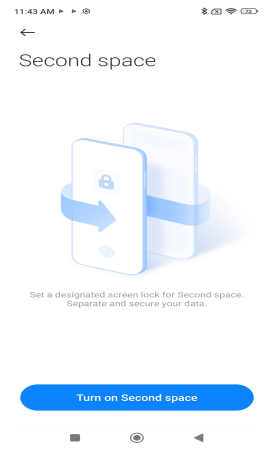
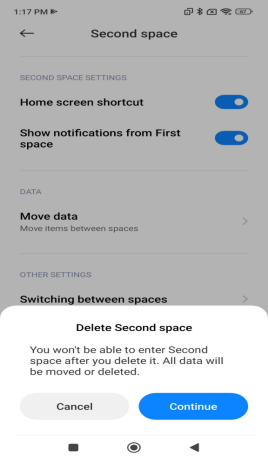
To ensure user data security, if you forget the Second space password, you can only re-enter by deleting the Second space and creating it again. Deleting the Second space will also clear all the data of the Second space.
When in the original space, go to Settings> Additional settings> Special features>Second space>Delete Second space. If the Mi account is logged in the original space, you need to enter the Mi account password of the original space when confirming the deletion.
Does it help?
Yes
No