

How to to if fail to enter the Second space?
Solution:
1.Enter the password to enter; if fail to enter, you can only enter and delete the initial Second space(Settings> Additional settings> Special features>Second space>Delete Second space), and the data in the will also be deleted, as shown in the figure:
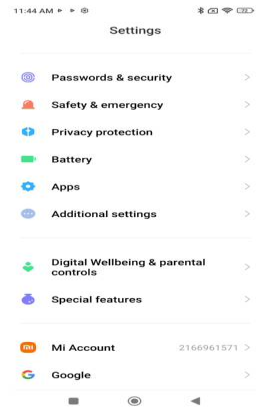


2. If you have previously downloaded some third-party security software or rooted the mobile phone system, it will also cause abnormalities in MIUI's built-in functions, and you can only delete it if you cannot enter the Second space;
3. In order to ensure the safety of user’s data, log in to another Mi account in the Second space for the cloud services to back up data during use.
Does it help?
Yes
No