

How to turn off “Find device”?

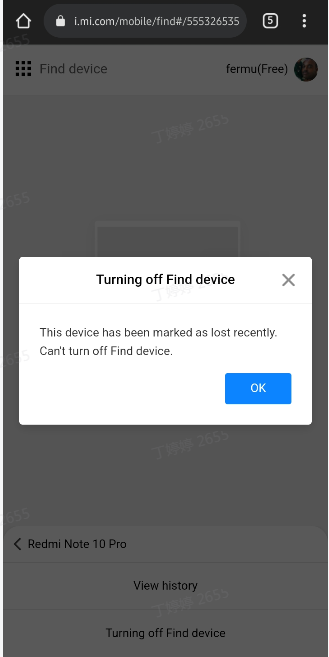
Please try the following troubleshootings:
- Open Wi-Fi settings to connect your phone to the Internet.
- Enter your Mi account and password to activate the device.
- If you forget the Mi account and password, you can appeal to change the phone number. After changing the right phone number, you can reset the password. After the password is successfully reset, proceed to step 2
- If you fail to activating for other reasons, you may try to submit unlock application.
Steps to submit unlock application:
If you have forgotten the password of your Mi account and cannot retrieve it, you can submit unlock application, and it will be automatically turned off after the application is successful. The specific operations are as follows:
- Visit https://i.mi.com/
- Fill in the information as prompted on the page and wait for the result.
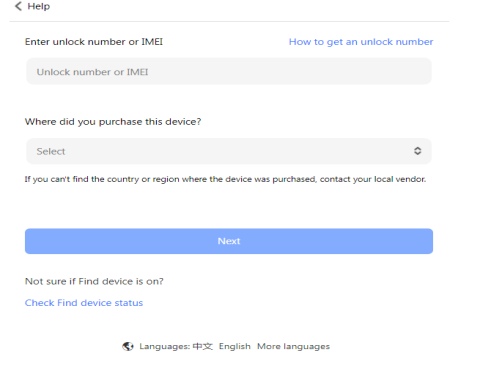
- The result will be notified to you by SMS/email, and the “Find device” will be automatically turned off after the application is passed, and you can submit an application again if the application failed.
Does it help?
Yes
No