

4 Xiaomi devices are available for the Android 17 Developer Preview Program!
We are excited to announce that Xiaomi 17, Xiaomi 17 Ultra, Leica Leitzphone powered by Xiaomi and Xiaomi 15T Pro are available for the Android 17 Developer Preview Program! Developers can try the new features now! Simply flash the preview ROM, and you can use it immediately.
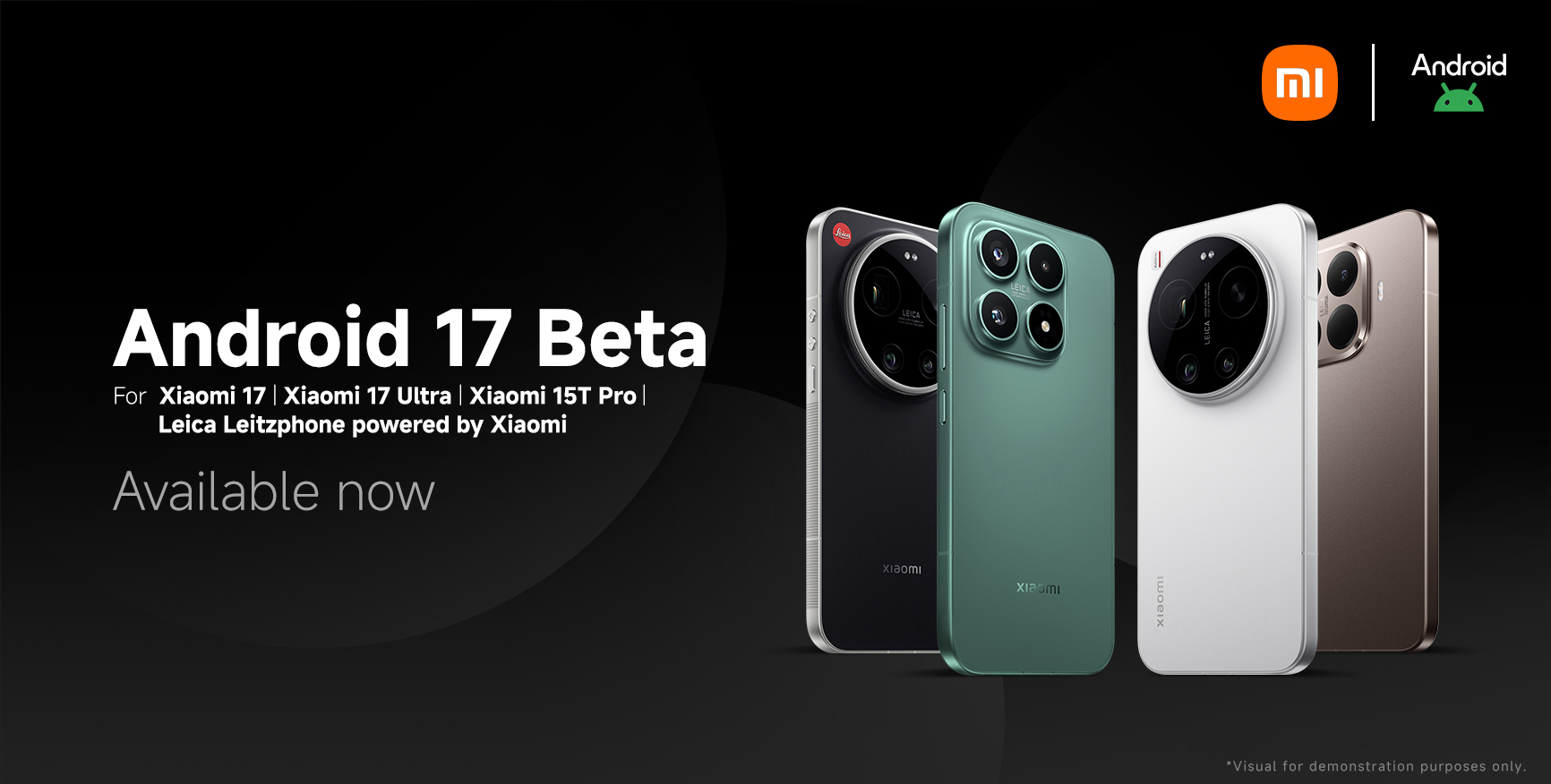
Supported models:
Xiaomi 17
Xiaomi 17 Ultra, Leica Leitzphone powered by Xiaomi
Xiaomi 15T Pro
How to flash the ROM:
Step 1: Click the relevant link below to download the ROM.
Step 2: Copy the ROM upgrade zip file to "File Manager" app -> "Download".
Step 3: Go to "Settings" -> "About phone" -> Tap on "Xiaomi HyperOS" at the top of the page -> Tap on "Xiaomi HyperOS" at the top for 10 times -> Click the "three dots" icon in the top-right corner -> Select "Choose update package".
Step 4: Select the ROM upgrade file you have downloaded to update.
Important notes:
As Android 17 is still in the beta test phase, it is possible that stability issues may occur. It is not recommended for daily use.
Flashing the ROM will erase all data on the device. We would recommend all participants to do a full backup of all data in advance.
Download the ROM below:
Due to Android security patch compatibility requirements, please upgrade to the specific version below that supports Android 17 Beta.
Xiaomi 17: OS3.0.301.0.WPCMIXM
Xiaomi 17 Ultra and Leica Leitzphone powered by Xiaomi: OS3.0.9.0.WPAMIXM
Xiaomi 15T Pro: OS3.0.11.0.WOSMIXM
Download the Android 17 Beta build for:
Xiaomi 17, download link.
Xiaomi 17 Ultra and Leica Leitzphone powered by Xiaomi, download link.
Xiaomi 15T Pro, download link.
It is also possible to flash back to the original version by downloading the ROM below.
Xiaomi 17: OS3.0.301.0.WPCMIXM, ROM: download link.
Xiaomi 17 Ultra and Leica Leitzphone powered by Xiaomi: OS3.0.9.0.WPAMIXM, ROM: download link.
Xiaomi 15T Pro: OS3.0.11.0.WOSMIXM, ROM: download link.
If you have any feedback, do let us know via the Android Beta Feedback app that's included in the Developer Preview. To learn more about the Android 17 Developer Preview Program, please visit the Google Developers page.