

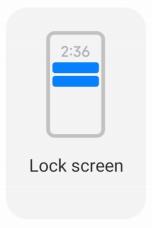
Allow the App notifications to show on the Lock screen.
1. Go to ◎Settings > ONotifications & Control center.
2. Tap Lock screen in NOTIFICATIONS.
3. Tap
 beside an App to enable Lock screen notifications.
Tip
You can tap Format to choose Show notification and content or Don't show Lock screen notifications.