

Solution:
Amazfit Bip supports outdoor running, treadmill, cycling and walking.
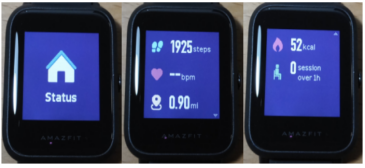
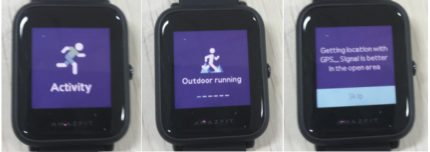
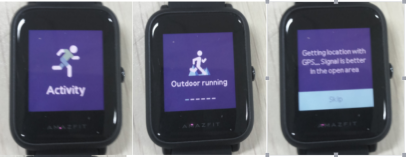
From the home screen of the watch, swipe left till you find Activity. Tap Activity, you can access outdoor running. Swipe left from outdoor running interface, you can access treadmill, cycling and walking.
Here, we take outdoor running as an example.
Tap outdoor running, watch will automatically initiate the search for a GPS signal but you can skip this step at that moment by tapping on the ‘Skip’ button. However it will still search GPS during your activity.
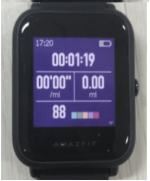
If the GPS option is initiated and started, the watch will offer a 3 second countdown before tracking begins. You can long press the physical button to ‘pause’ and tap ‘continue’ to continue or tap ‘end’ to stop. After you finish and sync, you can view the GPS route and details in the watch and Zepp Life App.
If you ran less than 50 meters, watch will prompt you that "distance is too short to save".
Note: you can also quick start outdoor running or other activities by long press the physical button if you set up in the settings of the watch.