

Solution:
Submit log methods:
1.Submit logs through the device.
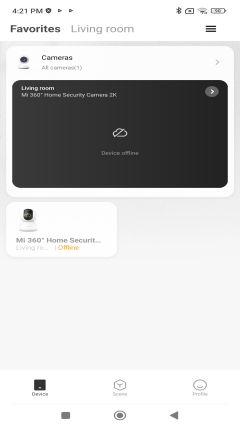
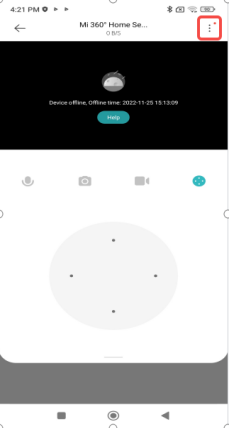
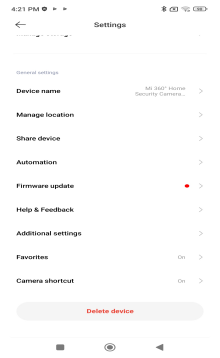
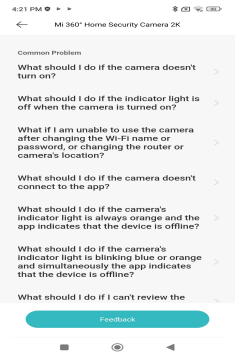
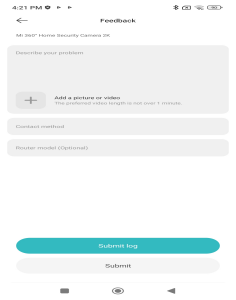
Mi Home APP-select the device - click the upper right corner...-Help&Feedback-select the feedback problem - fill in the problem details and upload the pictures or videos if you have them - check the box to send the problem logs and submit. (If you only check Submit, you cannot upload logs)
Take Mi 360° Home Security Camera 2K as an example:
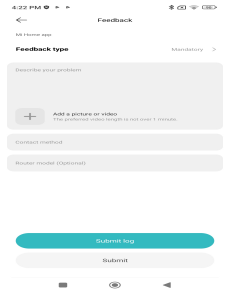
2. Submit logs through Mi Home APP (not product problems)
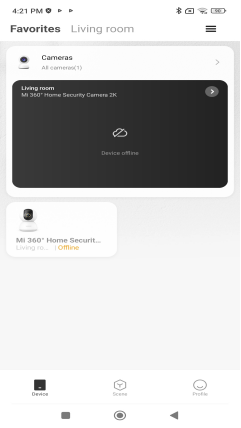
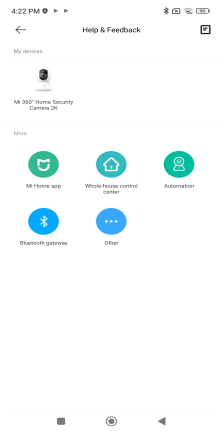
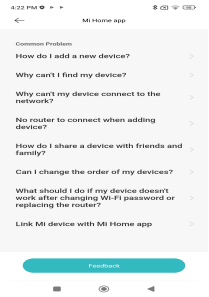
Mi Home APP-Profile-Help&Feedback-More-Select the appropriate module according to the problem-Feedback-Describe the problem and add a picture or video-Submit log
3.Submit logs through the camera's memory card
First of all, make sure that the camera is inserted into the memory card, log files are stored in the memory card, no memory card can not get log.
"log" out of the method: use the card reader, the memory card inserted into the computer, memory card file content which contains the name "log" file, the file will be packaged and sent (can be sent through the mailbox or upload the log to the network disk).