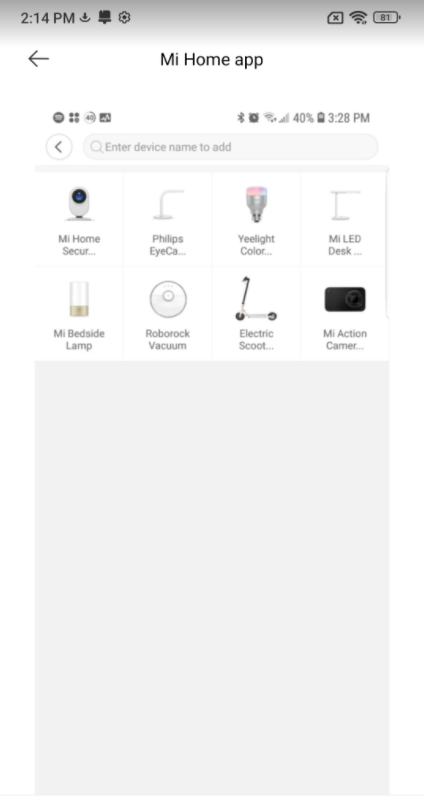
To control your Xiaomi Smart devices by your Android, iOS, or Alexa, you will need to link your Mi Device to with Mi Home app.
1.Download Mi Home app from Google Play or iOS App store, you can also scan this QR code.
- If you already have a Mi account, please sign in with your account credentials. If you are new to Mi, click “Sign up” to create your Mi account.
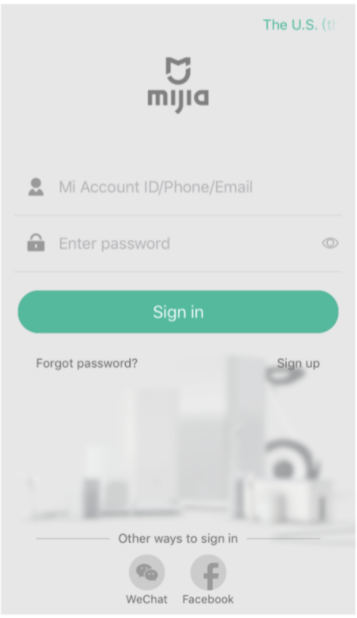
3.Adding a new device to your account:
1)Turn your device on, please keep the device near your phone, and open the Mi Home app. You may see a prompt that detects your device. Tap “OK” to connect device.
2)If the prompt doesn’t appear, you can also add devices manually. Tap the plus in upper right corner or click “+Add device” and then select the device to be connected by clicking “devices nearby”. If none are detected, click “Add Manually” to search your device. Follow the instructions after.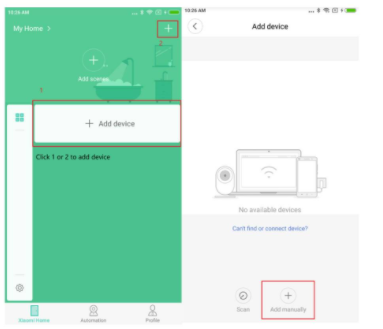
3)Click on the icon of the product you are trying to connect with the Mi Home app. If you cannot find it, input the device name in the search field above.