Enable developer option
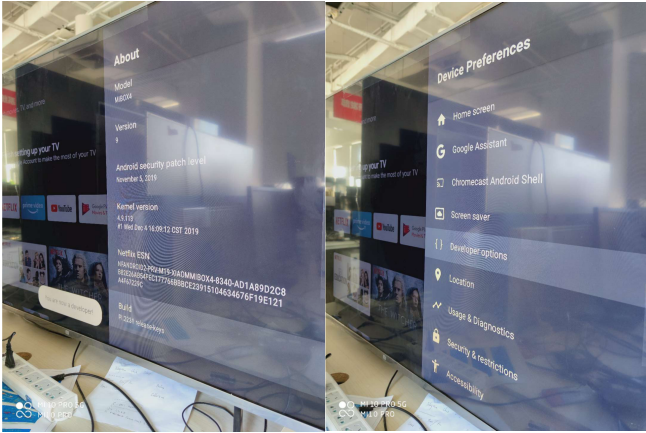
- Go to setting-Device preferences-About-Build.
- Press remote OK key 7 times to enable developer option.
- It will alert message:
Take a bug report
- Go to setting-Device preferences-Developer options.
- Enable Bluetooth HCI snoop log(If you meet Bluetooth issues).
- Back to home launch to reproduce the issue.
- When issue happens, go to setting-Device preferences-Developer options.
- Click Take bug report to save bug report.

Send bug report and forward to Mi Box Team
- Back to home launcher, it will pop up notifications.
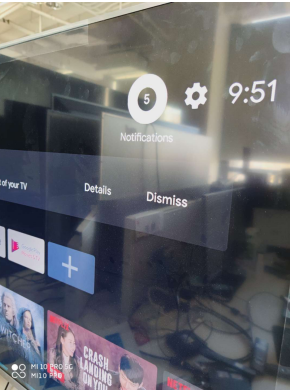
- When report is done, it will alert: Bug report # captured.
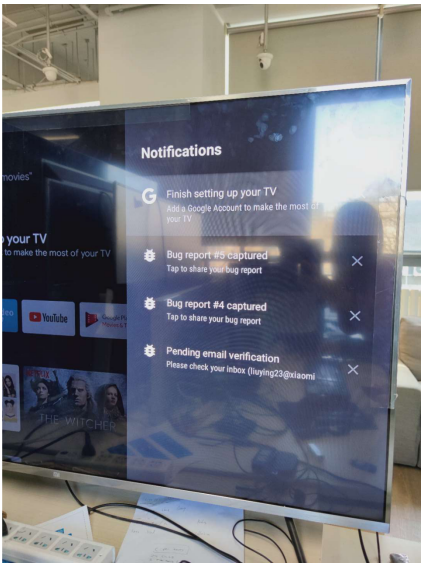
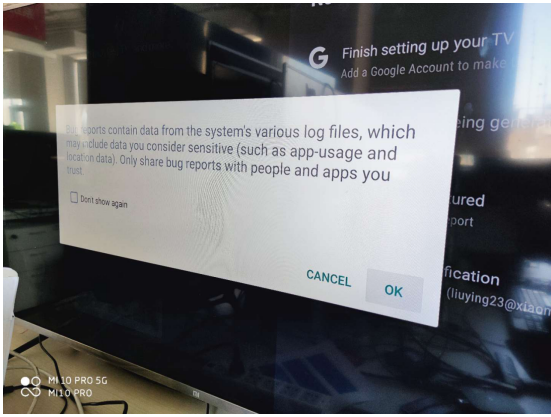
- Check the report and press OK when pop up alert message as below.
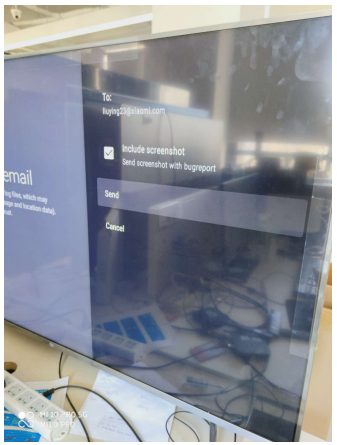
- Enter your mail address.
- You can forward this mail with bug report files to Mi Box team.