1. Mi TV & Mi Box interface introduction
Function Introduction:
1. AV composite Video interface (AV terminal or Video terminal) belongs to analog interface.
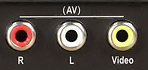

AV interface is generally composed of three independent RCA plugs (also known as plum club interface RCA terminals), the yellow port transmits video signal is code V, and the white port transmits left channel signal is code L. The red jack transmits the right channel signal is code R.
① Mi TV AV interface, belongs to the audio and video input interface (as shown in the left), can be connected to set-top box, DVD and other output devices through AV line, so that the TV display device image and let the TV host output sound.
② Mi box AV interface, belongs to the audio and video output interface (as shown above on the right), the AV line can be connected to the TV or support AV interface display, so that the TV or monitor can display the box system interface content and sound.
Note:
The AV interface of MI TV terminal may be three-in-one (for example, mi TV 3-55 inches), and the AV interface of MI box terminal may be 2.5mm or 3.5mm.
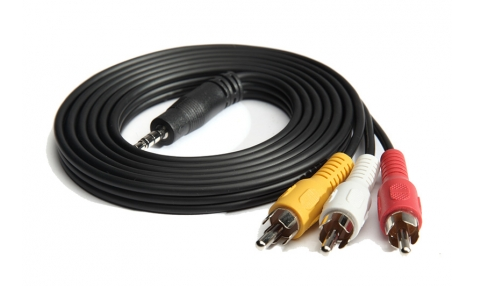
-- AV composite line looks as follows.
2. HDMI interface
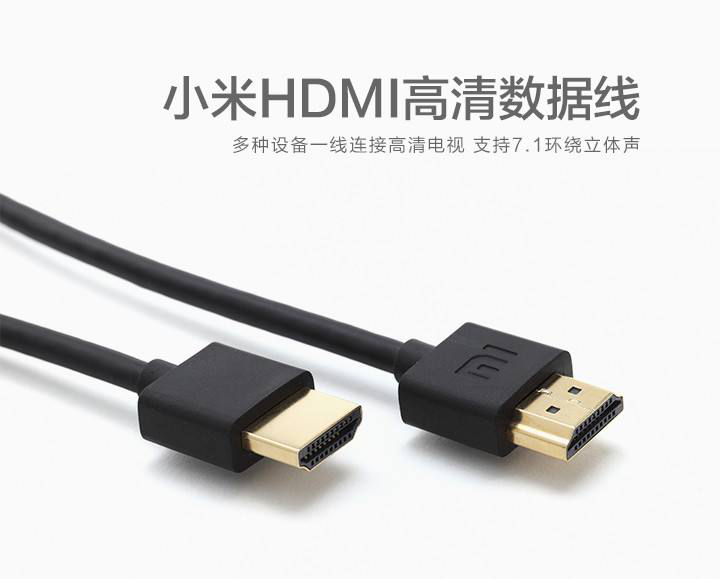
This interface can support output 1080P images and 7.1 channels at the same time. Only one HDMI cable is needed to transmit high quality video and audio signals, which is the most widely used at present.
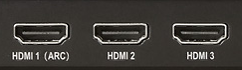
① MI TV HDMI interface is the input interface, support through the HDMI cable connection computer, game console, DVD, set-top box, HD player (MI box) output devices.
The HDMI (ARC) interface represents the interface that supports audio return (ARC), which is used to export the sound from the TV to the power amplifier/home theater and other devices when the TV is connected to the external power amplifier/home theater that supports ARC.
② The HDMI interface of MI box belongs to the output interface, which is used to replace AV composite cable to connect HDTV.
-- The HDMI cable is shown below.
3. USB interface
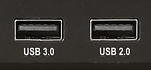
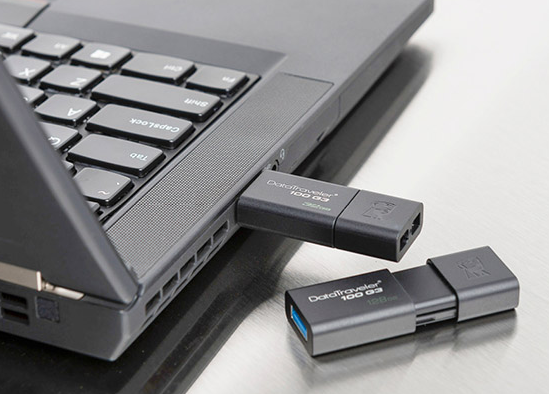
Through USB interface, TV can directly read video, music, text and other files on mobile storage devices. In addition, it can also extend the functions of TV, such as connecting keyboard, mouse and other input devices.
4. MI-PORT interface
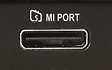
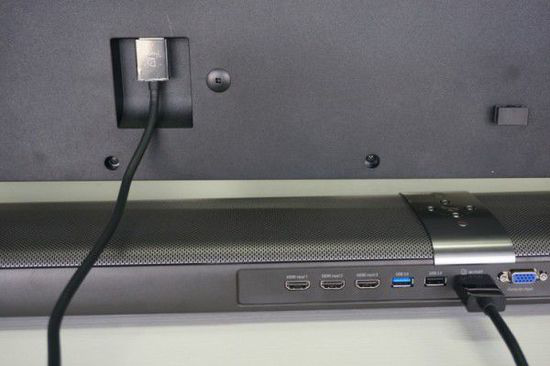
This interface is an interface independently developed and defined by Xiaomi, which is used to connect the host and the screen of the split TV. Through a MI-port line, the tasks of "the screen supplies power to the host" and "the host outputs images to the screen" are completed simultaneously.
If the product purchased by the user is a set version split TV, the product purchased by the user includes the screen + MI TV host. The user only needs to use the MI PORT line in the standard configuration to connect the MI TV host to the screen, and then connect the screen to the power source to start the TV and use it normally.
Note: The MI PORT line cannot be used on three-brand TV. The usage is shown in the figure below.
5. Network

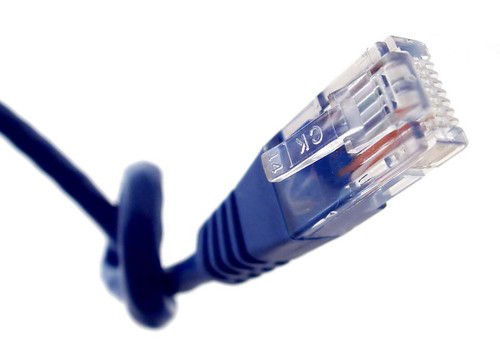
The network interface, also named RJ45, is the standard interface for network devices, which can connect to the Internet through a router (the front end needs a router to dial up). The cable is shown below.
6. S/PDIF Digital audio interface

The interface is digital audio interface, S/PDIF interface is used for audio input (S/PDIF in) or audio output (S/PDIF out).
For example,
① MI home theater AV interface video interface is compatible with "S/PDIF in", on behalf of the interface to achieve audio input and let the host product sound,
② MI home theater "S/PDIF out" interface is used to connect external audio or power amplifier to achieve audio output.
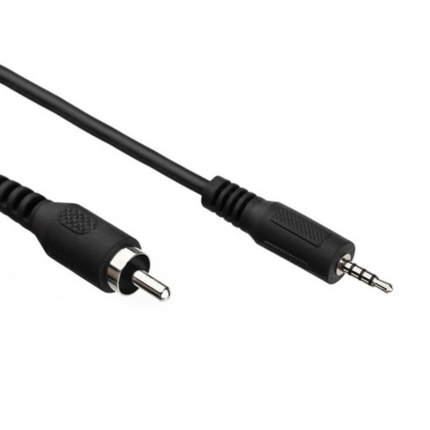
The appearance of common S/PDIF audio cables is shown below.
7. Woofer interface

This interface is defined by MI independent research and development, and can only be used to connect MI subwoofer through standard connection line.
Note: This interface does not support audio and video input.
8. DC interface

The interface belongs to the power supply interface of the TV host, which realizes the power supply to the host.DC is "Direct Current", "DC interface" is the DC power interface; "IN" stands for input.
Note:
① Mi TV 3 series set version do not have this interface, MI TV host single version, MI TV 3s-65 inch flat version, MI home theater, MI TV 4-65 inch host have independent DC interface.
② MI box have DC interface.
9. VGA interface

The interface is an analog signal interface for image transmission. It can connect through VGA cable to laptops, desktops and other devices which support VGA output for screen expansion.
Note: The VGA interface of MI TV does not support output. It can only be used for output images of external devices to MI TV for display.
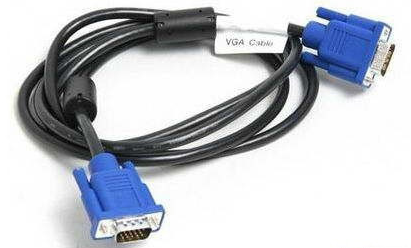
The appearance of the VGA line is shown below.
10. Antenna interface

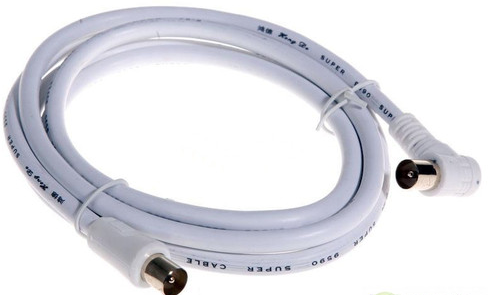
This interface is an analog signal interface, which can be used to connect closed-circuit TV and DTMB digital signals by coaxial cable, and can be used with Antenna isolator or Antenna isolator converter head.
For example, when a user receives a ground broadcast signal from a self-mounted antenna, he needs to use coaxial cables to connect the antenna output end to the TV antenna interface, and then enter the TV "TV/DTMB" signal source to search the TV channel.
Coaxial cable is shown below.
11. Micro-USB interface

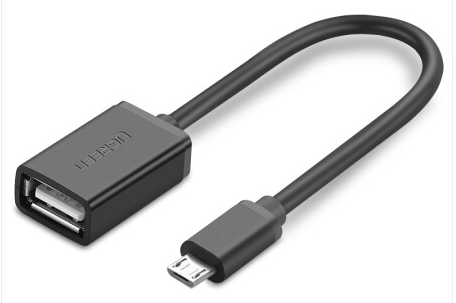
The main function is to read local files, such as audio and video, APP installation package, pictures through the external U disk/mobile hard disk connected with OTG line.
Note: Only three early products have this interface: MI Box 1, MIi Box 1S, and MI Box Enhanced version.
The common OTG lines are shown below.
12. Micro-SD card slot

The card slot is a memory expansion interface and supports up to 64GB of memory cards.The TV and box can read audio and video files, APP installation packages and pictures in the SD card.
Note: Only MI TV 2-49 inch, Mi Box enhanced version (1G/2G) have SD card slot.
Notes: Other TV may also have the following interface.
1. Color difference component interface. The color difference component line is composed of five lines. Three wires are to transfer image,two wires are to transfer audio. The maximum resolution is 1080I. The difference between the color difference component interface and AV interface lies in the image transmission mode. Color component of this approach is to put the brightness, color, a thread (AV) yellow joint transport to have red, green, blue three wire output video signal, respectively, three wire transmission signal, respectively is: Y annotation of luminance signal, red, blue color signal after removing the luminance signal, respectively in three lines of tapping using different color green, blue, red.
Note: Color difference component interface and connection mode are not supported by MI TV & Mi box.
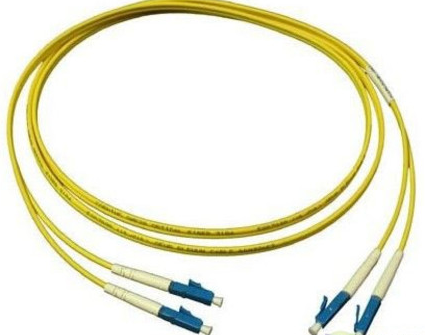
2. S/PDIF interface (OPTICAL) is an audio output mode of the S/PDIF standard. The optical fiber line connects the audio system for audio transmission and outputs a better sound quality effect.
For example, the international MI box supports this interface.