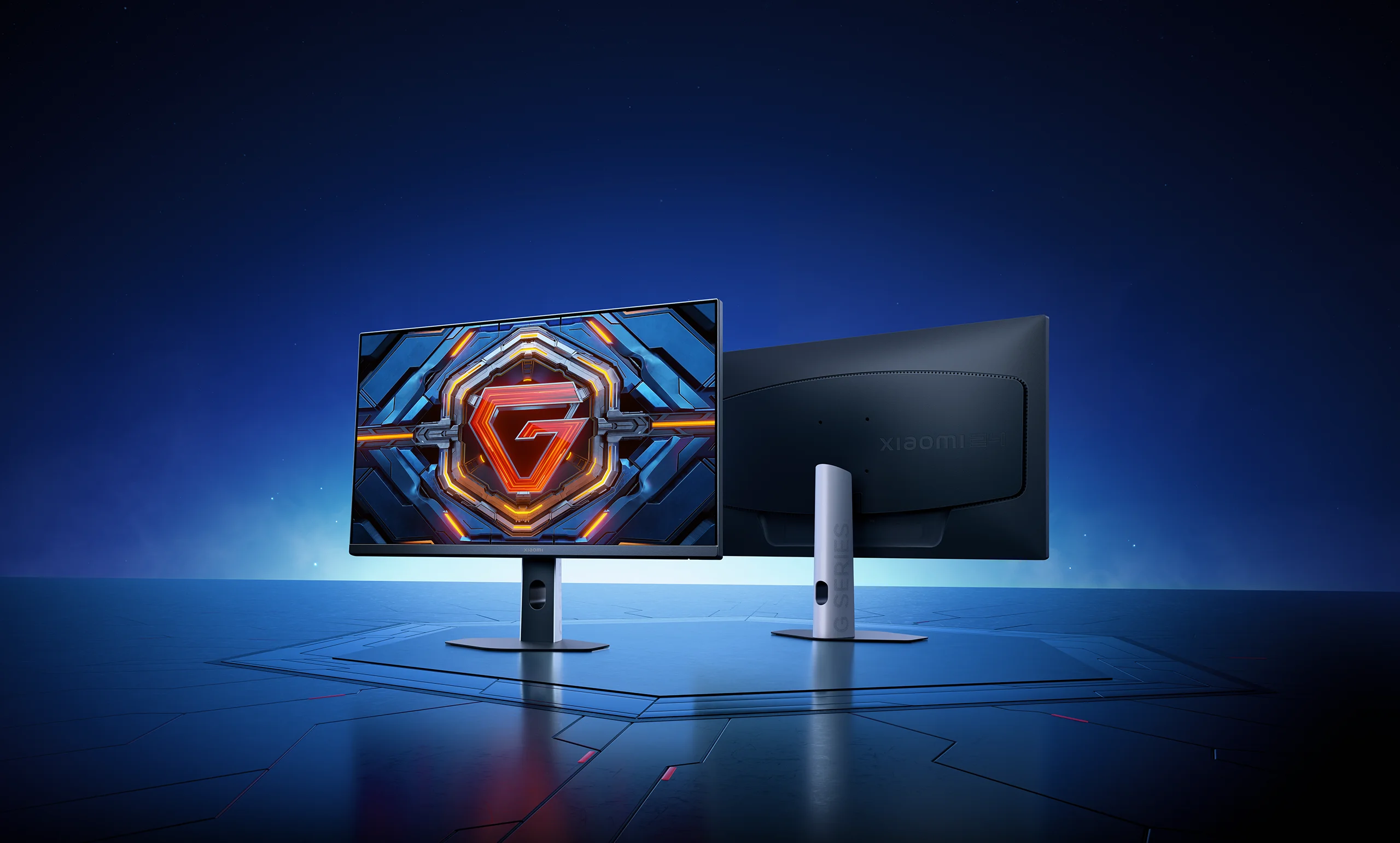

200Hz high refresh rate | 1ms response time | ΔE<2
*Images are for reference only. Please refer to the actual product.

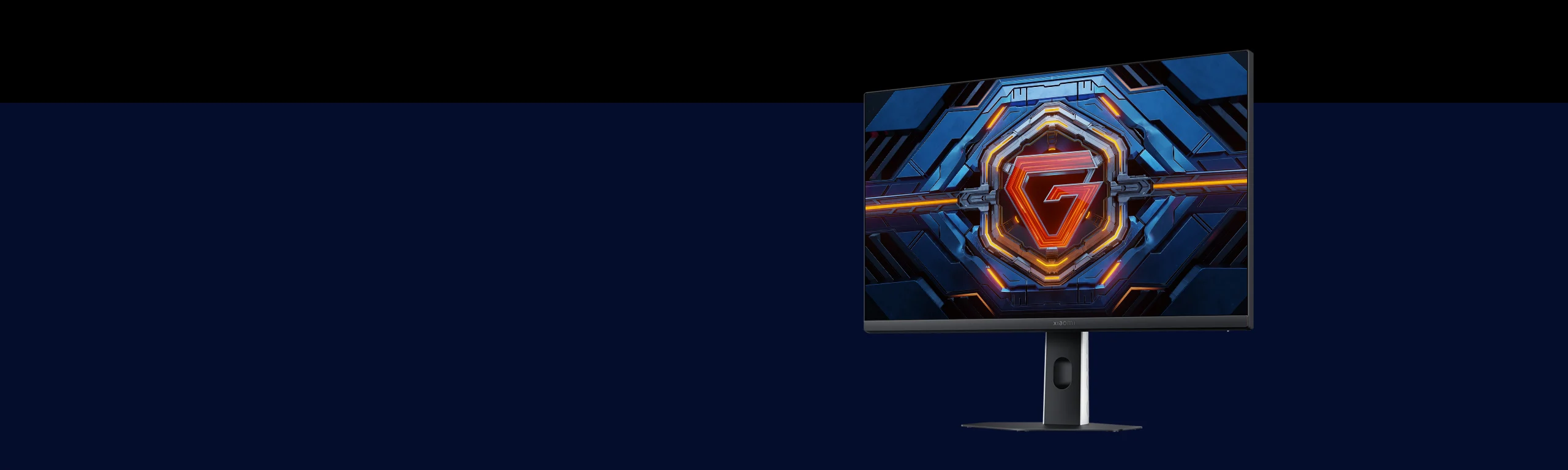
Perfect gaming monitor
8 incredible features

200Hz high refresh rate
High refresh rate for a smooth experience

Fast IPS

HDR 400
Deep shadows and bright highlights

95% DCI-P3 wide colour gamut
Rich colours with a cinematic feel

FreeSync Premium
Reduced screen tearing during games

G to G 1ms
Lightning-fast response gives you the edge

ΔE<2
Individually calibrated for precise colour accuracy

TÜV
Low blue light protects your eyes
*This product is not a medical device and should not be used to treat illnesses.

Victory decided in an instant

23.8-inch gaming display
Fuel your passion
Forge the way to success
23.8-inch HD gaming display (1920 x 1080)
Intricate reproduction of every detail
Paves your way to triumph in dynamic battles
Fast IPS
gaming monitor
178°
Wide viewing angle
*Images are for reference only. Please refer to the actual product.
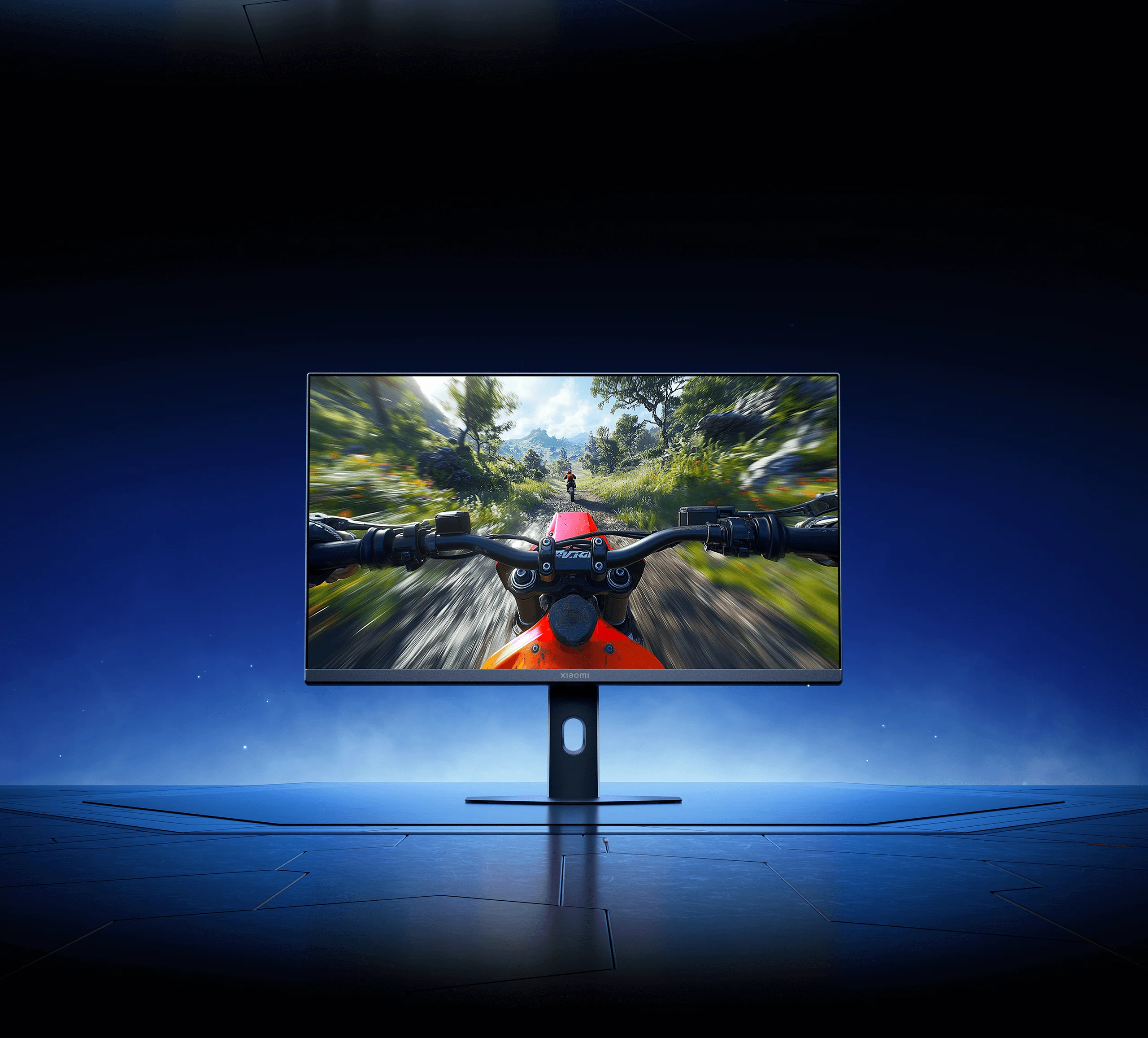
200Hz ultra-high refresh rate
1ms fast response
Up to 200Hz high refresh rate ensures fast-paced gameplay remains smooth.
G to G (GTG)* delivers instant visuals.
Capturing every detail to give you the edge when it matters most.
200Hz
High refresh rate
1ms
GTG fast response
*1ms GTG response time was measured under controlled lab conditions at Xiaomi Internal Labs. Testing was conducted at the monitor's optimal resolution (1920 × 1080) and 200Hz refresh rate, with GTG response time set to "Ultrafast" in the menu. Actual performance may vary depending on signal source, monitor content and device specifications. Please refer to the actual product.
*Images are for reference only. Please refer to the actual product.

HDR 400 delivers a peak brightness of 400nits*
Deep shadows and bright highlights
HDR400* technology expands the brightness range, making dark areas deeper and bright areas more brilliant.
With 400nits peak brightness, the contrast between light and dark is enhanced, allowing you to see every on-screen detail.

*400nits peak brightness data was measured by Xiaomi Internal Labs using a pure white screen with the monitor brightness set to 100 in the menu. Actual performance may vary due to differences in testing environment, signal sources and usage conditions.
*Images are for reference only. Please refer to the actual product.

FreeSync Premium synchronisation technology
Stay focused during critical in-game moments!
Supports G-Sync compatible to synchronise the frame rates between your GPU and monitor.
Reducing screen tearing and stuttering during fast-paced action so you can stay focused during critical in-game moments.
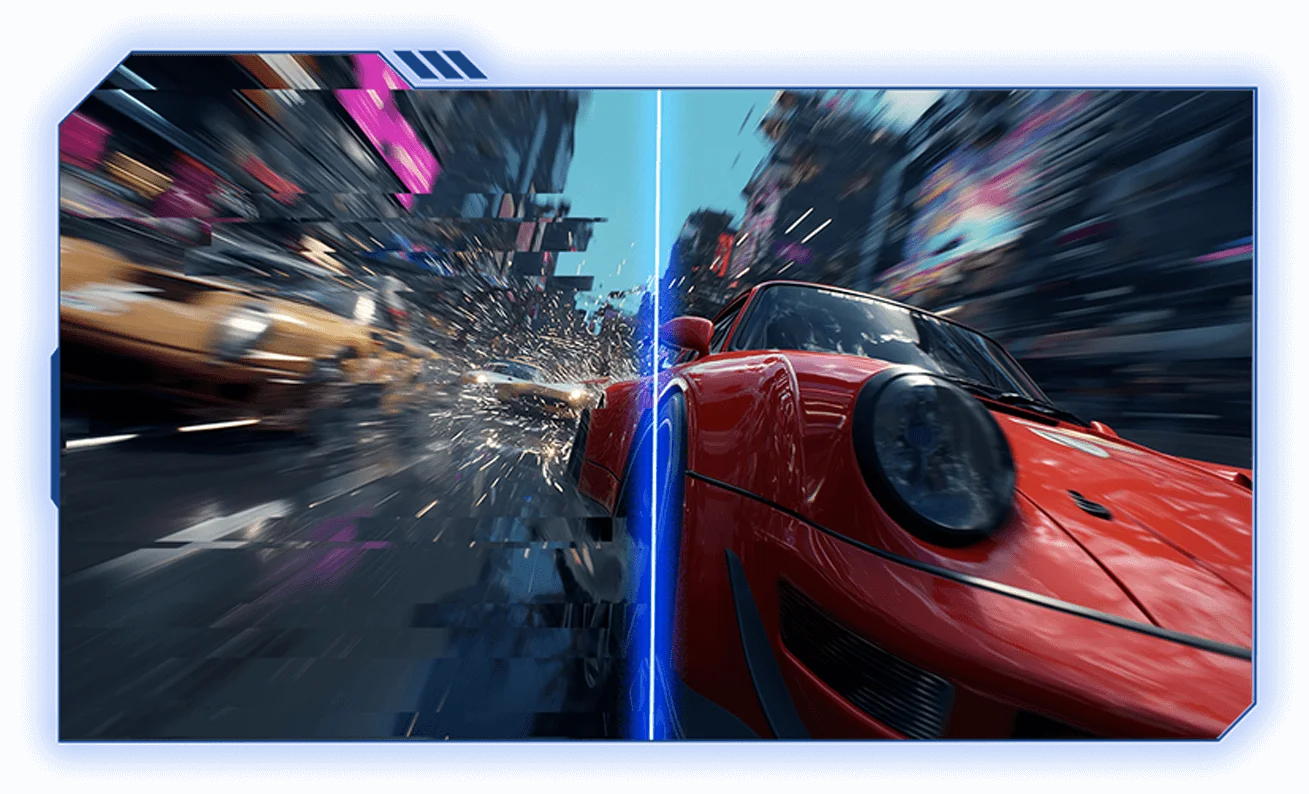
FreeSync Premium off
FreeSync Premium on
*Images are for reference only. Please refer to the actual product.

A real winner

ΔE<2 high colour accuracy*
Individually calibrated to ensure true colour reproduction
Each monitor undergoes professional and precise colour calibration before leaving the factory.
Whether for office work, entertainment, or professional visual tasks, the monitor adapts to your needs with ease.
*Images are for reference only. Please refer to the actual product.
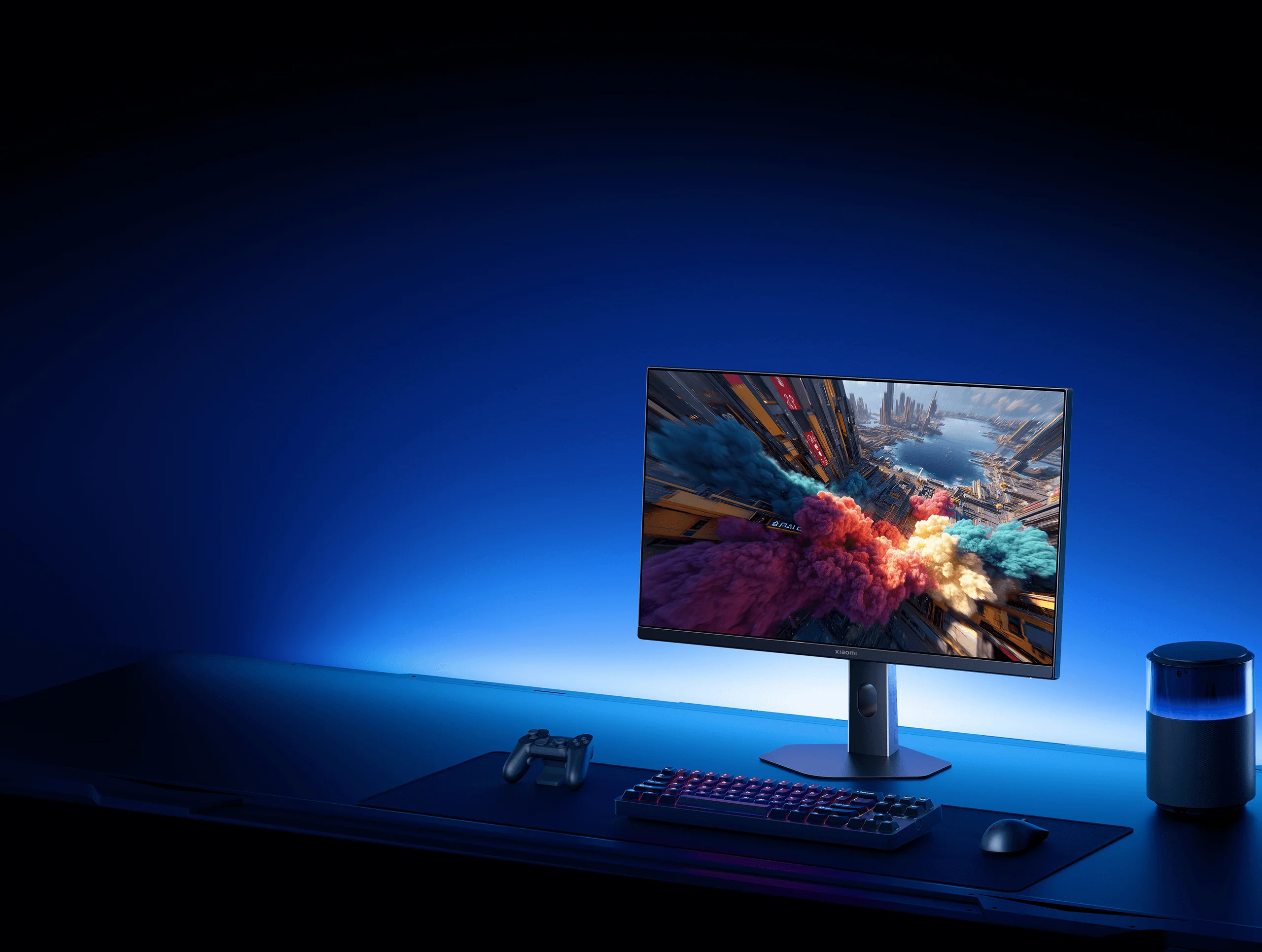
Dual wide colour gamut
Silky smooth performance with vibrant colours
8-bit professional colour depth delivers rich gradients for smooth, natural transitions.
The combination of 100% sRGB and 95% DCI-P3 wide colour gamut* ensures an immersive and exceptional visual experience.
100%
sRGB wide colour gamut
95%
DCI-P3 wide colour gamut

8-bit
Professional colour depth

*Images are for reference only. Please refer to the actual product.

Comfortable low blue light
DC dimming protects your eyes, enabling immersive, strain-free use
With TÜV Low Blue Light certification*, the monitor filters short-wave blue light to reduce eye fatigue.
DC dimming reduces screen flicker, enhancing eye protection so you can play for longer.

*This product is not a medical device and should not be used to treat illnesses.
*Images are for reference only. Please refer to the actual product.

Forge your way to victory

Sleek, streamlined design
Tidy cable management
Clever cable organisation for a tidy setup.
Enjoy a clean, clutter-free desk without messy wires.

Tilt forwards/backwards

Wall mounting

*Wall mount bracket needs to be purchased separately.
*Adjustment range, angle and effect displayed are for reference only. Please refer to the actual product.
*Images are for reference only. Please refer to the actual product.

Notes:
*The product shown is the Xiaomi Gaming Monitor G24i 2026. Appearance and on-screen content are for illustration only and may vary across different models. Product features, such as appearance, colour and dimensions, as well as on-screen content, such as wallpapers, images and UI design may vary. For exact specifications and details, please refer to the product page or contact Mi Customer Service.
*This product supports a maximum resolution of 1920 × 1080 at up to 200Hz refresh rate. For optimal performance, use the included HDMI cable to connect to the HDMI port. If the resolution or refresh rate does not reach the optimal value when using a different HDMI cable, please check with the supplier to confirm whether the cable or signal source supports the maximum specifications.
*1ms GTG response time was measured under controlled lab conditions at Xiaomi Internal Labs. Testing was conducted at the monitor's optimal resolution and refresh rate, with GTG response time set to "Ultrafast" in the menu. Actual performance may vary depending on signal source, monitor content and device specifications. Please refer to the actual product.
*ΔE<2 professional colour standard: ΔE<2 is the average value representing the colour difference perceived by the human eye in a uniform colour space. It quantifies colour reproduction accuracy. The smaller the value, the less colour distortion. Each monitor is colour-calibrated for sRGB mode during production. To enable colour gamut mode, manually select Picture Mode/Game Mode > Colour Space > sRGB in the OSD menu.
*100% sRGB wide colour gamut: Refers to 100% sRGB colour gamut coverage calculated based on the CIE 1976 colour space standard. 95% DCI-P3 wide colour gamut: Refers to 95% DCI-P3 colour gamut coverage calculated based on the CIE 1976 colour space standard.
*Low Blue Light certification: Certified by TÜV, ID: 0217009673. To activate Low Blue Light mode, manually enable it in the OSD menu by selecting Picture Mode > Select Mode > Low Blue Light Mode.
*Product images and models, data, functions, performance, specification parameters, user interface and other product information are for reference only. Xiaomi reserves the right to amend this information. For details, please refer to the product and the product manual.
*Comparisons made on this page are based on Xiaomi products. Comparison images are for illustrative purposes only. Please refer to the actual product.
*Unless otherwise stated, all data on this page comes from internal laboratories. Actual results may vary depending on environmental factors.
*To enhance the product's visual appeal, the power supply and cables are not displayed on this page. Please ensure that all cables are connected to a power supply before using this product.