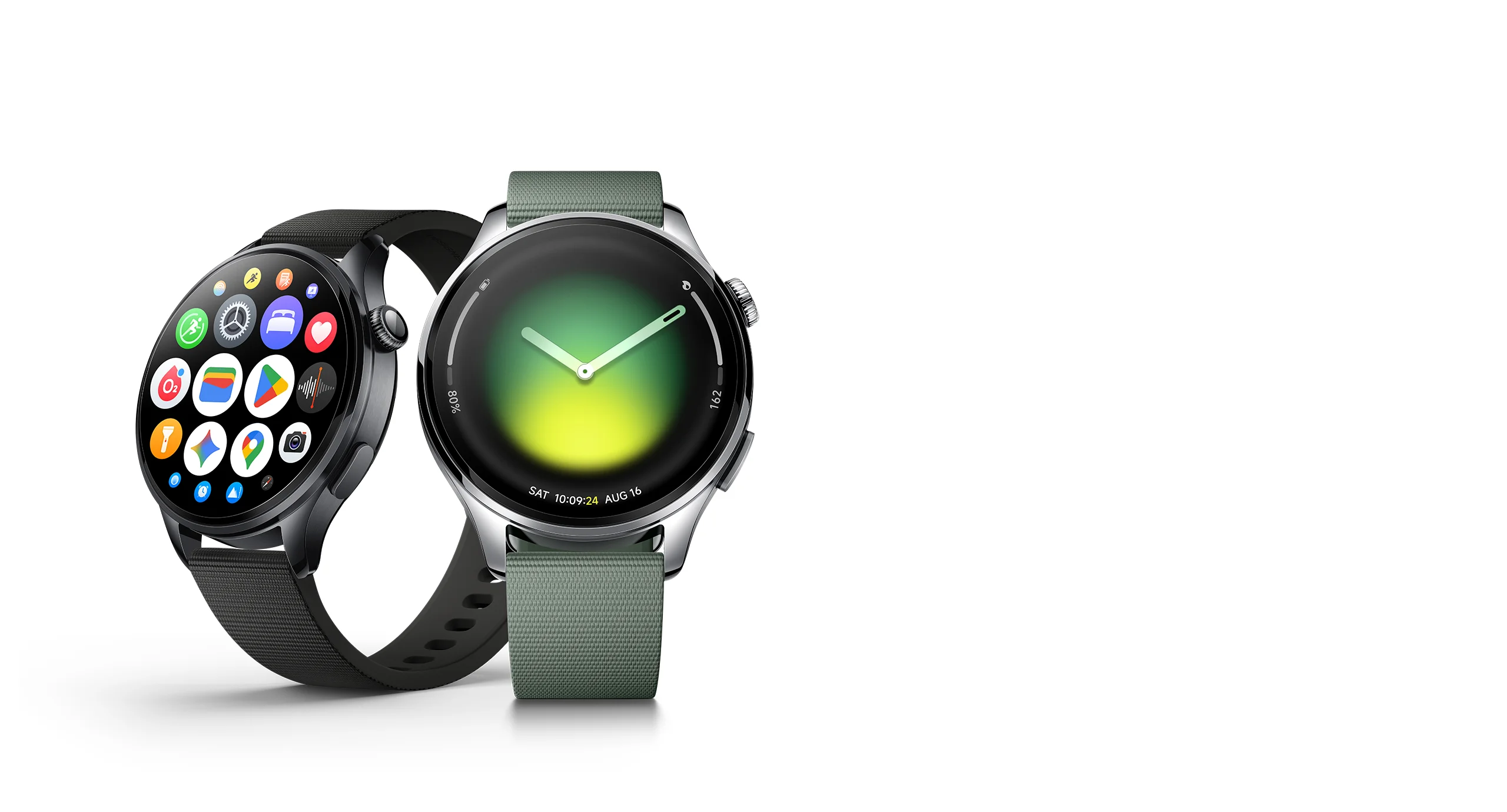

Smarter every time

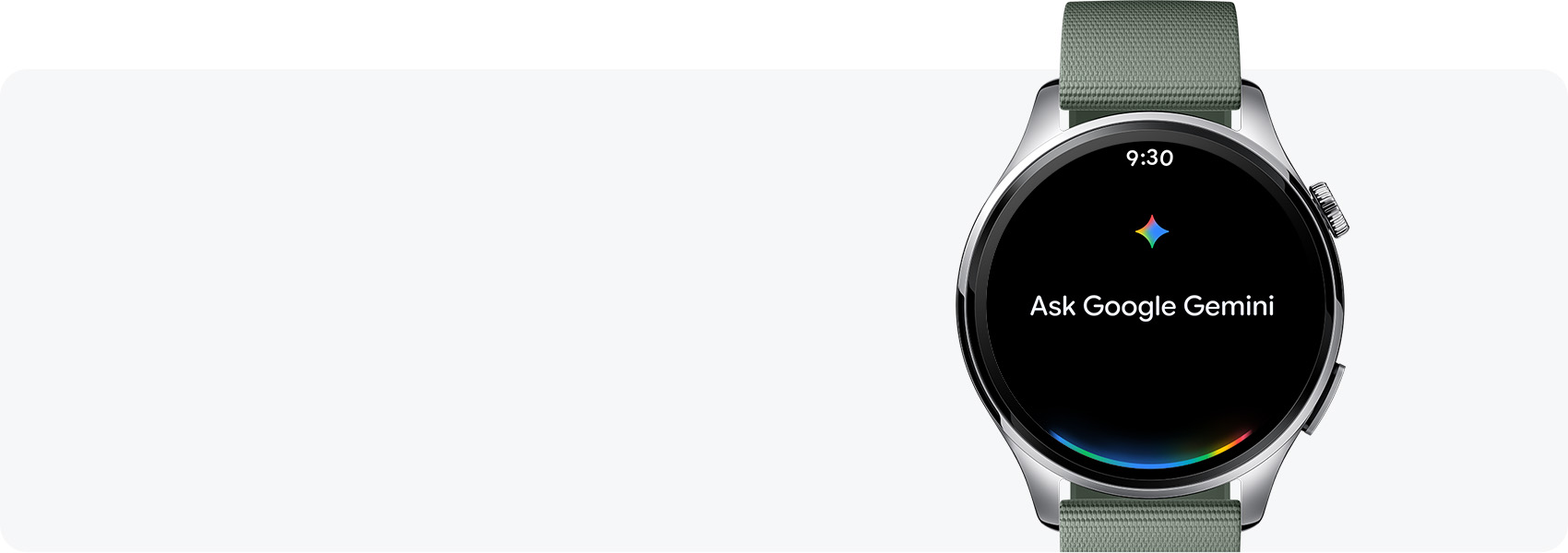
Talk to Google Gemini right on your wrist1

Up to 6 days of ultra-long battery life2

Precision gesture controls for seamless operation3

1.54" AMOLED display with sapphire glass4

Advanced health and fitness insights5


Premium design
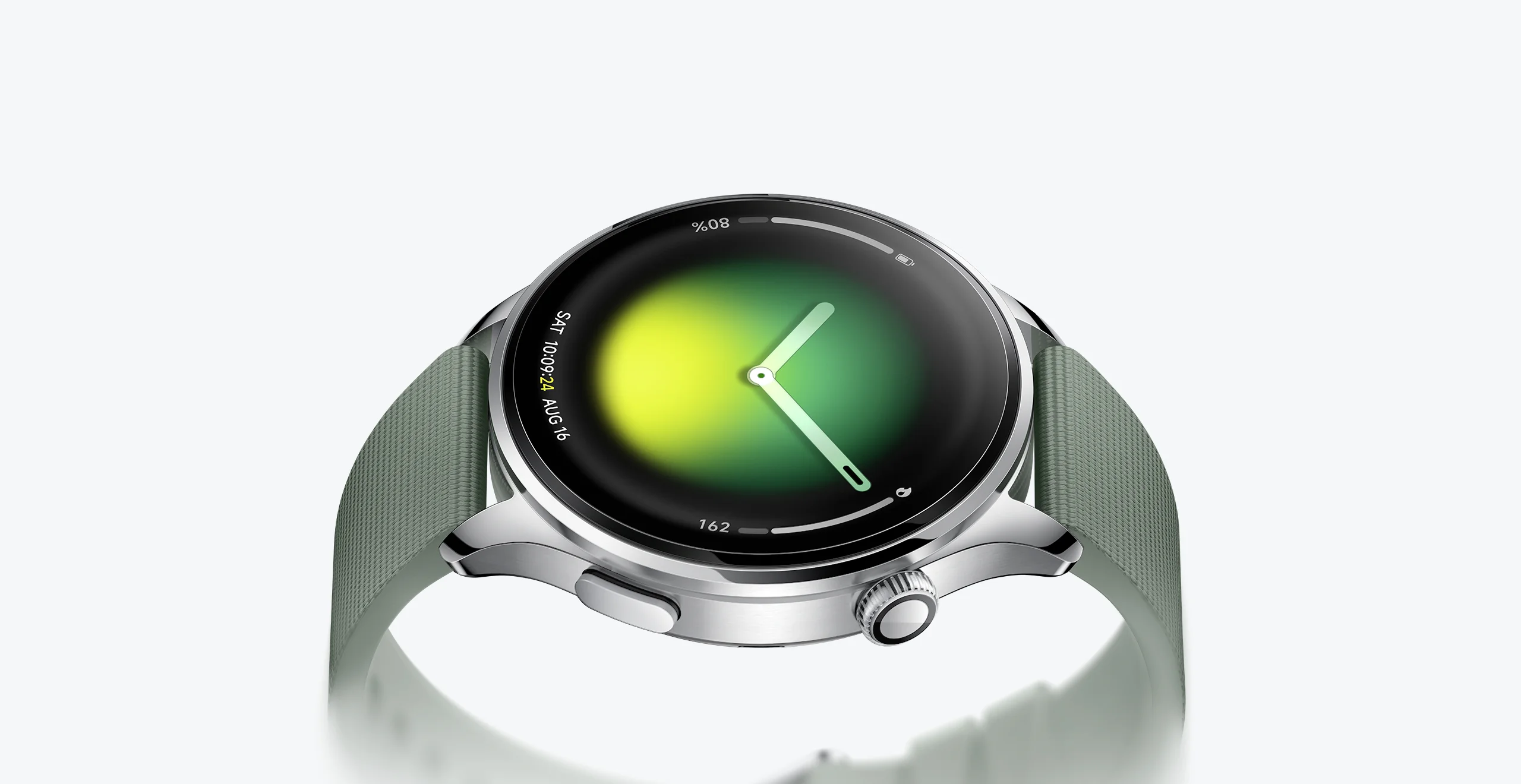
A homage to classic design
Exquisite and elegant
Defined by fluid lines, balanced proportions and an innovative floating bezel, Xiaomi Watch 5 pays tribute to classic design while reimagining modern luxury aesthetics.

Double-sided sapphire glass
Featuring dual-sided sapphire crystal glass with a Mohs hardness of 9, second only to diamond, the screen and heart rate cover are resistant to drops and wear, ensuring they remain like new even after prolonged use.4
316L stainless steel case
Crafted from stainless steel using monolithic forging and refined CNC machining, the frame of Xiaomi Watch 5 features smoother lines and a refined tactile feel, balancing aesthetics with durability.
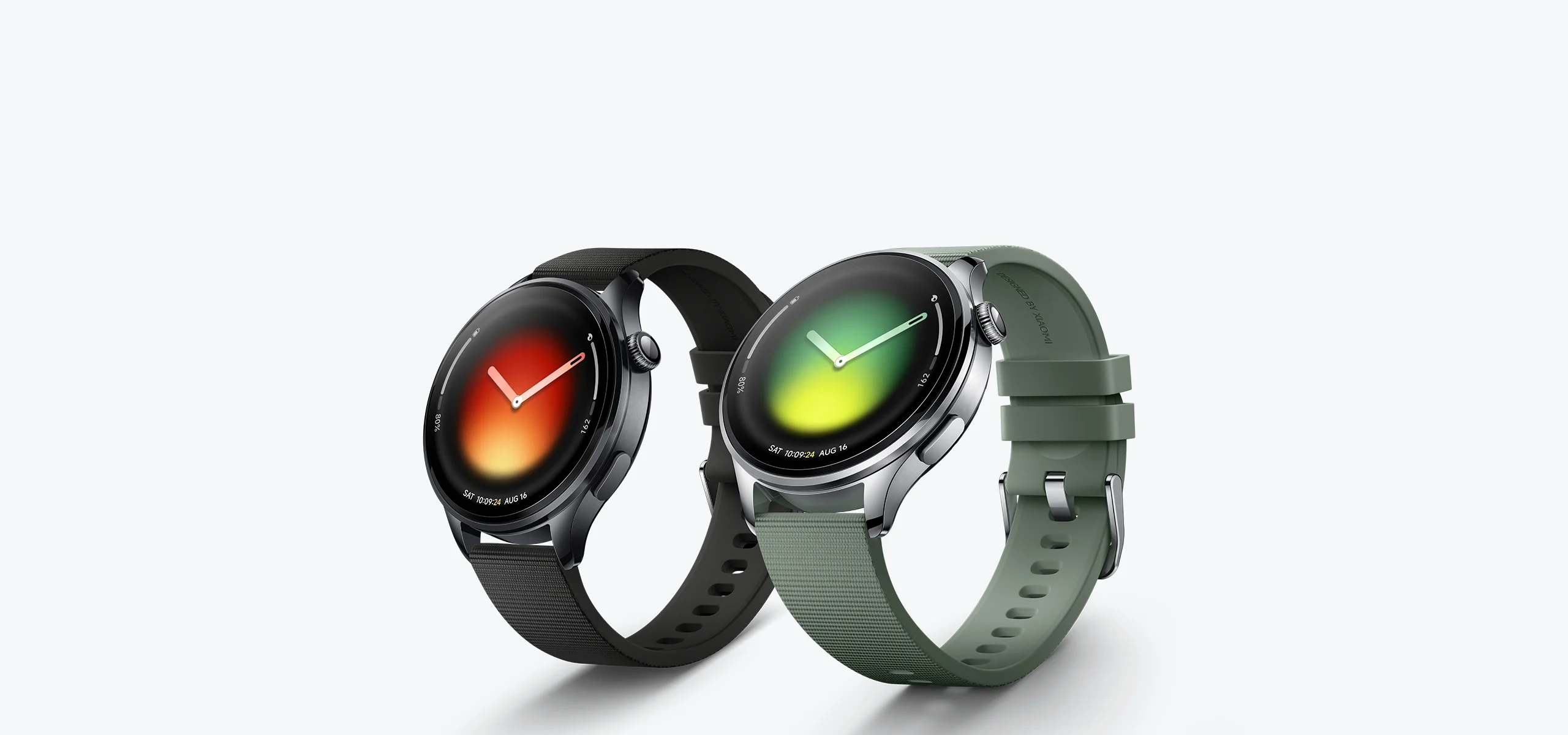
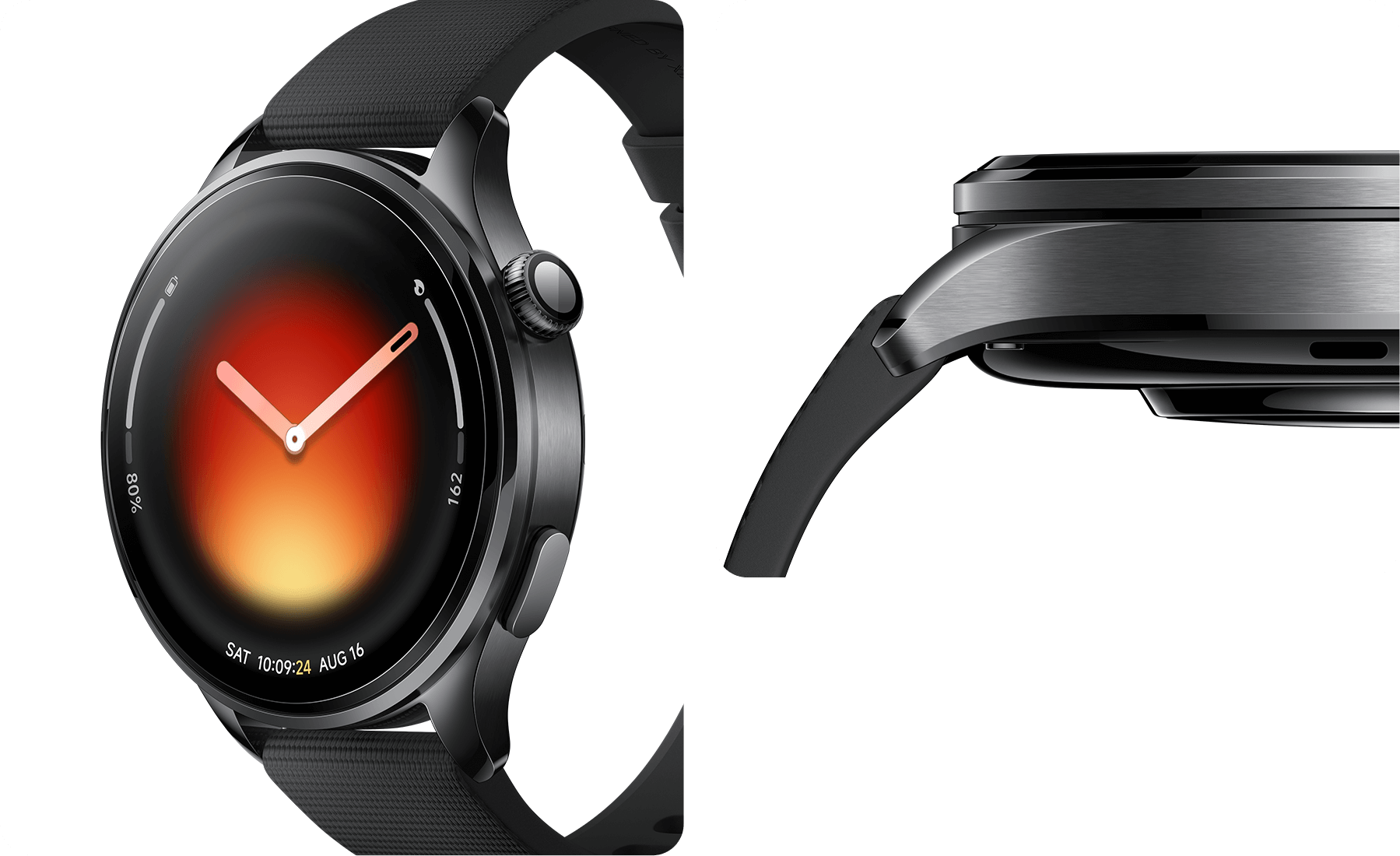
Two colors
Clean and sleek

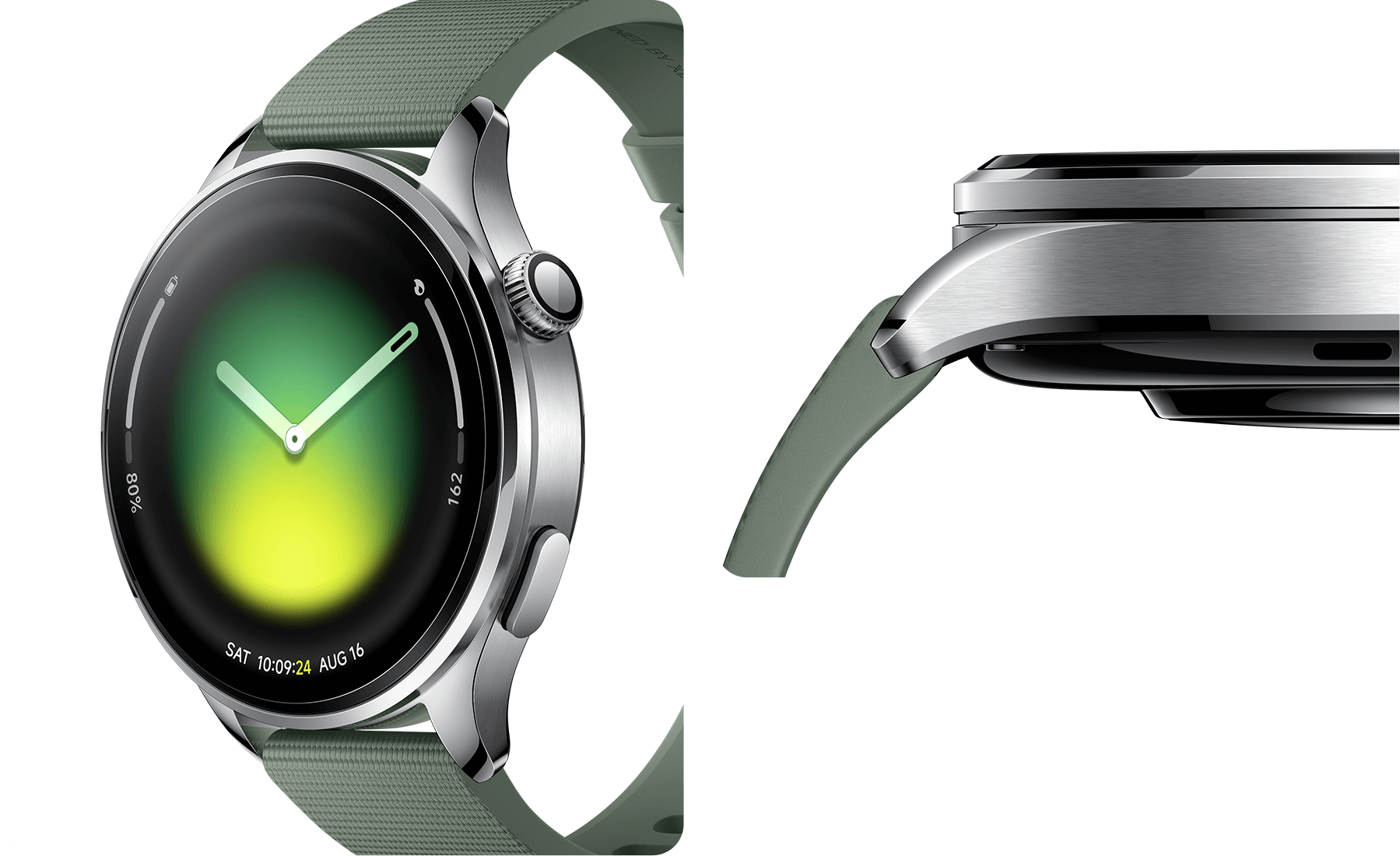


Juniper Green


Black

Ultra-large 1.54" display
A fresh look
Featuring an ultra-narrow bezel, and exceptionally high screen-to-body ratio, Xiaomi Watch 5 delivers outstanding visual performance with clear, bright and vivid colours.
1500nits6
HBM
2.6mm4
Thin bezel
480×480
Resolution
60Hz7
Refresh rate

Flagship performance
Large-capacity battery
Long battery life
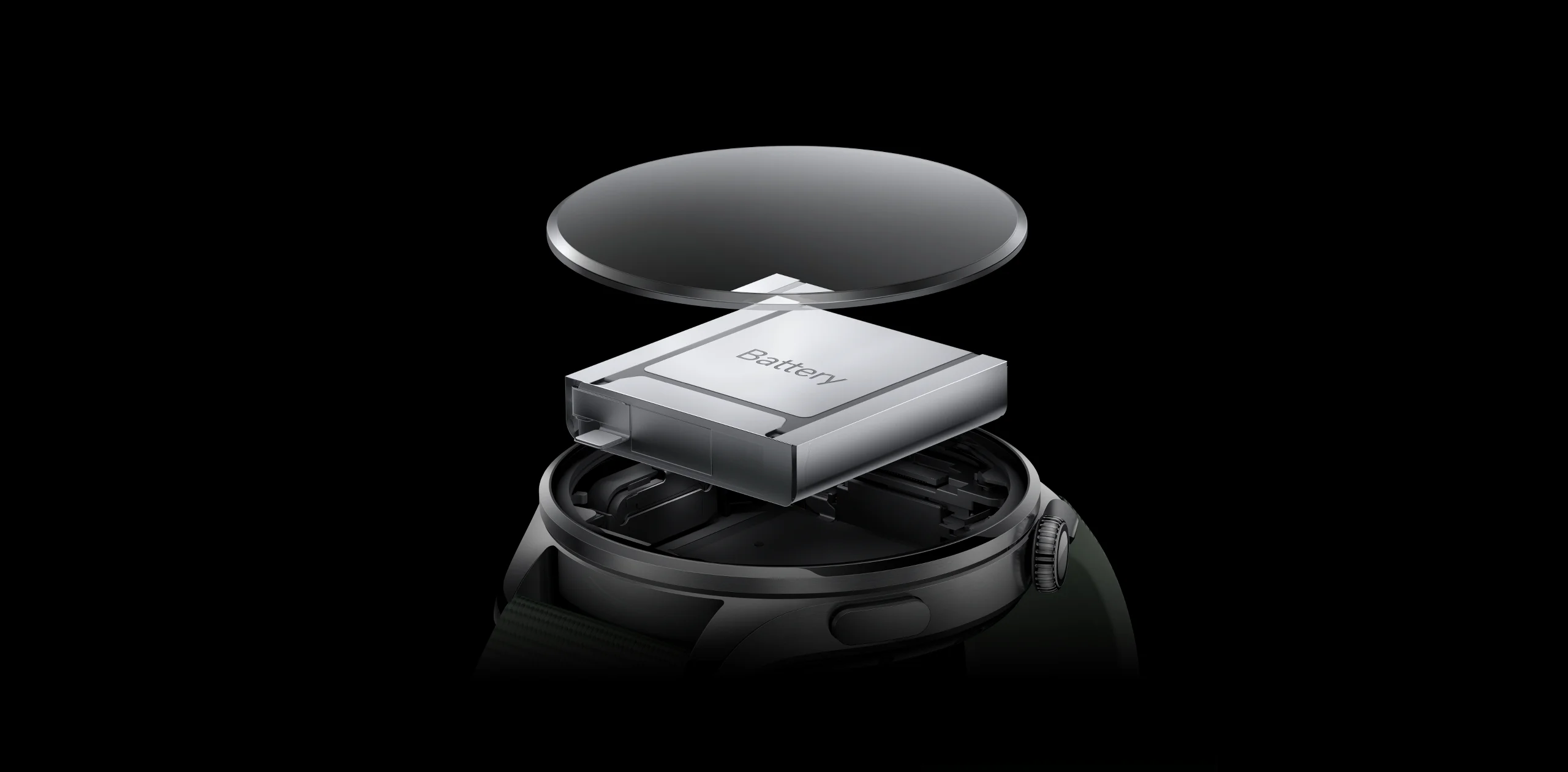
Thanks to an advanced 930mAh large-capacity Xiaomi Surge Battery with 10% silicon–carbon content, Xiaomi Watch 5 delivers the largest battery capacity in Xiaomi smartwatch.8
6 days9
Smart mode
4 days10
AOD Smart Mode
18 days11
Power-saving mode
Dual-chip architecture
Exceptional performance
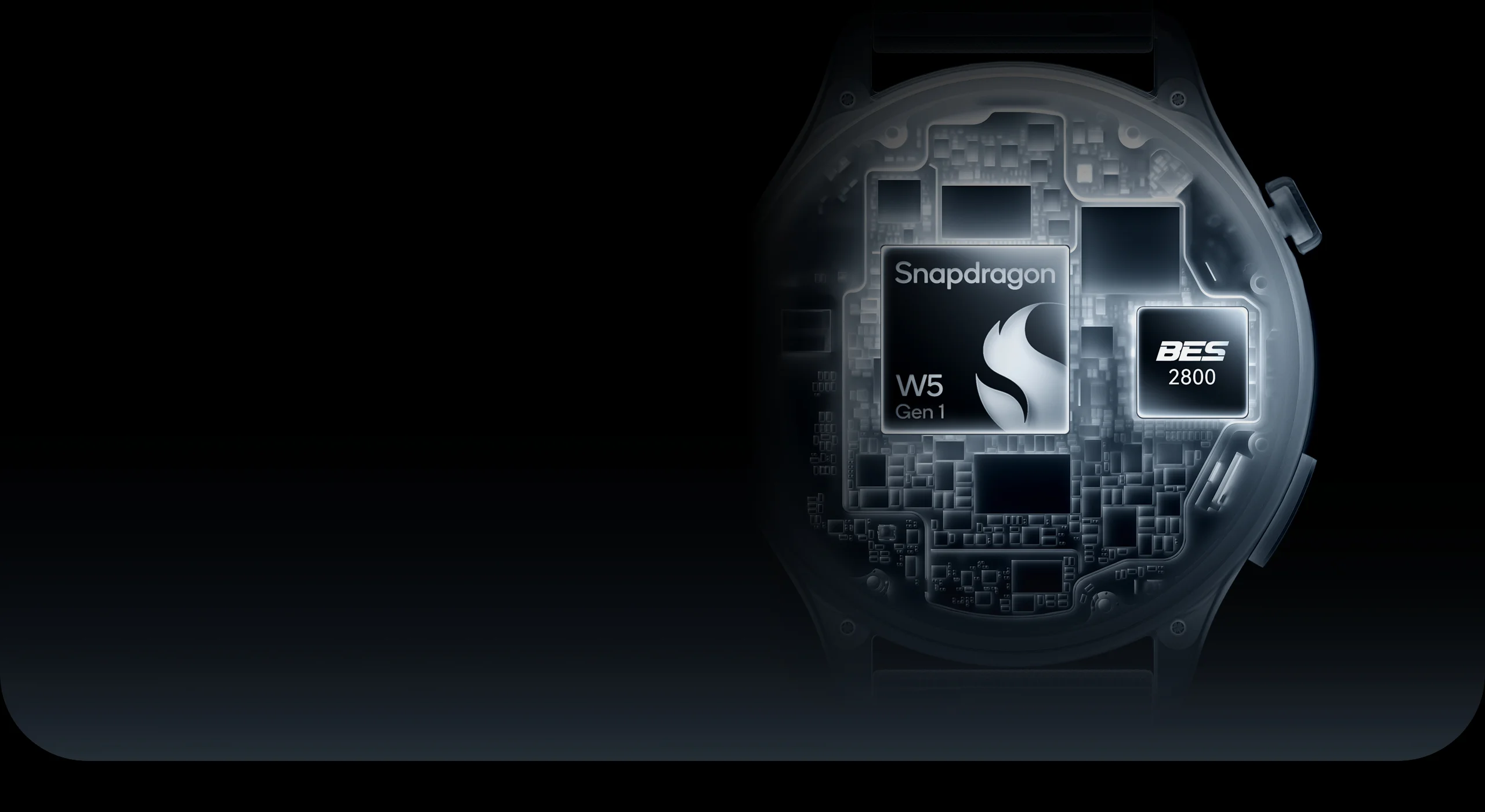
Powered by an advanced dual-chip architecture combining Snapdragon® W5 Gen 1 and BES2800BP, Xiaomi Watch 5 enables intelligent, seamless chip switching, delivering excellent power efficiency while balancing high performance with extended battery life.

Sports and health

One-tap health assessment5, 12
Health at a glance
Building on high-precision 4 LEDs + 4 PDs monitoring technology, Xiaomi Watch 5 performs health evaluations and continuously monitors for health risks with a single tap.
View detailed health reports and clear, easy-to-understand insights directly in the app.

All-day health monitoring13

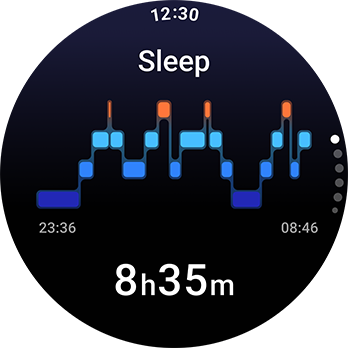
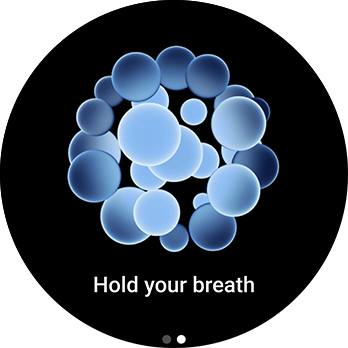
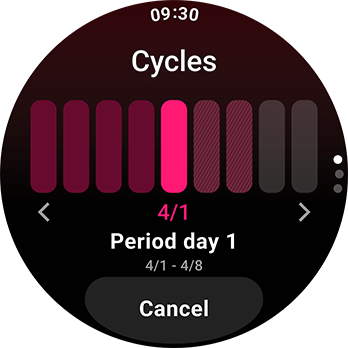
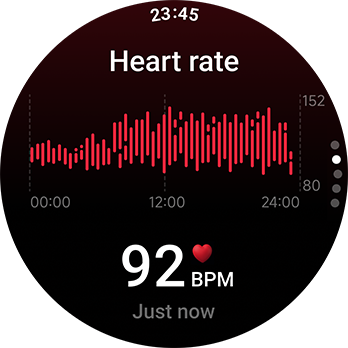
All-day heart rate monitoring14
Supports multiple heart rate monitoring modes, as well as high and low heart rate alerts, to help protect your heart health.
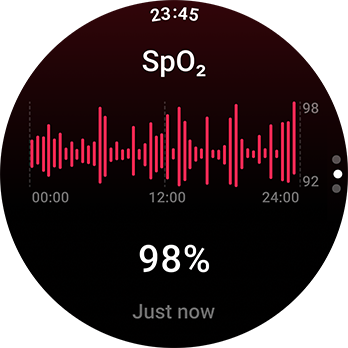
All-day blood oxygen saturation monitoring15
Sends vibration alerts when blood oxygen saturation is too low
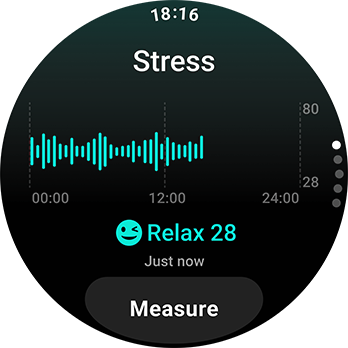
All-day stress monitoring
Sends reminders to relax during high-stress periods to effectively ease pressure and tension.
Sleep management
Combines blood oxygen and respiratory data for more accurate, comprehensive analysis and helps identify sleep states based on phone status.16, 17
Breath relaxation
Delivers multiple breathing-based relaxation modes, including relax, concentrate, take a nap, and sleep soundly, providing continuous relaxation through vibration and sound effects.
Women's health management
Supports tracking and prediction of female menstrual cycles.

150+ sports modes
Diverse workout options
Professional algorithms accurately track activities such as running, cycling and hiking, while monitoring heart rate and precisely recording calorie burn in real time.

5-system L1+L5 GNSS
Always know your location
Using dual-frequency L1+L5 GNSS technology across five satellite systems, Xiaomi Watch 5 offers precise positioning and enhanced resistance to signal interference, ensuring real-time location.

Health data at your fingertips
Xiaomi plays a key role in the development of Health Connect, which supports the transfer of Mi Fitness data. Users can authorize third-party apps to access data in Health Connect, enabling multi-platform health management.18


Wear OS by Google
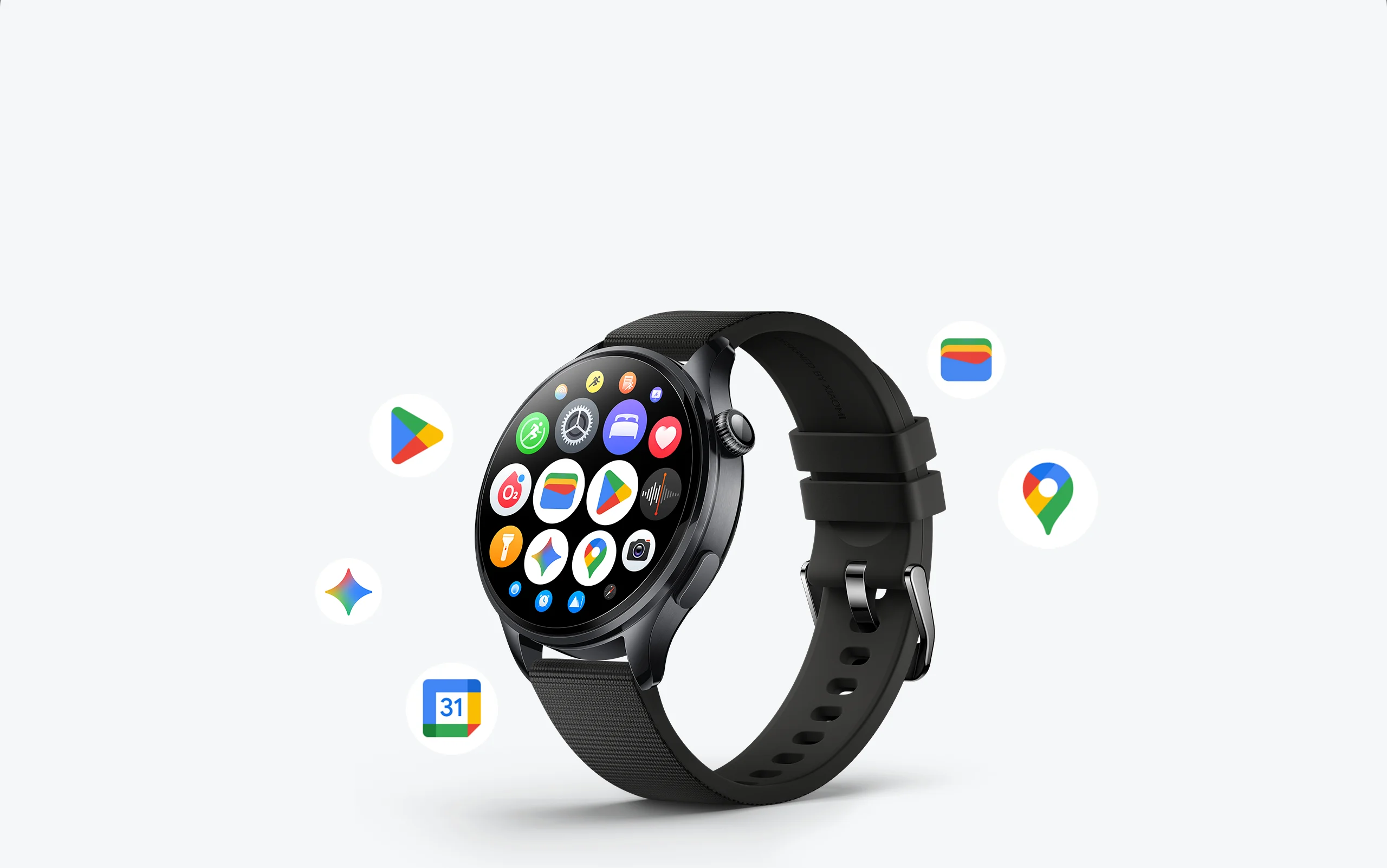
Your Xiaomi Watch 5, with the Google apps you love.19, 20
Make the most of the moments that matter with a smartwatch platform that keeps you connected to your health and the people and info you care about most.

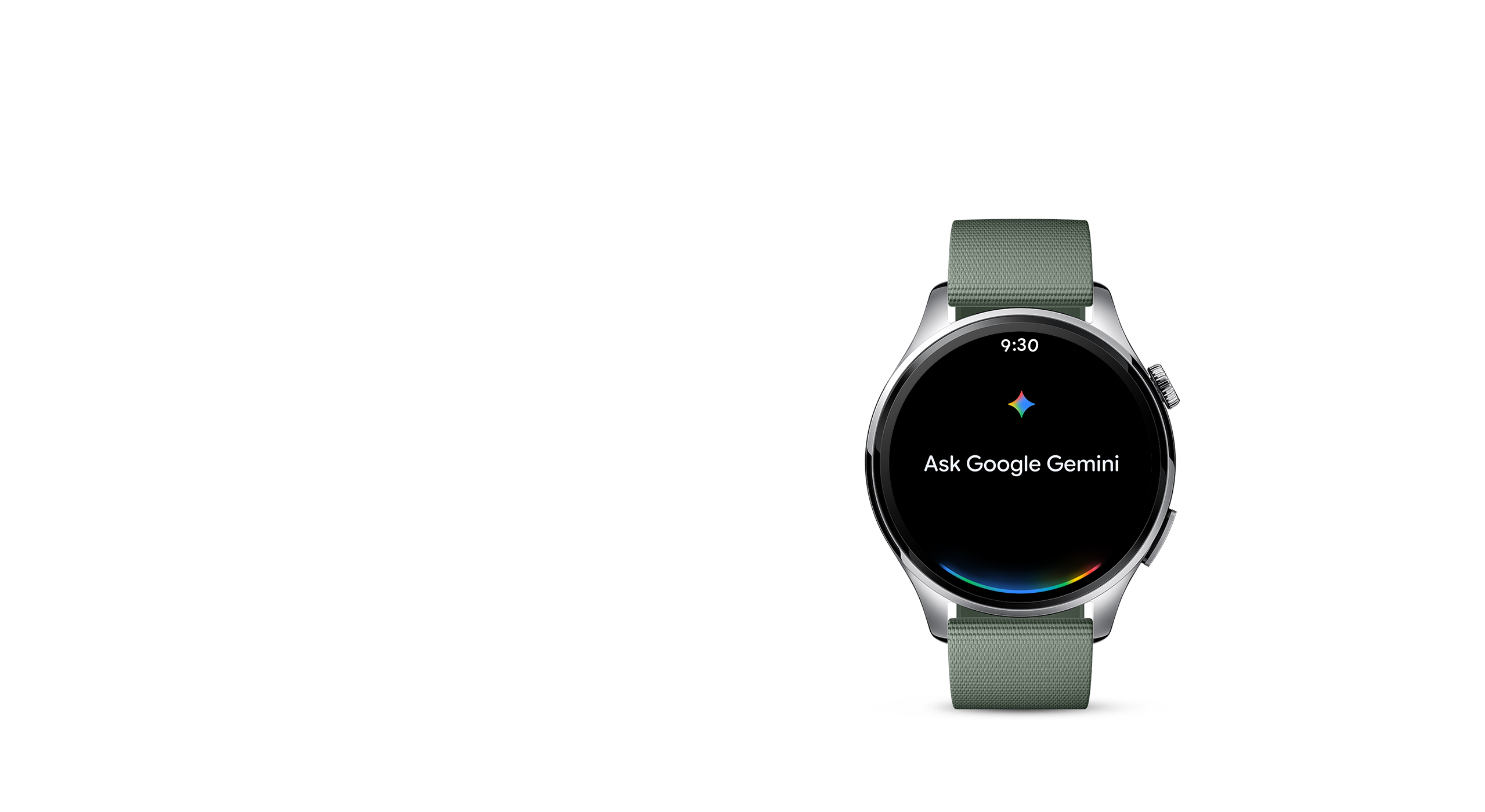
Google Gemini21
Chat with Gemini on your wrist
Chat with Gemini on your Xiaomi Watch 5 for help during life's busy moments. Speak naturally to get answers and ideas, complete tasks across apps, or remember important details like where you parked – all from your watch.


Google Wallet
Carry your cards on your watch
Google Wallet gives you fast, secure access to your cards. Tap to pay everywhere Google Pay is accepted, ride transit, use loyalty cards, board a flight, and more, all with just your Xiaomi Watch 5.

Google Maps
Explore your world with Google Maps
Arrive on time with Google Maps on your wrist. Get public transit information, directions right to the door, and route options, so you can spend more time doing the things you love to do.

Google Calendar
Make the most of every day
It’s easier to stay organized on-the-go with Google Calendar on your watch. Manage your schedule, and view and RSVP to events and appointments — right from your wrist.

Google Play
There's an app for everything you're into
Unlock the full potential of Google Play in your Xiaomi Watch 5. Browse for new apps, sync apps with your smartphone, and upgrade your watchface, all on your wrist.

Precise gestures3

Upgraded detection module
Unlock new experiences
Equipped with multimodal technology and multiple sensors, including EMG, PPG and IMU, Xiaomi Watch 5 enables precise recognition and unlocks new possibilities.

Accurate gesture recognition
Improved daily efficiency
EMG sensors capture nerve signals from each finger, enabling precise recognition of specific gestures and allowing effortless control with a simple lift of the hand.
Watch the film


Multiple gesture controls
Control with a lift of the hand

General gestures
Create shortcuts for frequently used features.


Incoming calls

Pinch twice to hang up

Custom gestures
Xiaomi Watch 5 adds three new gesture recognitions based on IMU and PPG sensors. In addition to EMG gestures, it allows for personalised settings, enabling users to launch specific apps, start selected workouts, or link with smart devices.22

Snap fingers
Start workout
Watch the film


Shake wrist twice
Open mail
Watch the film

Rotate wrist twice
Open wallet
Watch the film

Xiaomi HyperConnect
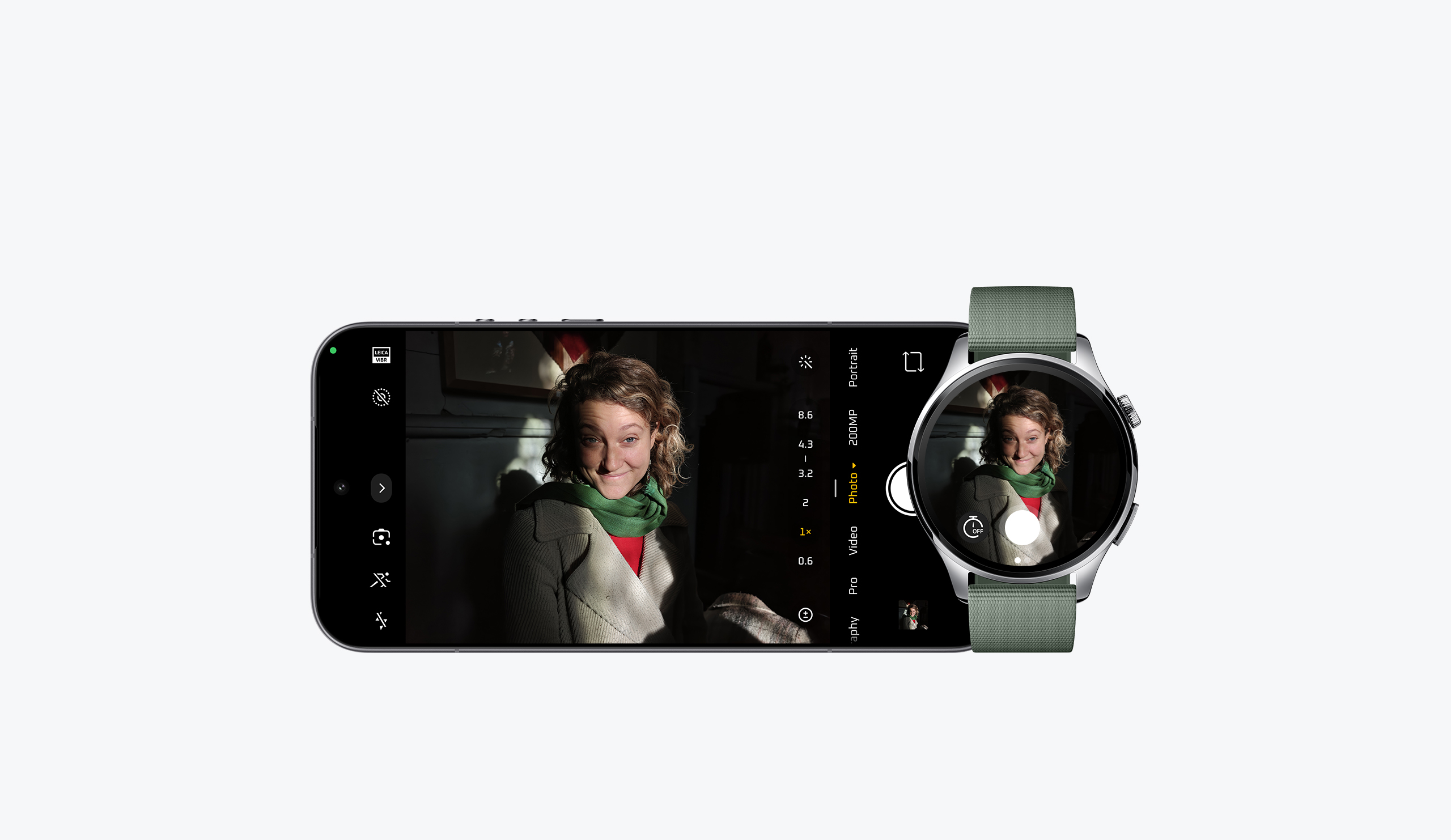
Remote camera control with live preview23
Every frame under control
The watch screen can act as a smartphone viewfinder. Even when your smartphone is at a distance, as long as it's connected via Bluetooth, you can effortlessly control your watch to take photos and videos.

Xiaomi Smart Hub24
Control at a glance
Control Xiaomi smart devices with just a lift of your wrist — convenient and efficient.

Multiple widgets

Countdown timer

Recorder

Flashlight

Compass

Alarm

Stopwatch

Weather

World clock


Notes:
1. Check responses. Setup required. Compatibility and availability varies. Google and Gemini are trademarks of Google LLC.
2. Data obtained from Xiaomi Internal Labs. Actual results may vary. Please visit Xiaomi official website for more details.
3. Ensure Tilt-to-wake and Gestures are enabled on the watch. To activate, remain still with your forearm parallel to the chest and the watch face up. Gesture controls are available only on supported pages when a floating bubble or blue dot icon appears. The feature may not respond in certain scenarios, including but not limited to Sleep mode, Do Not Disturb mode, Always-On Display (AOD) watch face, or when sleep is detected. Specific usage scenarios are subject to the actual user experience and the details outlined in the watch's gesture instructions. To use gesture features, please update the watch system to the latest version.
4. Data obtained from Xiaomi Internal Labs. Actual results may vary.
5. This product and its features are not designed for medical purposes, and are not intended to predict, diagnose, prevent, or cure any disease.
6. The HBM brightness is the maximum brightness when the entire screen lights up.
7. Screen refresh rates may vary slightly between interfaces, please refer to your actual experience.
8. The data of battery life is based on typical usage mode, tested by Xiaomi Internal Labs. Actual results may vary.
9. 6-day performance test conditions: With the watch fully charged, using factory default settings and the Sunspots watch face, with high-precision sleep monitoring, all-day stress monitoring, all-day blood oxygen monitoring, heart health monitoring; smart heart rate monitoring and message notifications enabled, receiving 100 messages per day, 6 incoming call alerts, 3 alarms, 8 NFC card payments; raising the wrist 300 times per day to activate the screen and launching the app to synchronise data once per day; with 30 minutes of Bluetooth calls per week; 30 minutes of local music playback to connected headphones per week; and 180 minutes of exercise recording per week (with GNSS enabled).
10. 4-day AOD performance mode test conditions: With the watch fully charged, using factory default settings and the Sunspots watch face and AOD display turned on, with high-precision sleep monitoring, all-day stress monitoring, all-day blood oxygen monitoring, heart health monitoring; smart heart rate monitoring and message notifications enabled, receiving 100 messages per day, 6 incoming call alerts, 3 alarms, 8 NFC card payments; raising the wrist 300 times per day to activate the screen and launching the app to synchronise data once per day; with 30 minutes of Bluetooth calls per week; 30 minutes of local music playback to connected headphones per week; and 180 minutes of exercise recording per week (with GNSS enabled).
11. 18-day power-saving mode test conditions: With the watch fully charged, turning on power saving mode, using factory default settings and the Sunspots watch face, with high-precision sleep monitoring, 10-minute interval all-day heart rate monitoring, and message notifications, receiving 100 messages per day, 6 incoming call alerts, 3 alarms; raising the wrist 300 times per day to activate the screen and launching the app to synchronise data once per day; with 30 minutes of Bluetooth calls per week; 30 minutes of local music playback to connected headphones per week; and 90 minutes of exercise recording per week (with GNSS enabled).
12. To use this feature, please update the watch firmware and Mi Fitness app to the latest versions.
13. The features of all-day blood oxygen saturation monitoring and all-day stress monitoring need to be manually turned on. The features of all-day heart rate monitoring and sleep management are enabled by default. For more details about the monitoring frequency and principle, please refer to the description in the app.
14. If smart monitoring is enabled, monitoring frequency will be automatically increased to once per minute when activity is detected.
15. When all-day blood oxygen saturation monitoring is enabled, measurements are taken every 10 minutes during periods of inactivity.
16. When monitoring sleep, REM (rapid eye movement) tracking requires high-precision sleep monitoring to be enabled in the app or on the watch. Short naps less than 30 minutes may not be recorded. Users should use the Mi Fitness to access sleep insights, recommendations and sleep improvement plans.
17. Breathing rate monitoring need to be manually turned on in the Mi Fitness app.
18. Health Connect is a trademark of Google LLC.
19. Available on select devices and internet connection required. Works on compatible apps and surfaces. Results may vary depending on visual matches.
20. Google, Gemini, Wear OS by Google™, and other marks are trademarks of Google LLC.
21. Check responses. Setup required. Compatibility and availability varies.
22. To use custom gestures to open the Xiaomi Smart Hub or control other devices requires a phone running Xiaomi HyperOS 3. Controlled devices must be connected to the watch and appear in the watch's integrated device hub.
23. To use this function, a phone running Xiaomi HyperOS 3 is required, and the watch system needs to be updated to the latest version.
24. To use the Xiaomi Smart Hub, the watch needs to be connected to a Xiaomi smartphone or pad supporting the latest version of Xiaomi HyperOS 3 and running the latest version of the Mi Fitness app and version 10.4 or above of the Xiaomi Home app. Xiaomi Smart Hub must be enabled on the smartphone or pad in advance.
*The product images and models, data, functions, performance, specifications, user interface, and other product information on this page are for reference only and may differ from the actual product. Xiaomi may amend this information. For details, please refer to the actual product. Actual UI may vary.
*The watch must remain connected to the smartphone via Bluetooth. Voice calls from third-party apps are currently not supported.