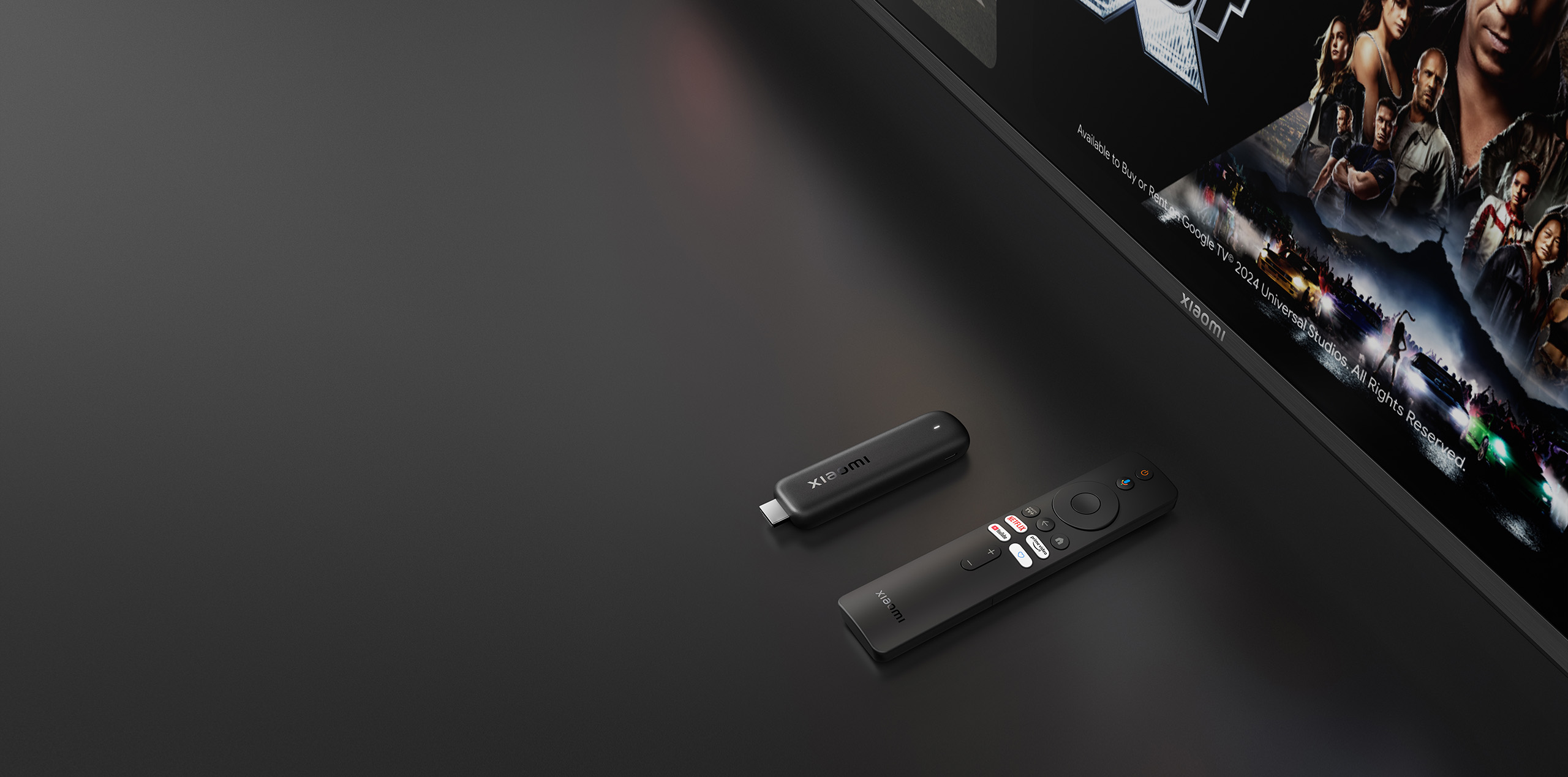

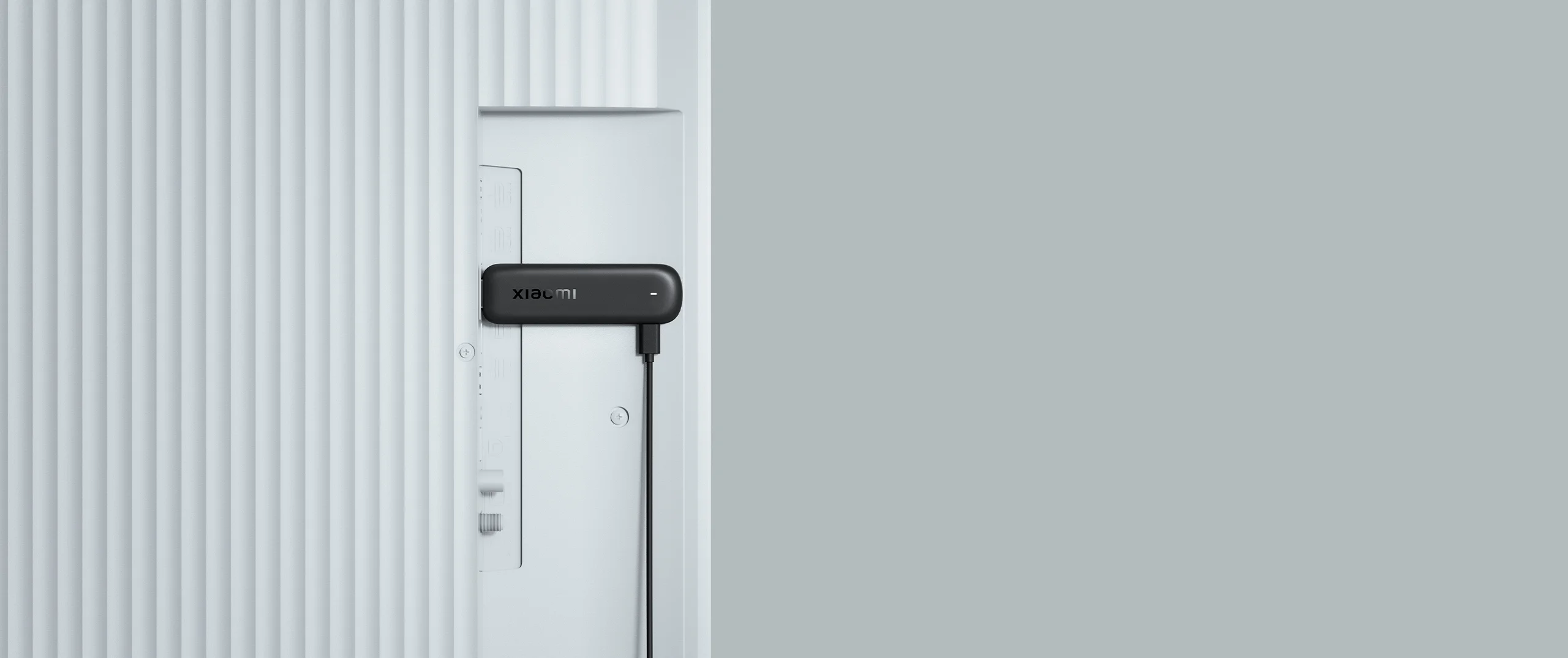
Easy plug-in
Unlock a smarter viewing experience
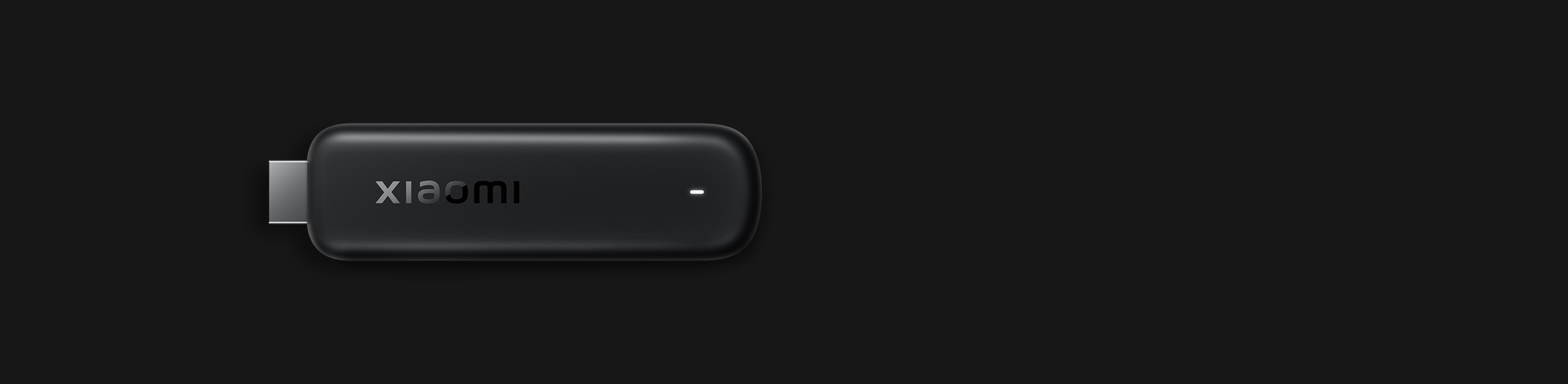
Xiaomi TV Stick HD (2nd Gen) enables televisions and other display devices with an HDMI port to access the latest smart operating system.1
1. Requires a Wi-Fi connection to function properly.

Enhanced performance
A major experience upgrade
Powered by a new-generation hardware platform and featuring the latest Mali-G31 MP2 GPU, it delivers stronger performance and smoother operation.
+38%2
CPU performance
2. Compared with Mi TV Stick. Data comes from Xiaomi Internal Labs.
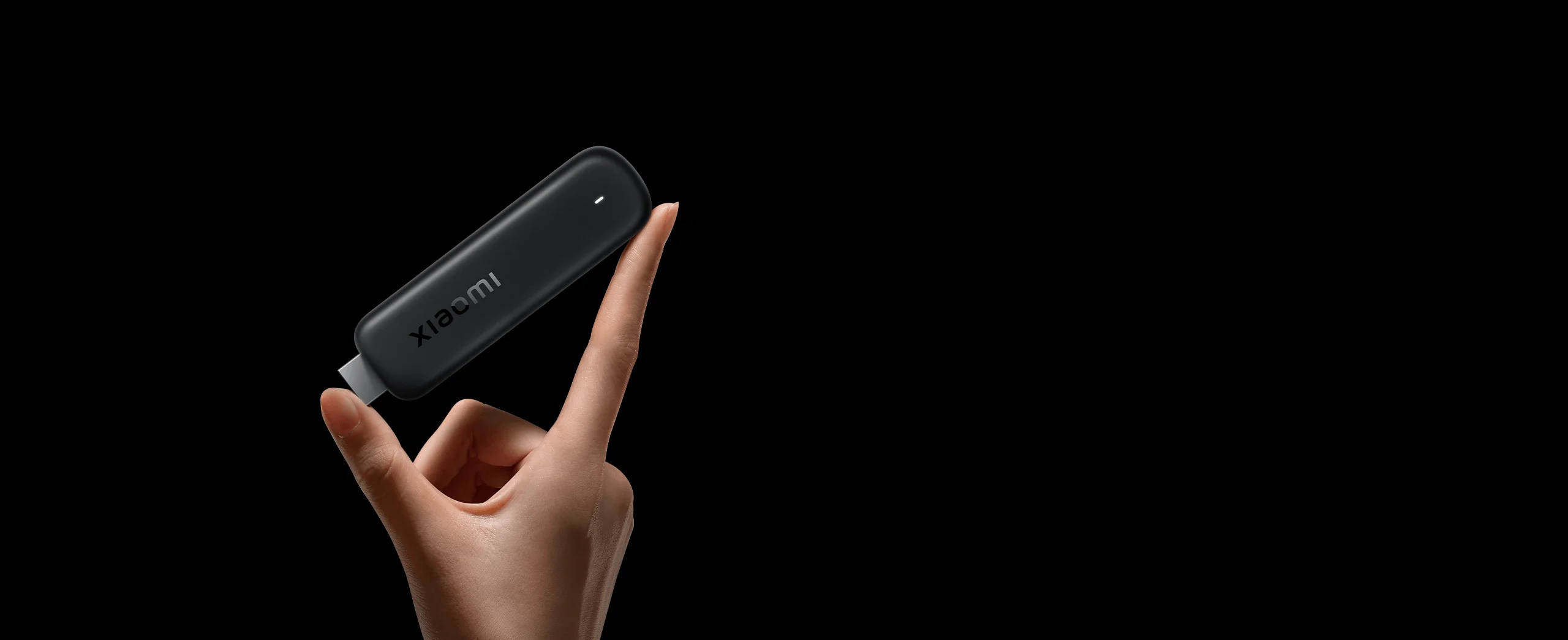
Rounded body
Lightweight and portable
Featuring a slim design with curved edges, it is compact and comfortable to hold, making it convenient to take anywhere.

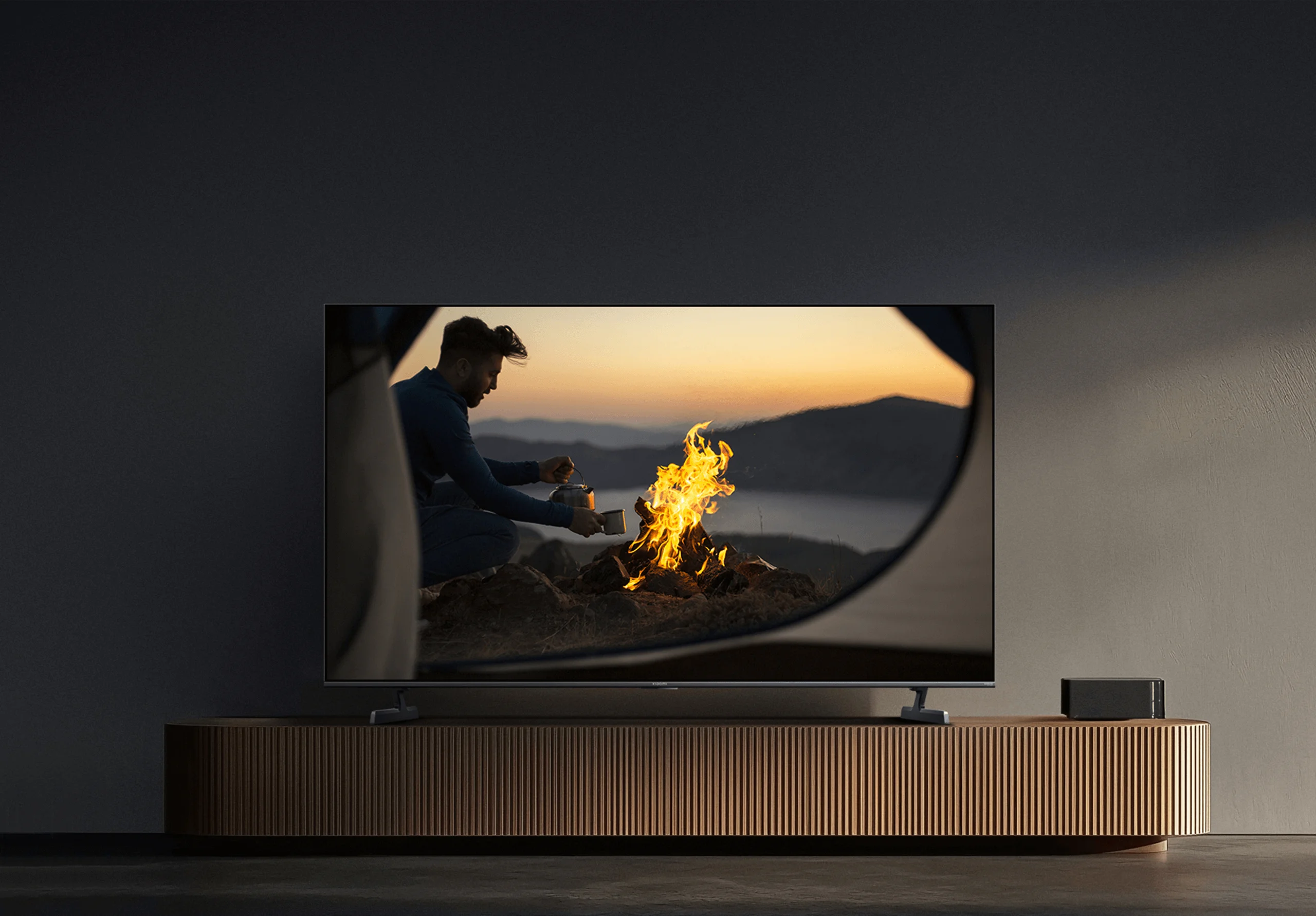
Delicate lights and shadows
Supports HDR10+ high dynamic range display, delivering refined light and shadow details, clear highlights and dark areas, and more vivid imagery.3

3. Playback device hardware must support HDR10+ display.
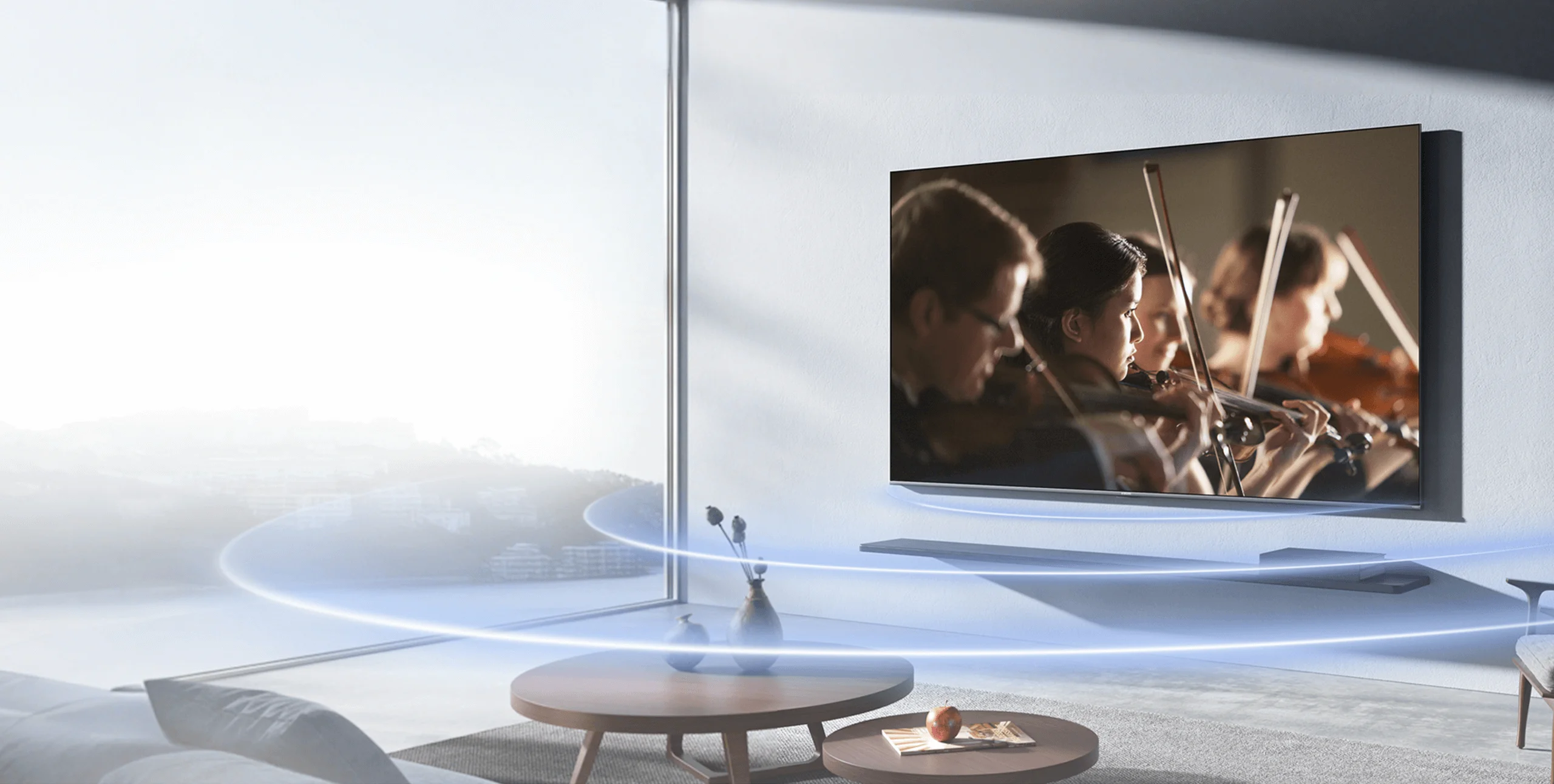
Dolby Audio™ and DTS:X sound4
Richer audio layers
Professional audio decoding restores authentic and rich sound detail for a more immersive viewing experience.

4. Playback device hardware and video content must support Dolby Audio™ and DTS:X audio decoding.
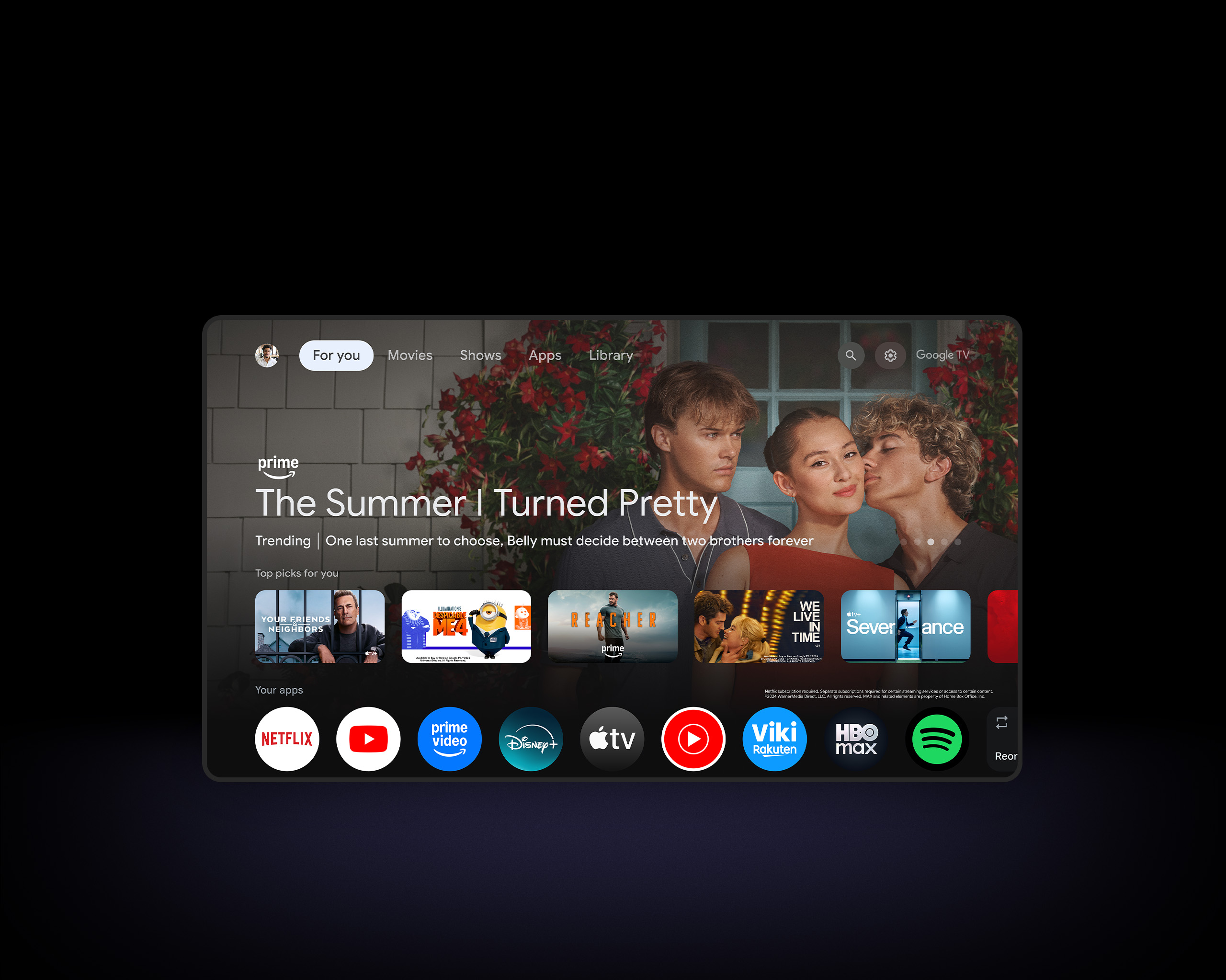

Entertainment you love with a little help from Google.5
Google TV™ gathers films, shows, and more from your apps and subscriptions, organising them just for you. Looking for something new? Get curated recommendations, or search across over 10,000 apps and hundreds of free channels using Google’s powerful search engine. With personalised profiles, everyone gets an experience tailored just for them.6, 7
5. Requires an internet connection and Google Account. Subscription, download, or purchase may be required for viewing.
6. Google TV™ is the name of this device's software experience and a trademark of Google LLC. Google, YouTube, Chromecast built-in and YouTube Music are trademarks of Google LLC.
7. Some apps, content, and features may not be available in all countries. Subject to availability.
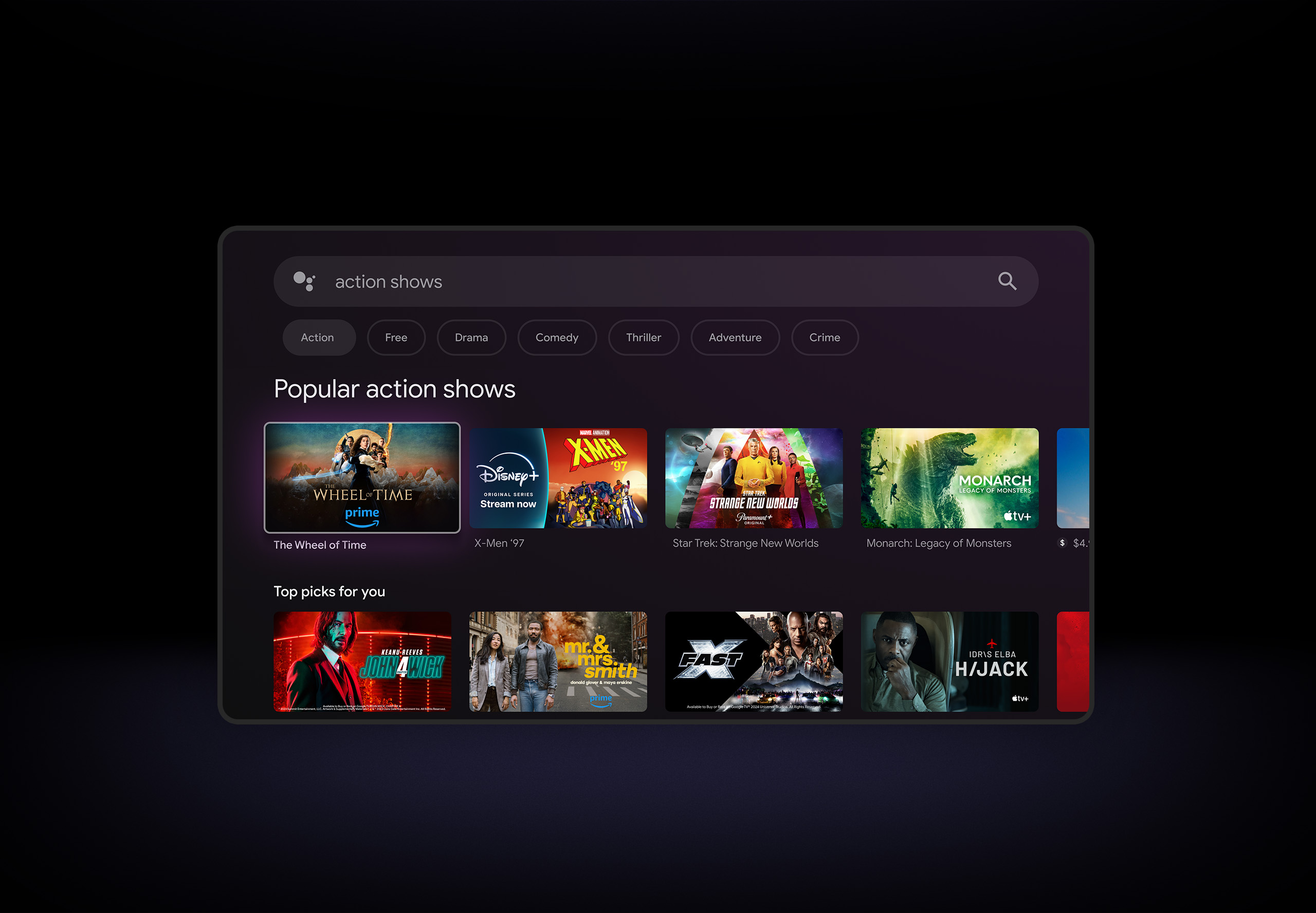

Do more on your TV with your voice.
Your TV is more helpful than ever. Ask Google Assistant to find films, stream apps, play music, and control the TV—all with your voice. You can even get answers and control smart home devices this way. Simply press the Google Assistant button on the remote to get started.8
8. Google Assistant is not available in certain languages and countries/regions. Please refer to Google Assistant's official website for more information.
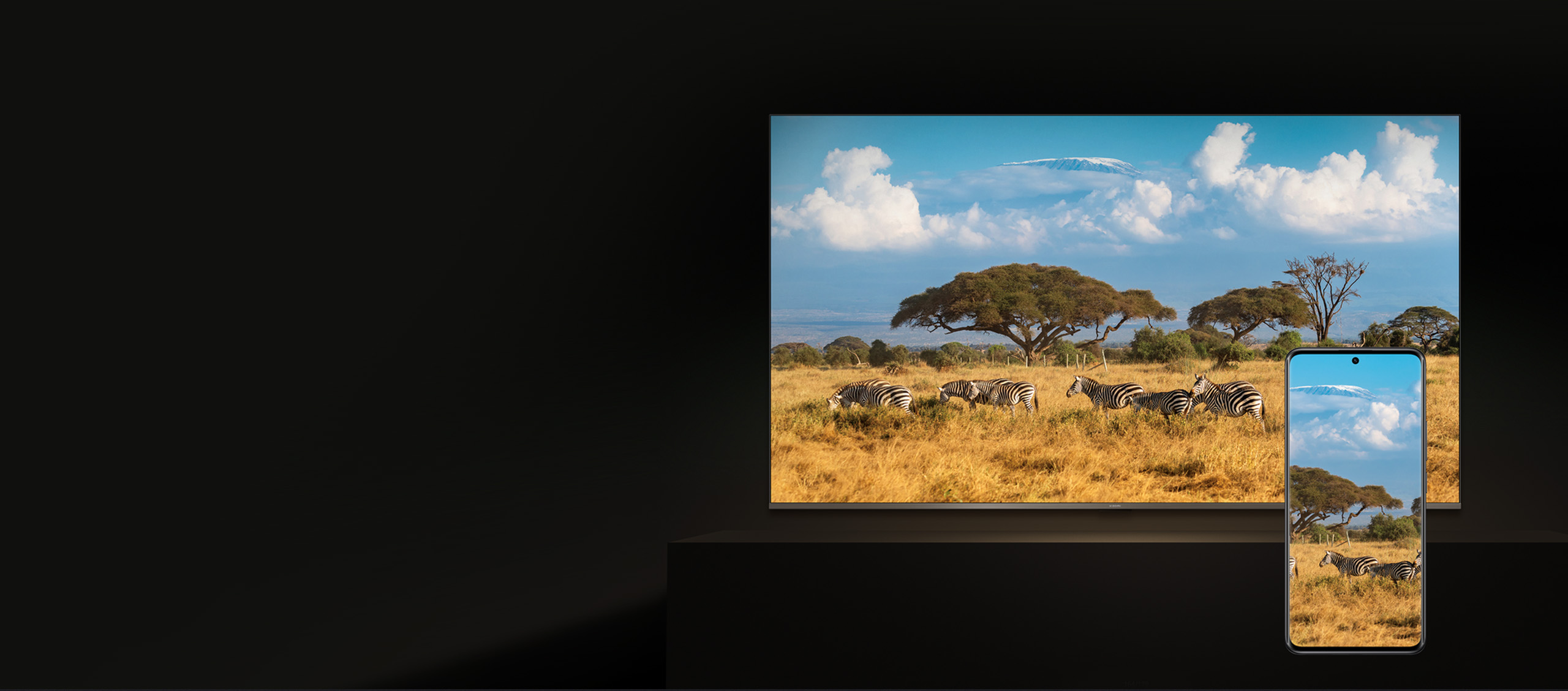
Stream from your phone
Easily cast movies, shows, photos, and more from your phone or tablet, right to your TV.9, 10

9. Requires Google Cast-enabled apps.
10. Can only be used where wireless connection is supported.
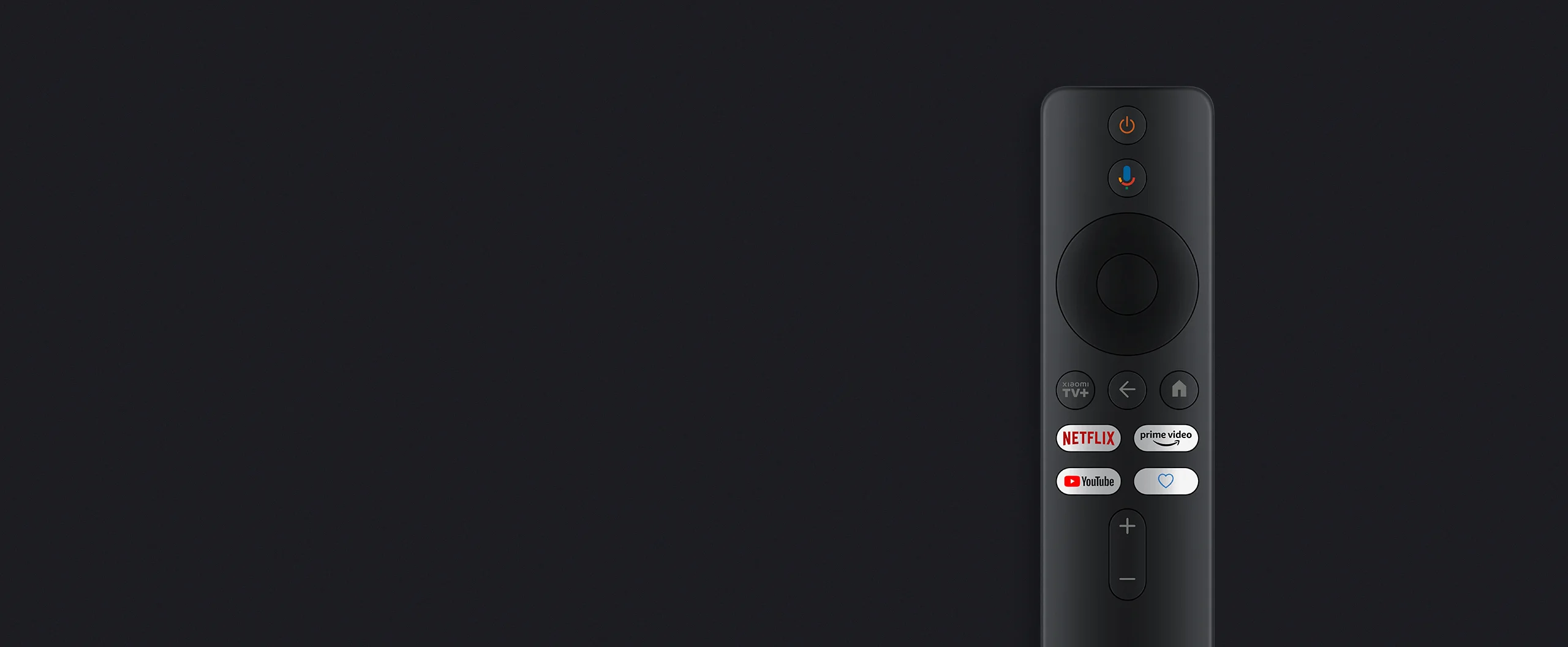
Bluetooth and voice control
More convenient operation
Supports both Bluetooth and infrared control, allowing operation from various angles. In addition to shortcut buttons, it also features voice control for convenient, effortless use.11
11. The infrared function of the remote control is only used to control the TV.


Dual-band Wi-Fi12
Stable and fast
High-speed dual-band Wi-Fi, with the 2.4GHz band suitable for a wider range of network environments, while the 5GHz band significantly increases transmission speeds for smoother streaming from a variety of sources.
12. Requires connection to a router supporting Wi-Fi 5.

Ready to use in just 3 steps
1. Connect the Xiaomi TV Stick HD (2nd Gen) to your TV
2. Connect to Wi-Fi
3. Start watching

Notes:
1. Requires a Wi-Fi connection to function properly.
2. Compared with Mi TV Stick. Data comes from Xiaomi Internal Labs.
3. Playback device hardware must support HDR10+ display.
4. Playback device hardware and video content must support Dolby Audio™ and DTS:X audio decoding.
5. Requires an internet connection and Google Account. Subscription, download, or purchase may be required for viewing.
6. Google TV™ is the name of this device's software experience and a trademark of Google LLC. Google, YouTube, Chromecast built-in and YouTube Music are trademarks of Google LLC.
7. Some apps, content, and features may not be available in all countries. Subject to availability.
8. Google Assistant is not available in certain languages and countries/regions. Please refer to Google Assistant's official website for more information.
9. Requires Google Cast-enabled apps.
10. Can only be used where wireless connection is supported.
11. The infrared function of the remote control is only used to control the TV.
12. Requires connection to a router supporting Wi-Fi 5.
*Playback device must have an HDMI port.
*Requires video streaming content and devices that support HDR10+.
*Requires video streaming content and devices that support DTS decoding.
*Platforms and content may vary depending on your country or region. Please refer to the services available in your location for further details.