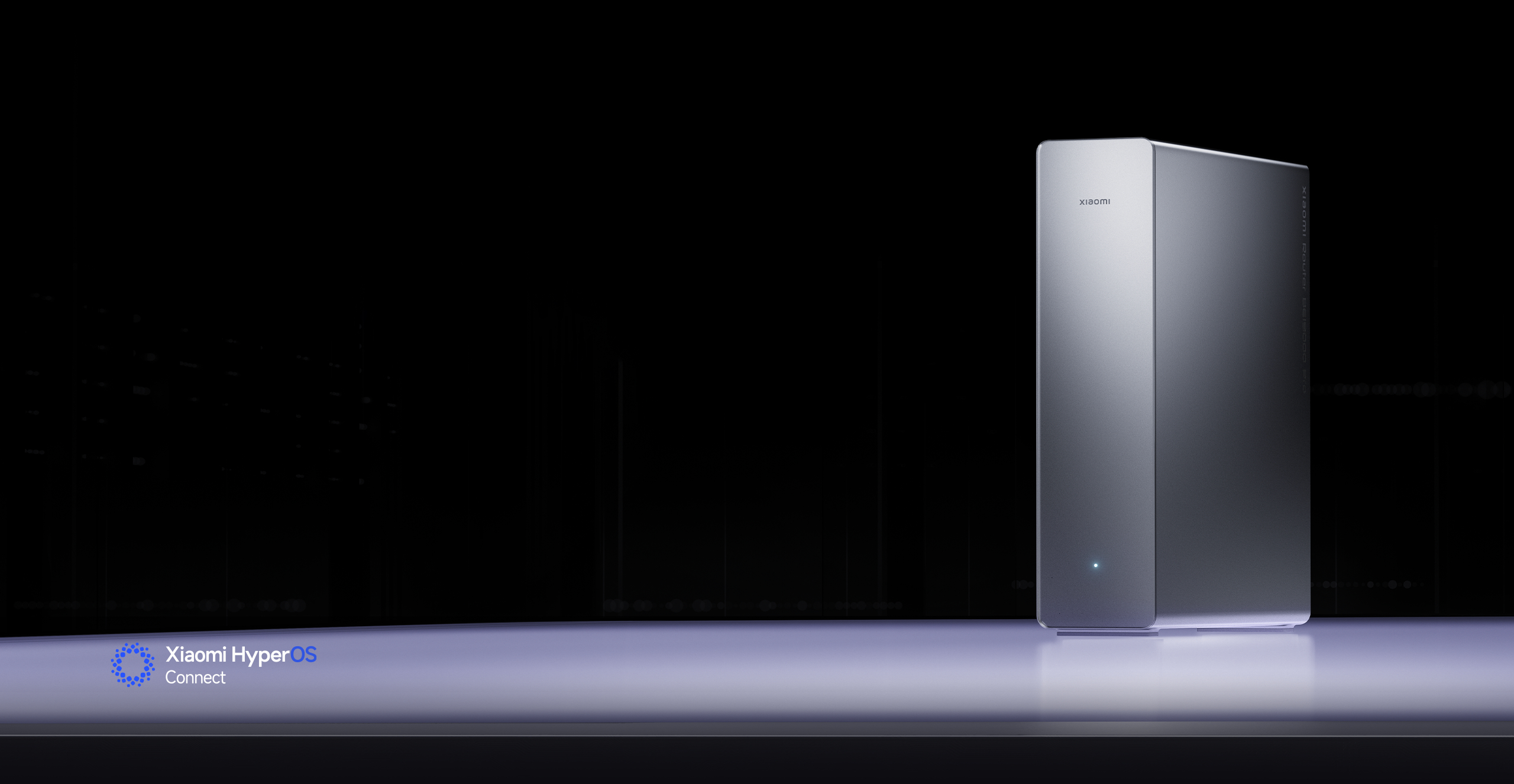

AI dual 10GE ports with flagship Wi-Fi 7
Supports 6GHz Wi-Fi


Tri-band ultra-fast wireless1
Handles high-bandwidth gaming, music and video with ease
Dual 10 Gigabit Ethernet ports
Redefined efficiency for data-intensive devices and office workloads
Built-in 12 antennas + 12 amplifiers
Powerful signal penetration with wide coverage2
M.2 slot + USB-A port
Extensive expansion ports

AI network engine
Flagship processor delivering powerful AI performance
Dual cooling system
Stable and sustained Wi-Fi performance
AI anti-interference
Minimises signal interference from neighbouring networks3
AI Mesh roaming4
Seamless switching to the most optimal connection as you move around your home
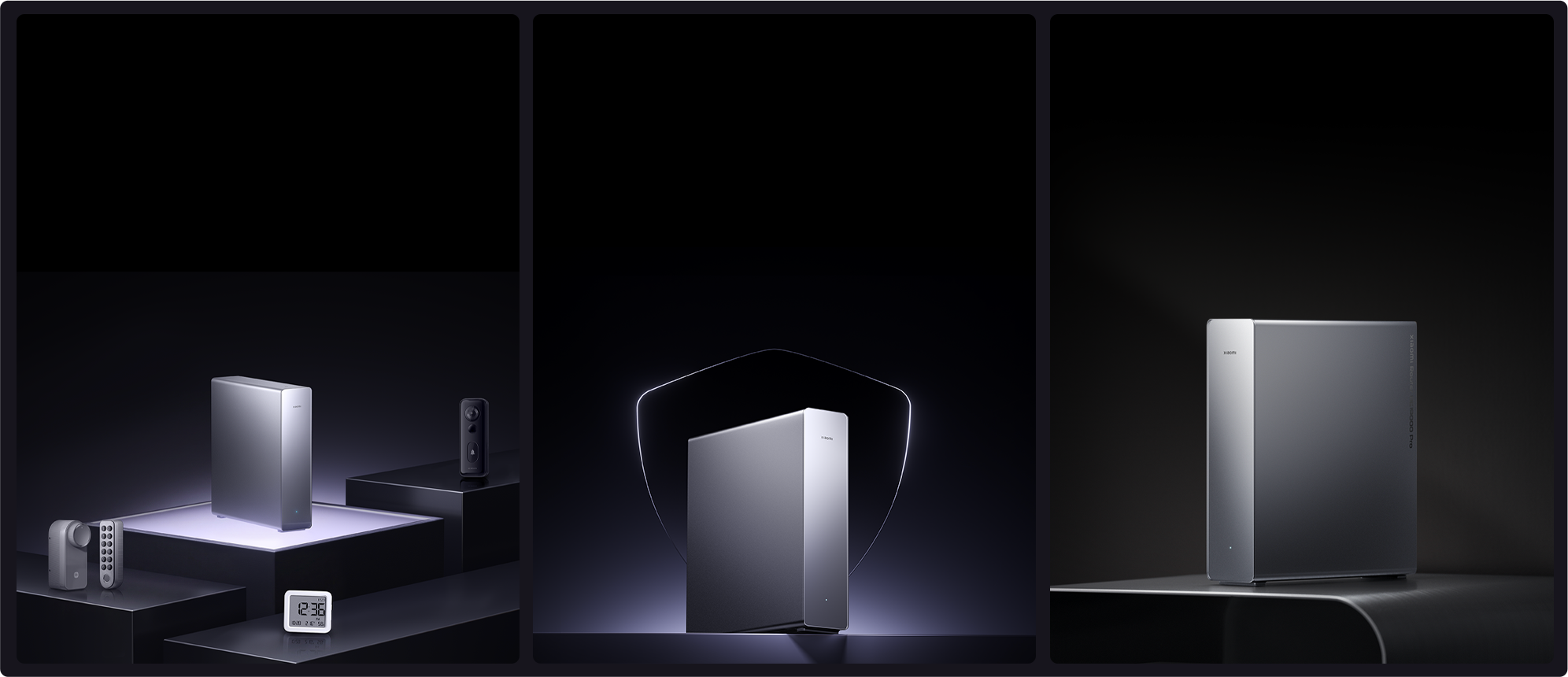
Bluetooth Mesh gateway
Easily connect up to 300 Bluetooth devices
24/7 online protection for the whole family
Enhanced data privacy and parental control
Minimalist vertical design
Elegant design to complement any home

Xiaomi Easy Connect
Dual LAN port aggregation5
IPTV
Xiaomi mobile game acceleration6

Flagship configuration with powerful performance

Tri-band ultra-fast wireless
Handles high-bandwidth gaming, music and video with ease
Equipped with tri-band wireless and 12 spatial streams, delivering wireless speeds of up to 18,656Mbps. Multiple devices can connect simultaneously with minimal interference, easily handling VR gaming, 8K streaming, HD conferencing and large file transfers. Suitable for both 10 gigabit and gigabit broadband homes.1,7,8

Immersive competitive gaming

Lossless audio and video for a true HD experience

Boosted productivity for multi-user workflows
2.4GHz band
Smart appliances
Stable smart home connectivity
5GHz band
TVs, projectors and speakers
8K streaming & series catch-up
6GHz band
PCs, VR headsets and smartphones
Low-latency gaming & HD VR

Dual 10 Gigabit Ethernet ports
Redefined efficiency for data-intensive devices and office workloads
Ethernet ports deliver up to 30Gbps total bandwidth, with each 10 Gigabit Ethernet port supporting up to 10Gbps. Fully prepared for 10 gigabit broadband upgrades, it delivers superior performance compared to gigabit routers for data-heavy devices and improves workflow efficiency for small studios.9,10
30Gbps
Total aggregated bandwidth9
10G Ethernet port
x2
2.5G Ethernet port
x4
IPTV
Customisable configuration
WAN/LAN
Port auto-sensing
Dual LAN
Port aggregation5

52 seconds11
High-speed Blu-ray movie transfer
Local network file transfer
40GB Blu-ray disc image

90 seconds11
Ultra-fast loading of studio assets
Local network file transfer
70GB project file

Wi-Fi 7 protocol
High speed, low latency for multiple devices
Wi-Fi 7 delivers faster speeds, higher data throughput and advanced features such as Multi-Link Operation (MLO). It makes full use of channel resources to reduce latency and improve interference resistance, significantly enhancing networking performance for both entertainment and work networking.

MLO dual-band aggregation
Peak concurrent speed of 4.3Gbps12

123%
Improvement over the theoretical speed of Wi-Fi 613

Enhanced OFDMA14
Easy connect for multiple devices

4K QAM15
Next-generation modulation technology increases data transmission density by 20%

12 high-gain antennas + 12 signal amplifiers
Powerful signal penetration with wide coverage2
Featuring 12 built-in antennas paired with 12 high-power signal amplifiers, the router delivers high transmission power and receiver sensitivity for 360-degree super-wide signal coverage. Powerful signal penetration performance ensures reliable connectivity, even through walls.
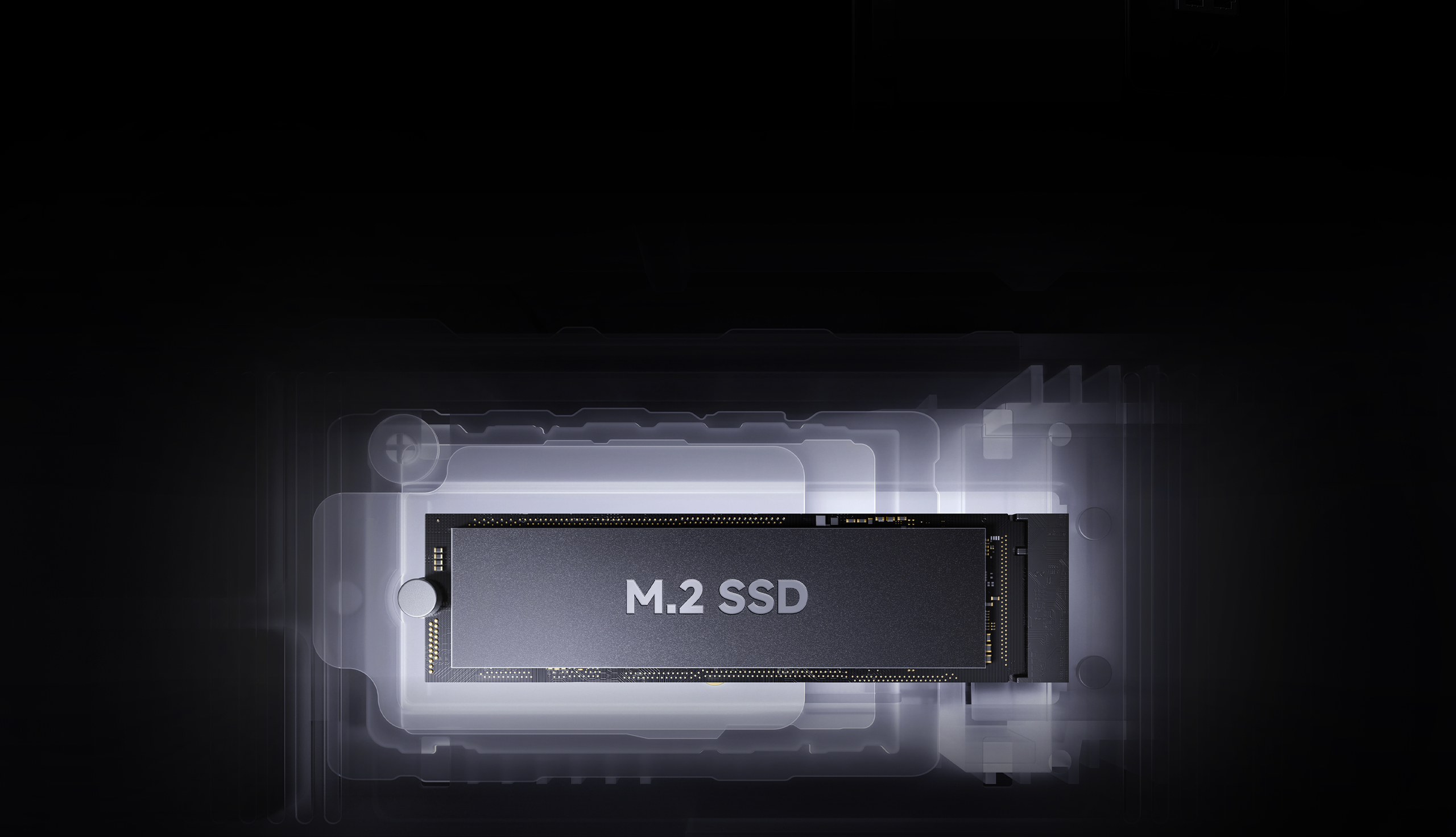
M.2 slot + USB-A port
Extensive expansion ports
Supports external personal hard drive storage and M.2 NVMe SSD expansion to meet diverse storage needs. Samba LAN sharing is also supported, greatly enhancing flexibility and functionality.16,17
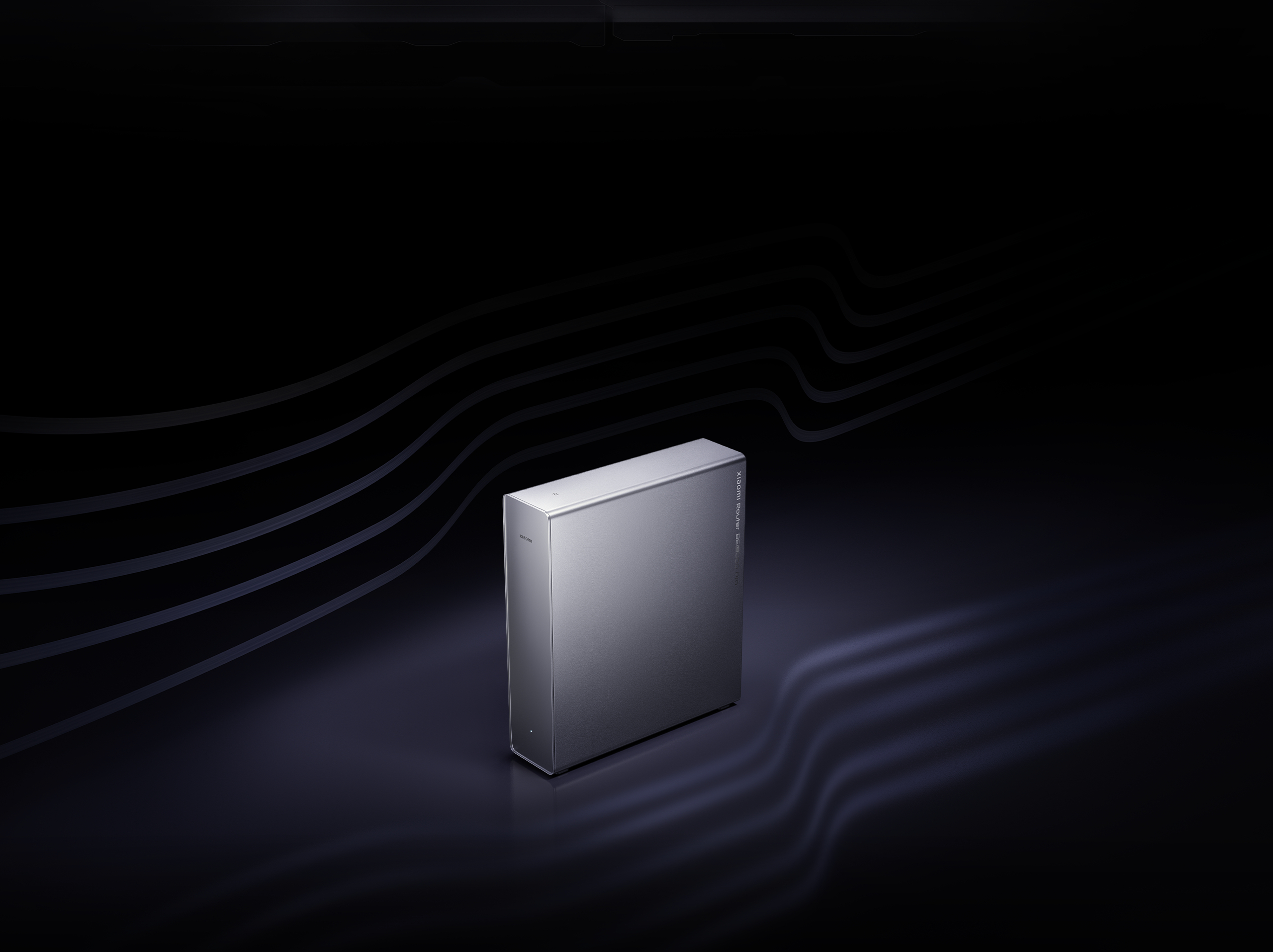
Dual cooling system
Stable and sustained Wi-Fi performance
Multiple independent heat sinks, combined with a high-speed fan, create multi-channel airflow, resulting in a total heat dissipation area of up to 86,258mm². Powered by new chipset architecture and AI power management, performance remains stable even under heavy loads.

Silent mode18

Standard mode

Performance mode

Forced cooling

Powerful AI engine for advanced scenarios

AI network engine
Flagship processor delivering powerful AI routing performance
Powered by the Qualcomm® Networking Pro A7 quad-core platform and a next-generation AI network engine, the router delivers three core capabilities: AI interference resistance, AI Mesh roaming and AI power management for truly intelligent routing.

AI anti-interference
Minimises signal interference from neighbouring networks3
AI intelligently analyses sources of home network interference, maintaining signal strength while reducing jitter and latency, delivering a better network experience and minimising interference from nearby networks indoors.

AI Mesh roaming
Seamless switching to the most optimal connection as you move around your home
Supports AI Mesh roaming between multiple BE19000 Pros. Compared with traditional roaming, it enables faster connection to the optimal node as you move around. Mesh roaming parameters can be manually configured via the Xiao Home app. It also supports Xiaomi's Mesh technology, allowing up to 10 routers in one network.4,19
1–2 seconds20
Reduced lag during network switching

Premium whole-home smart experience

Bluetooth Mesh gateway
Easily connect up to 300 Bluetooth devices
Supports up to 1,000 network devices. With the Bluetooth Mesh gateway, it can also connect up to 300 Xiaomi Bluetooth devices, enabling seamless whole-home smart connections for Xiaomi door locks, temperature and humidity sensors, doorbells and more.21,22
Xiaomi Bluetooth Mesh 2.0 gateway
Faster, stronger and more stable device connections
Significantly improved connection performance enables quick device pairing. Supports larger-scale networking, with faster, more stable multi-device responsiveness for smooth and responsive device control. Remote OTA updates are also supported, enabling upgrades even when you are away from home.
150%
Faster response speed23
180%
Reduced networking time23

Xiaomi HyperOS Connect with expanded capabilities
NFC tap-to-connect24
Tap with your phone for password-free network access
Automatic password syncing
When the Wi-Fi password is changed, it automatically syncs across all devices without needing to reconnect.
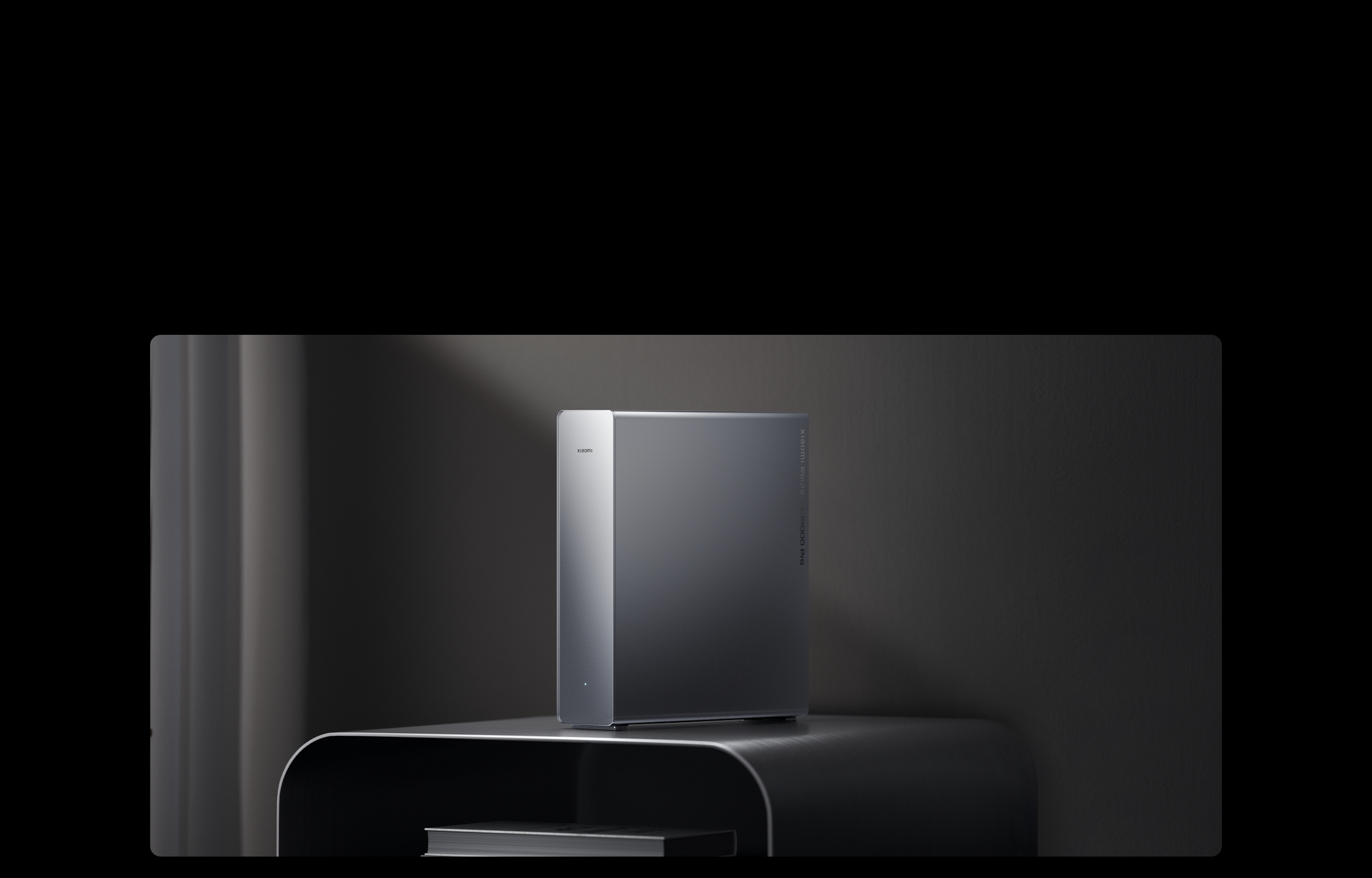
Sleek vertical design with a high-tech aesthetic
Elegant design to complement any home
The vertical design and high-tech aesthetic features a refined matte finish, allowing it to blend effortlessly into modern home interiors. Elegant appearance, powerful performance.

24/7 online protection for the whole family
Enhanced data privacy and parental control
The Xiaomi Home security chip features financial-grade certification in China, providing three layers of protection across hardware, system and applications, plus six layers of end-to-end encryption. Family data and devices are safeguarded against potential attacks for safer internet use. You can also manage internet time for the family and block harmful websites via the Xiaomi Home app.25

Parental control

Guest network

Smart security scan

Gateway firewall

Family data privacy protection

Sensitive data encryption

Protection against network attacks and unauthorised access

More technical support

Beamforming
Automatically detect device location
Directional Wi-Fi signal boosting for wider coverage

IPv6
Larger address space
Higher forwarding efficiency

BSS Colouring26
Algorithm optimisation
Reduce interference between different Wi-Fi networks

WPA3
Next-generation security and encryption protocol
Safeguard your home network security

Multi-band steering
Automatically selects the best frequency
No more worrying about which Wi-Fi network to connect to

MU-MIMO
Allows multiple devices to connect simultaneously
Smoother internet access for multiple users

Rigorous testing ensures premium Xiaomi quality
≥220,000
Power supply stability tests27
(Cumulative times powered on and off over 4 scenarios with 20 prototypes)
≥54
Hardware structural reliability tests27
(Drop test, vibration test)
≥180,000
Memory stress tests27
(Combined access in laboratory environment)
1,000 devices
Simultaneous connection testing27
(Combined access in laboratory environment)
≥1,000 hours
Hostile environment tests27
(Cumulative tests in 6 scenarios on 4 prototypes)

How to enhance Wi-Fi signal
Router placement recommendations
Not recommended
1. Inside enclosed metal boxes, such as low-voltage panels or closed metal cabinets.
2. In areas with heavy obstructions, such as storage compartments within cement walls, behind furniture, or inside shoe cabinets or TV cabinets.
3. Near devices that may cause interference, such as microwaves, induction cookers, desktop PC power supplies, home generators, or wireless optical modems.
4. At the edges of the home, such as balconies, bathrooms, or laundry rooms.
Recommended
1. Open, unobstructed areas, such as on TV cabinets or coffee tables.
2. Close to the centre of the house.
3. The optimal height for the router is 1 metre above the floor; avoid placing it on the floor.
4. For optimal router performance, it is recommended to keep the router upright.


Notes:
1. By default, the 2.4GHz and 5GHz bands operate in multi-band steering mode, allowing connected devices to automatically select the optimal band. Actual connected band depends on device compatibility.
2. Signal penetration: Tested on standard residential walls under laboratory conditions.
3. Minimise signal interference from neighbouring networks: Refers to dynamic optimisation of signal strength and communication channels based on the actual network environment. Results may vary depending on the usage environment.
4. When using AI Mesh roaming, all routers in the Mesh network must support the AI Mesh feature, with up to 10 units supported. This product is a single router; additional Mesh units are sold separately. AI Mesh roaming must be enabled via the router management page to take effect.
5. Port aggregation: Enable dual LAN aggregation to increase LAN output speeds. Actual performance depends on broadband bandwidth and the usage environment.
6. Game acceleration is exclusive to Xiaomi phones. The Security app on Xiaomi or REDMI phones must be updated to version 4.2.3 or above. Actual acceleration performance may vary depending on the network environment.
7. 18,656Mbps refers to the router's wireless speed rating, calculated as the combined maximum theoretical speeds of the 2.4GHz, 5GHz and 6GHz bands.
8. Actual 8K streaming performance depends on devices and environment.
9. 30Gbps: Total aggregated bandwidth from 2 × 10GE ports and 4 × 2.5GE ports.
10. Network speeds of up to 10Gbps: Requires 10 gigabit broadband, compatible devices that support 10 gigabit transmission and compatible network cables. Actual performance may vary.
11. 52s/90s local network file transfer: Requires a wired LAN connection and devices equipped with 10GE ports to fully utilise the router's 10GE bandwidth. Data comes from Xiaomi Internal Labs. Actual transfer speeds may vary. Devices shown are for illustration only and are sold separately.
12. 4.3Gbps: Data comes from Xiaomi Internal Labs, based on the theoretical peak speed measured with simultaneous 5GHz and 6GHz connections. Requires devices that support MLO. Actual speeds may vary depending on the device and usage environment.
13. 123%: Compared with Mi Router AX9000's theoretical speed of 8,354Mbps, Xiaomi Router BE19000 Pro's theoretical speed of 18,656Mbps represents an increase of 123.4977%. Data comes from Xiaomi Internal Labs. Actual speeds may vary depending on the device and usage environment.
14. Enhanced OFDMA: Requires devices that support enhanced OFDMA technology to function.
15. 4K QAM: When used with devices that support 4K QAM technology, theoretical throughput increases by approximately 20% compared with 1024 QAM. Data comes from Xiaomi Internal Labs. Actual speeds may vary depending on the device and usage environment.
16. Hard drive: This product does not include a hard drive, which must be purchased separately. Supports M.2 NVMe SSDs in 2230/2242/2260/2280 sizes. Actual read speeds may vary due to SSD compatibility, router load, ambient temperature and other factors.
17. Using USB-A storage devices or M.2 SSDs may affect the 2.4GHz Wi-Fi signal. Actual performance may vary depending on usage conditions.
18. Silent mode: Can be enabled via the router management page in the Xiaomi Home app. Silent mode does not mean zero noise output. Actual experience may vary.
19. Xiaomi Mesh: Supports mixed networking with most Xiaomi and REDMI routers currently on sale running the latest software and supporting Wi-Fi 6 or Wi-Fi 7. Please consult customer service for compatible models. The maximum number of devices in a Mesh network is 10.
20. Data comes from Xiaomi Internal Labs, based on comparisons with Xiaomi routers that do not support AI Mesh roaming.
21. 1,000 network devices refers to the combined number of connections across 2.4GHz, 5GHz, 6GHz and LAN under laboratory conditions. Actual results may vary depending on testing methods, device types and other factors. Connected devices are sold separately.
22. Supports up to 200 Bluetooth Mesh devices and 100 Bluetooth devices within the same Bluetooth network coverage area. Actual connection performance may vary depending on the environment. Please refer to the device instructions or the Xiaomi Home app to confirm Xiaomi Bluetooth Mesh Gateway compatibility.
23. Xiaomi Bluetooth Mesh 2.0 Gateway performance is compared with Xiaomi Bluetooth Mesh 1.0 Gateway. Data comes from Xiaomi Internal Labs and is for reference only. Actual performance may vary. Device automation requires devices compatible with Xiaomi Bluetooth Mesh 2.0 Gateway. Supported devices can be checked by contacting customer service. Other smart devices and gateways are sold separately.
24. NFC tap-to-connect: Requires an Android smartphone with NFC support. The phone must be unlocked with the screen on during use.
25. Financial-grade security certification: Certified by the China Cybersecurity Review, Certification and Market Regulation Big Data Centre. Certificate No.: CCRC-2024-VP-1444.
26. This feature requires all devices in the network to support BSS Colouring.
27. Data for power supply stability, hardware structural reliability, memory stress testing, multi-device simultaneous connection testing and harsh environment testing comes from Xiaomi Internal Labs' Routing Reliability Test Report.
*Xiaomi Home app must be updated to version 10.9 or above to access all router features.
*Product images shown on these pages are for illustrative purposes only. Actual product appearance may vary slightly. Please refer to the physical product.
*Images, models, data, functions, performance, appearance, specifications, user interface and other product information shown are for reference only. Xiaomi may update or modify this information due to changes in copyright, commercial factors, technical conditions, production batches, or suppliers, without prior notice. Please refer to the actual product and user manual for specific information.
*Unless otherwise stated, all comparisons on this product page are made against Xiaomi products. Data comes from Xiaomi Internal Labs or suppliers. Actual results may vary depending on software versions, test environments, product versions and test methods.