

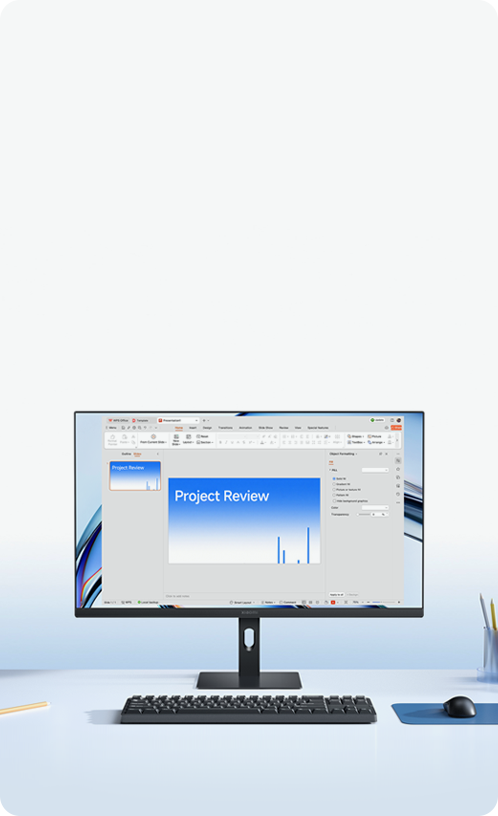
Slim, minimalist design for effortless productivity


27-inch IPS hard screen
1080p FHD resolution

99% sRGB colour gamut
Richer colour layers
144Hz high refresh rate
Suitable for both work and entertainment

300nits brightness
Clear and vibrant visuals

∆E<1 individually calibrated
Professional colour accuracy

TÜV Low Blue Light Certification
Effectively filters harmful short-wave blue light

A quality display
for comfortable and efficient working

27-inch ultra-clear large display
Detailed, natural and clear visuals
Featuring an IPS hard screen with a 178° ultra-wide viewing angle for an expansive visual experience.
With a 1920x1080* FHD resolution, every detail is rendered clearly — from complex data sheets and fine design sketches to multi-window information displays — providing comprehensive visual support for professional work.

144Hz high refresh rate
Suitable for work and entertainment
The 144Hz ultra-smooth refresh rate delivers up to 144 frames a second, for a fluid viewing experience and seamless productivity.
Whether quickly skimming through lengthy documents or switching efficiently between multiple tasks, complex operations can be handled with ease.
It also delivers effortless gameplay for more enjoyable work and entertainment.

99% sRGB colour gamut*
Presenting a vivid visual experience
With a 99% sRGB* colour gamut and 16.7 million rich colours,
the monitor delivers smooth, natural gradients without banding and true-to-life colour reproduction, making it a prime choice for professionals.

99% sRGB

16.7 million faithful colour display

300nits brightness
Optimal brightness
With brightness up to 300nits, the display remains clear and vivid even in brightly lit offices.
Documents and spreadsheets are easy to read, ensuring visual comfort during extended use.

∆E<1* professional colour accuracy
Factory colour calibration for every monitor
Each monitor is rigorously colour-calibrated before leaving the factory to ensure highly accurate colour reproduction.
Colour deviations are virtually imperceptible to the human eye, delivering true, consistent tones and making photo and video editing effortless.

TÜV low blue light*
Clear visuals that are gentle on the eyes
Certified by TÜV Rheinland for low blue light, the display effectively filters harmful short-wave blue light to reduce eye strain.
Combined with DC dimming technology, the flicker-free display protects your eyes during prolonged use.


Thoughtful details
Make work more pleasant
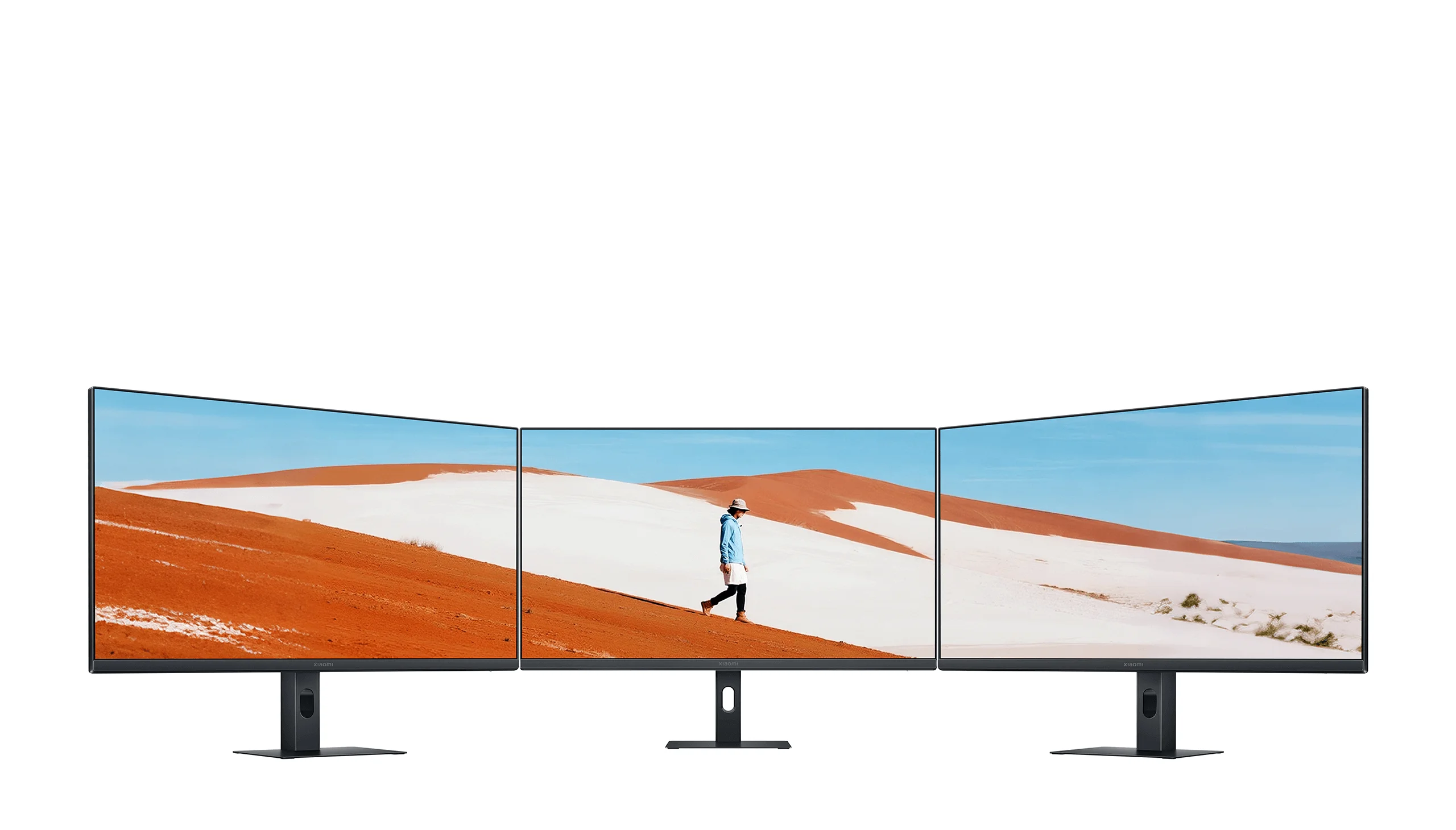
Narrow bezel on three sides
Immersive focus for work
The ultra-narrow three-sided bezel design provides a more immersive viewing experience,
enhancing focus and efficiency.


Minimalist adjustable stand
Supports tilt adjustment

Versatile mounting options
VESA-compatible wall mounting support

Multiple ports
Expand the connection possibilities
*Wall mount bracket needs to be purchased separately.


Notes:
*The product supports a maximum resolution of 1920×1080 and a maximum refresh rate of 144Hz. For optimal performance, it is recommended to use the HDMI cable included with the monitor to connect via the HDMI port. If other HDMI cables are used and the display cannot reach the optimal resolution, please confirm with the supplier whether the HDMI cable and signal source device support output at the maximum resolution.
*Colour gamut: Represents the typical value of the colour gamut coverage. Data comes from Xiaomi Internal Labs and may vary due to different measurement methods. Actual performance shall prevail.
*99% sRGB colour gamut: Calculated under the CIE 1976 colour space, indicating 99% sRGB coverage.
*∆E<1 professional colour standard: ΔE<1 represents the average value. ΔE measures the difference between two colours in a way that aligns with human vision perception. It quantifies colour accuracy to reflect how much the displayed colour deviates from the true or intended colour. The smaller the value, the lower the colour deviation. Each monitor is individually calibrated in sRGB mode during production. Colour gamut mode needs to be enabled manually. Go to the OSD menu, navigate to Picture mode > Colour space > sRGB.
*Low Blue Light Certification: Refers to TÜV Low Blue Light Certification ID: 0217019673. Low blue light mode needs to be turned on manually. Go to the OSD menu and select Picture Mode > Select Mode > Low Blue Light Mode.
*Wall mount bracket needs to be purchased separately.
*Effects shown are for reference only. Please refer to the actual product.
*Adjustment range, angle and effect of the stand shown on this page are for reference only. Please refer to the actual product.
*Product images, models, data, functions, performance, specifications, user interfaces and other product information may change due to product batches or supplier updates. Xiaomi may modify the above content. Please refer to the actual product and user manual for details.
*All comparisons mentioned refer to Xiaomi products. Comparison images are for illustrative purposes only. Please refer to the actual product.
*All data on this page comes from Xiaomi Internal Labs unless otherwise stated. Actual data may vary due to environmental factors.
*All product images, screen content and visual effects shown on this page are for illustrative purposes only. Please refer to the actual product.
*This product is not a medical device and cannot be used to treat illnesses.