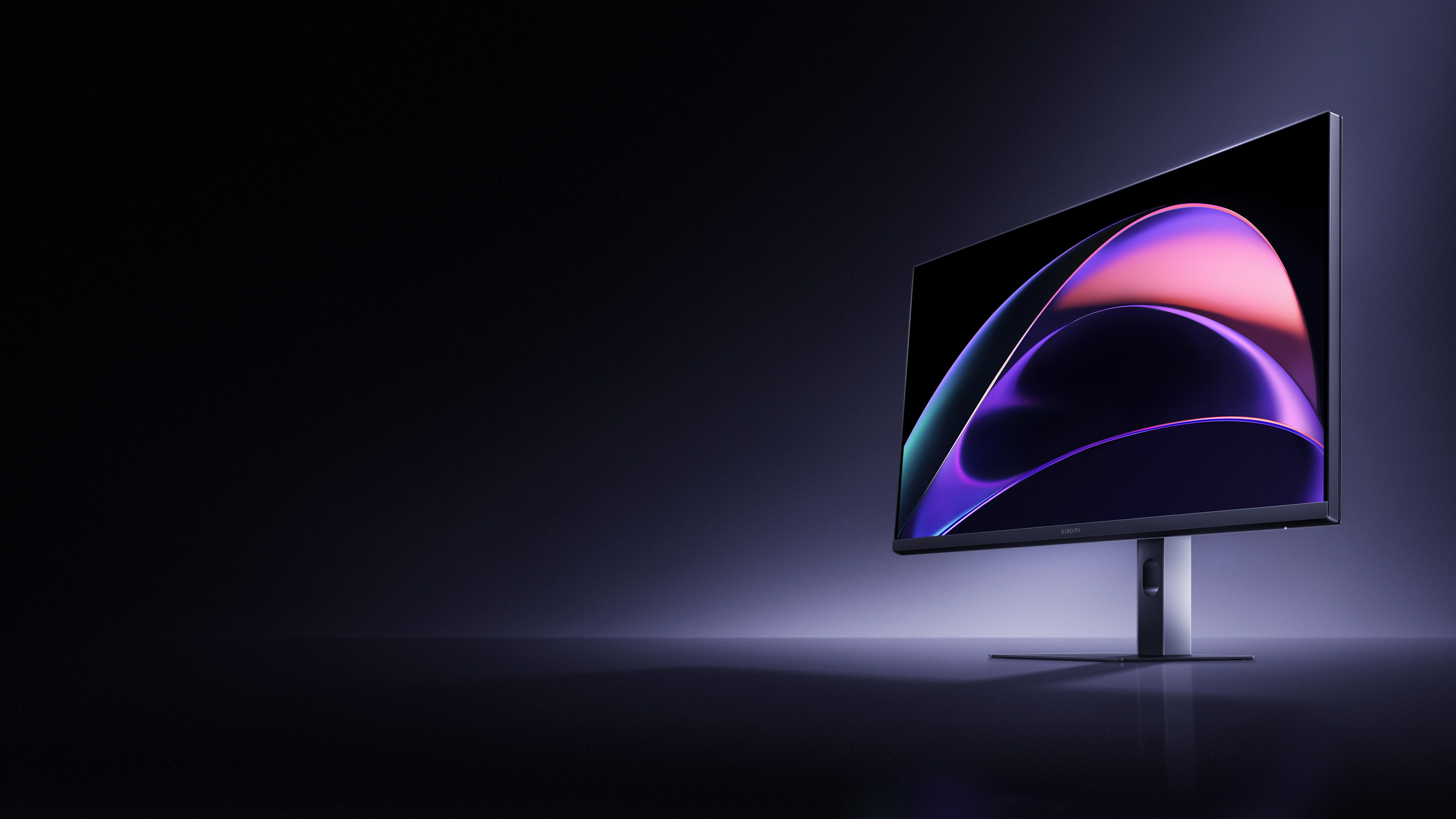

Professional-grade colour gamut coverage3Optimised for the Apple colour ecosystem by M Mode
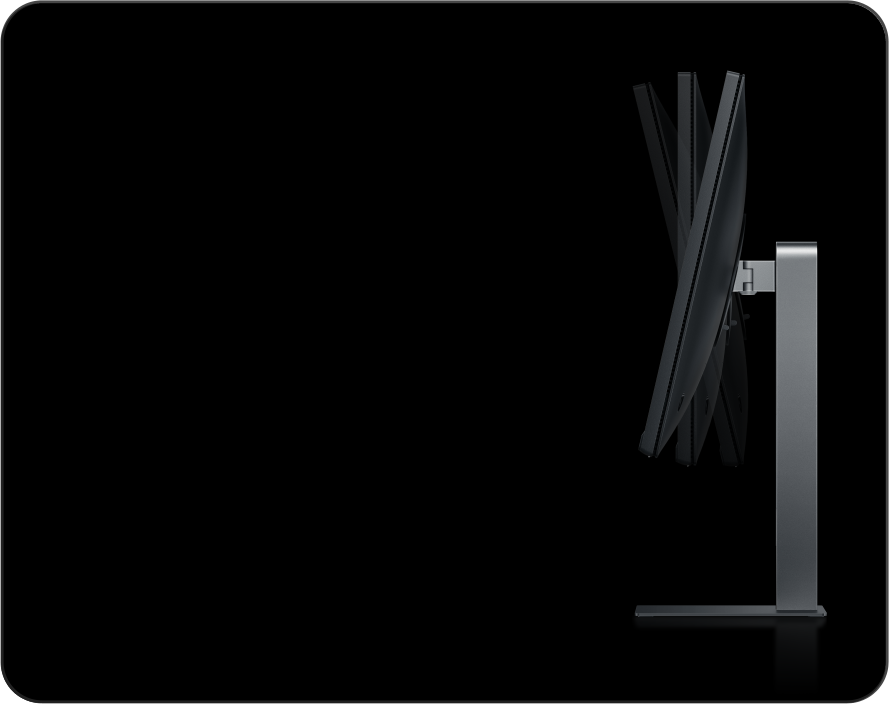
Multifunctional adjustable standRotate and adjust to fit your needs
PivotTilt


4K UHD image quality13840 × 2160 resolution1500:1 native contrast27" IPS screen | Ultra-wide viewing angle
Dual refresh rate modes4K 120Hz / 1080P 240Hz2Ideal for both work & gaming
Upgraded low-reflection displayUltra-low 2.6% reflectivityCrystal-clear clarity, glare-free viewing
Versatile USB-C portUp to 90W reverse charging5
ΔE<1 Professional-grade colour accuracy6Dual gamut ΔE<1 (sRGB / DCI-P3)3, 6
TÜV low blue light certification7Certified innovative eye protection solutions
COLOUR · DETAILSEvery detail, precisely renderedEvery colour, faithfully reproduced
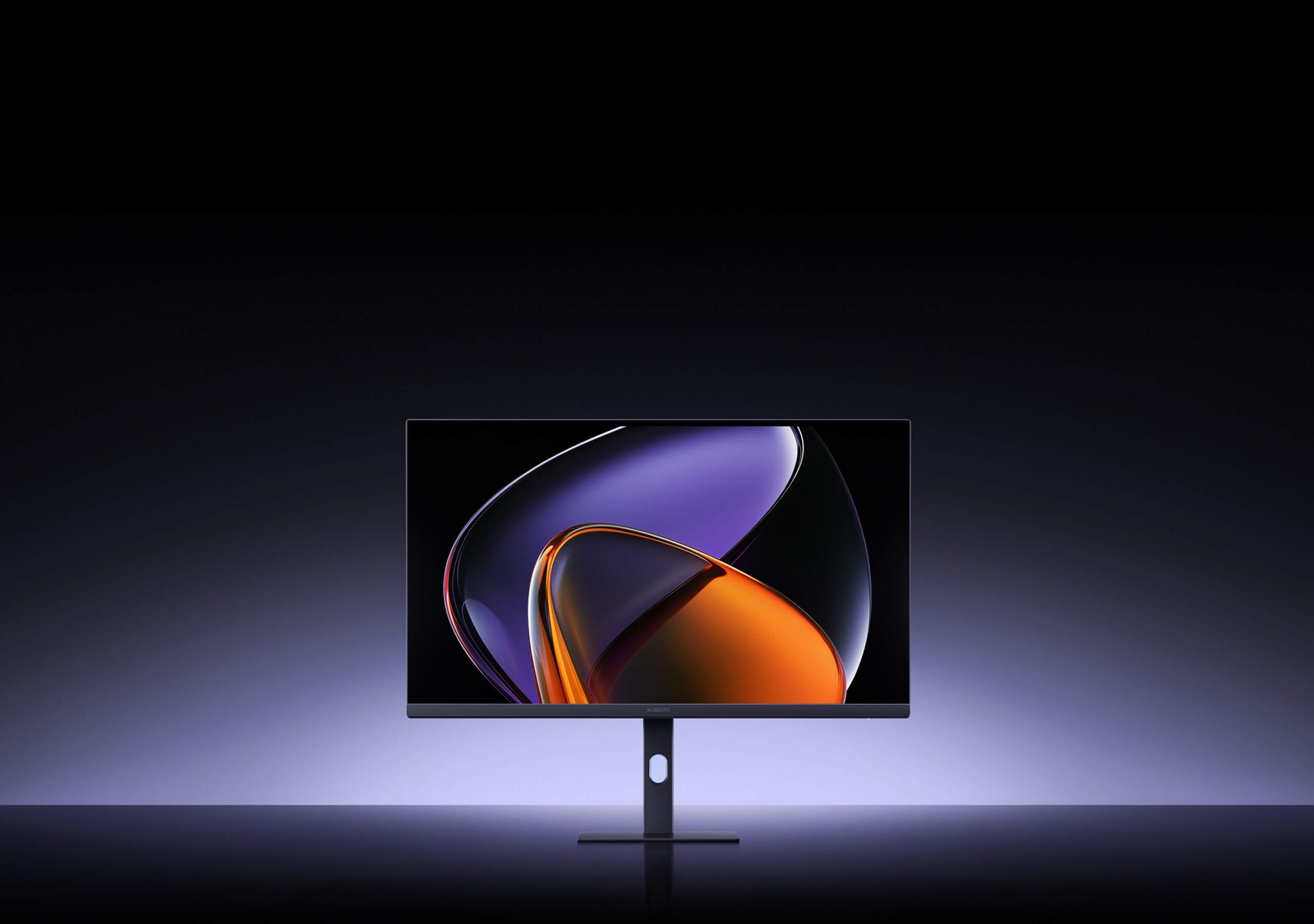
Sharp detail in every frame4K UHD resolution1Featuring a 27” IPS panel with 3840 × 2160 resolution and a 1500:1 native contrast ratio, the monitor delivers lifelike detail. A 178° ultra-wide viewing angle keeps content crisp and clear from virtually any position.
178°ultra-wide viewing angle
1500:1high contrast

27”IPS panel

3840 × 2160resolution
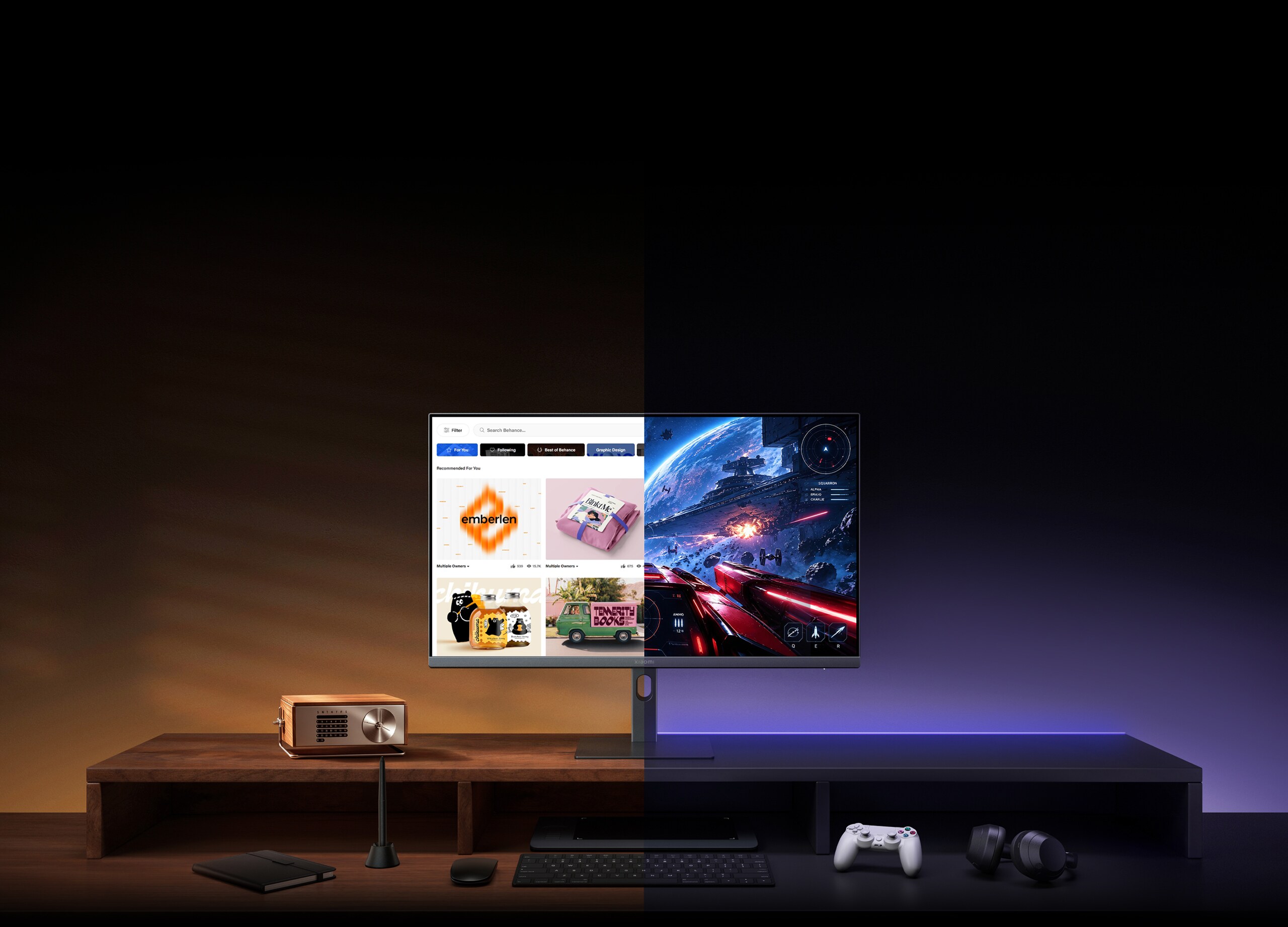
For work and entertainment120Hz/240Hz dual high-refresh-rate display2Native 4K resolution at 120Hz delivers smooth visuals for work and video editing, ensuring greater comfort during extended use. Switch to eSports mode with one click for 1080p at 240Hz and smoother motion.

4K 120HzCrisp, fluid visuals for work and creation

1080P 240HzUltra-smooth for entertainment
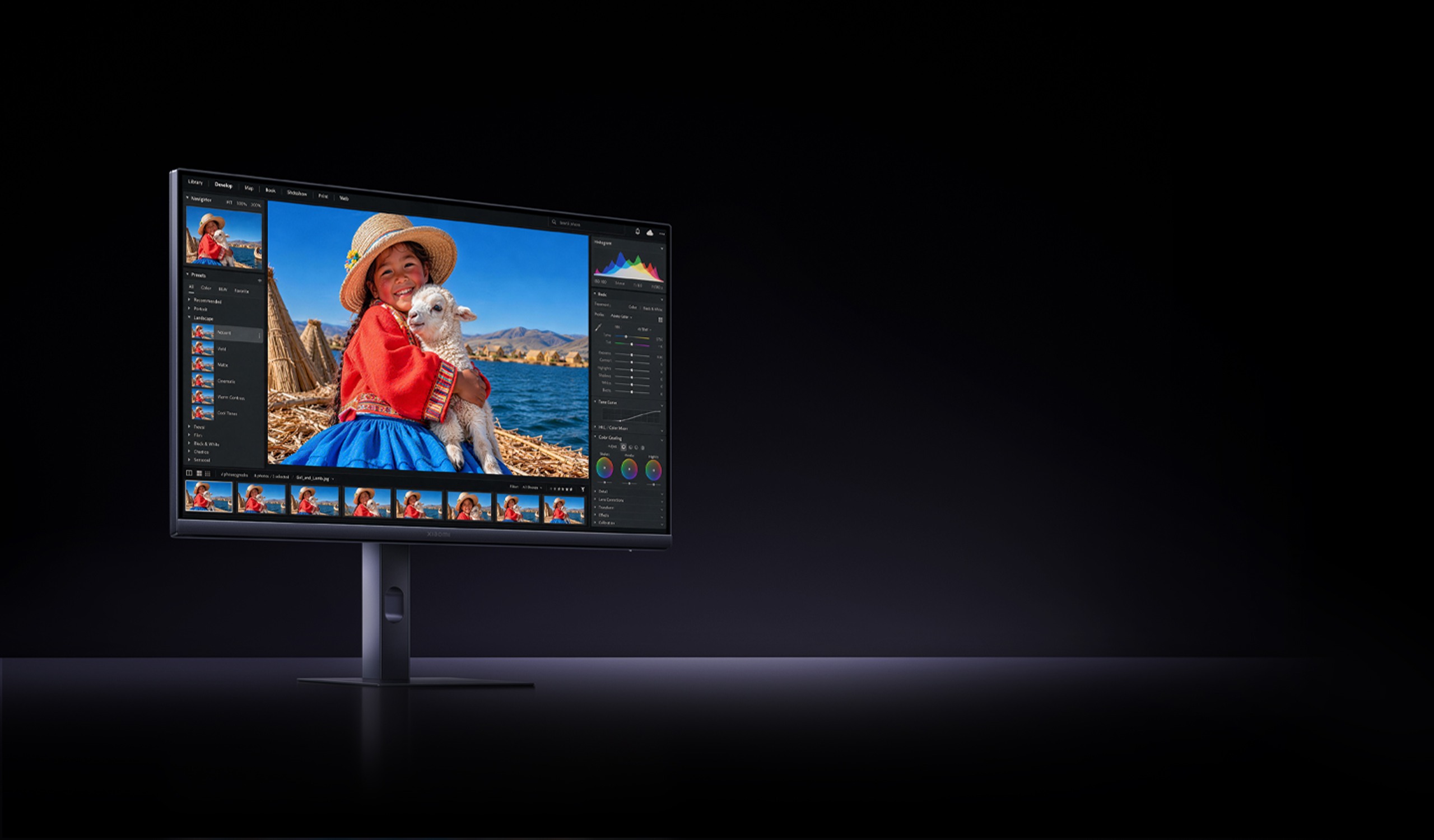
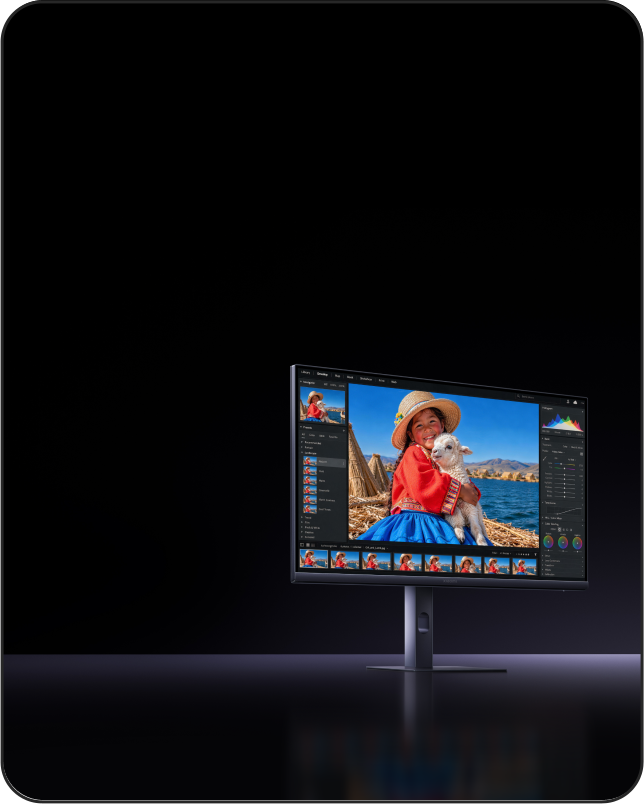
Rich, vivid coloursDual professional colour gamut coverage3With 100% sRGB, 98% DCI-P3 and 1.07 billion colours, the monitor delivers smooth, natural gradations for professional colour work, including photo editing, colour grading and video post-production.

100% sRGB4

98% DCI-P34
1.07 billion colours10
10-bit colour depth11


98% Display P3
All-new M ModeSeamless colour matching with Apple devicesEnable M Mode to match Apple device colour profiles with 98% Display P3 coverage, faithfully reproducing native Apple display colours. Enjoy consistent colour performance from laptops to desktops without repeated calibration.
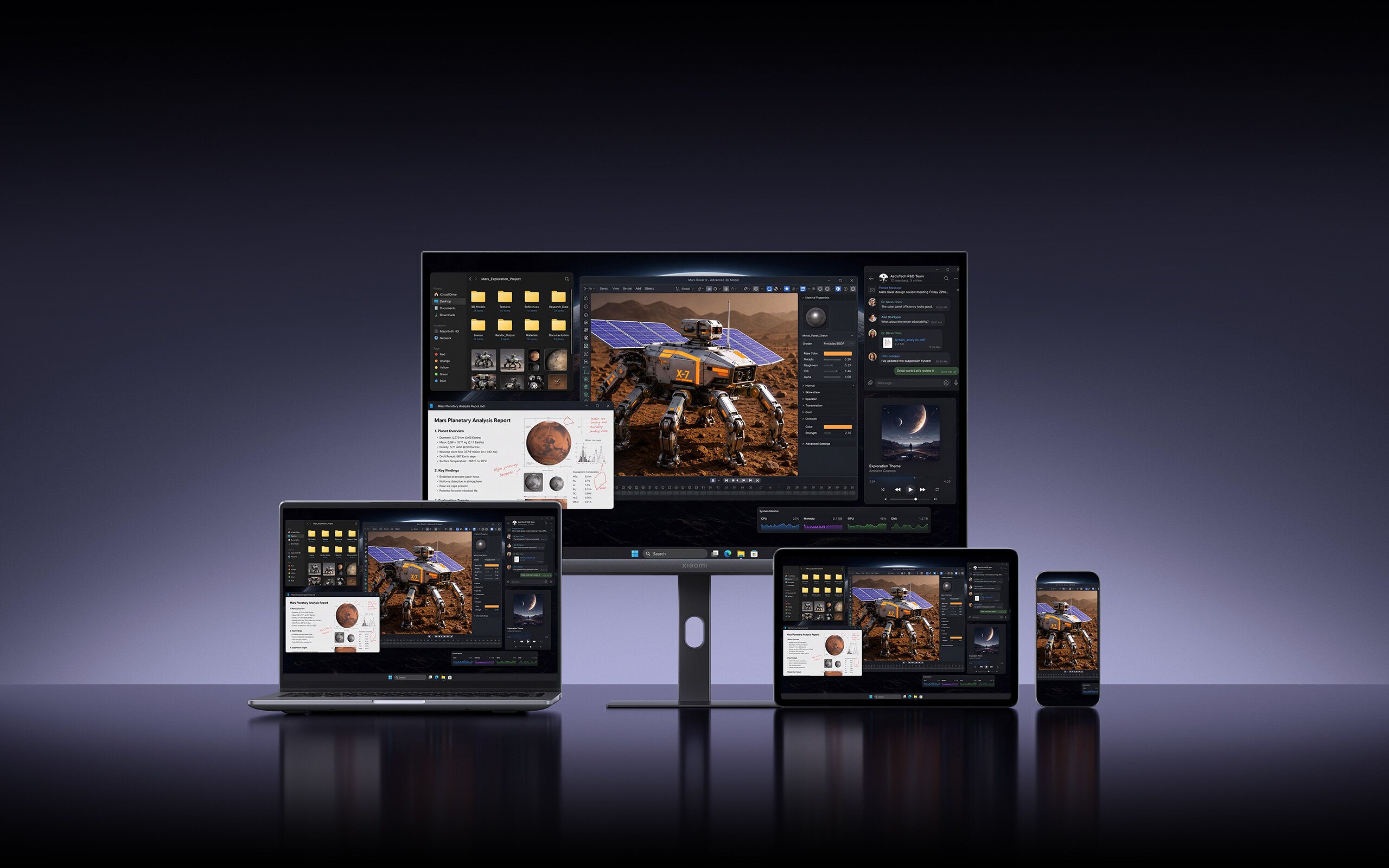
Consistent colours across Xiaomi devices12Seamless multi-screen colour syncingView content across compatible Xiaomi phones, laptops, and tablets with colours matching the monitor precisely. Enjoy a unified multi-screen viewing experience without repeated calibration.

Individually factory-calibrated for true-to-life coloursΔE<1 colour accuracy across both colour gamuts6Each monitor is factory-calibrated to achieve ΔE<1 colour accuracy, delivering true-to-life colours straight out of the box for colour-critical work.6
ΔE<1 across both sRGB and DCI-P3 colour gamuts3, 6
Clear visuals with fewer reflectionsHigh-quality, low-reflection displayEquipped with an AG25 LR1.8 low-reflection coating, the screen reduces reflectivity to as low as 2.6%, minimising ambient light interference for a clear view even in bright environments.

Fewer reflections for better focusReflectivity as low as 2.6% for reduced ambient light interference
Standard displayLow-reflection displayReflections can reduce contrast and obscure detailClear visuals with vivid, lifelike colours
Enhanced clarity with subtle shadow detailsGreater clarity and depth in dark scenes
Low-reflection displayDeep blacks and clear, rich detail
Standard displayWashed-out blacks and lost detail
Greater depth for more striking visualsDisplayHDR 400 certified13HDR 400 support and 400 nits brightness deliver clear highlights, detailed shadows and natural tonal transitions for professional colour work.13, 14
HDR OFFHDR ON
HDR 40013

400 nits brightness14

Hardware-level low blue light15TÜV Rheinland-certified hardware-level low blue light technology effectively reduces blue light while maintaining natural-looking colours without a yellow tint for greater viewing comfort.15
Software-level low blue lightHardware-level low blue light
TÜV Rheinland
Low Blue Light (Hardware Solution) Certification7

Hardware-level flicker-free displayFull-range DC dimming adjusts screen brightness by regulating current, reducing flicker for greater viewing comfort.
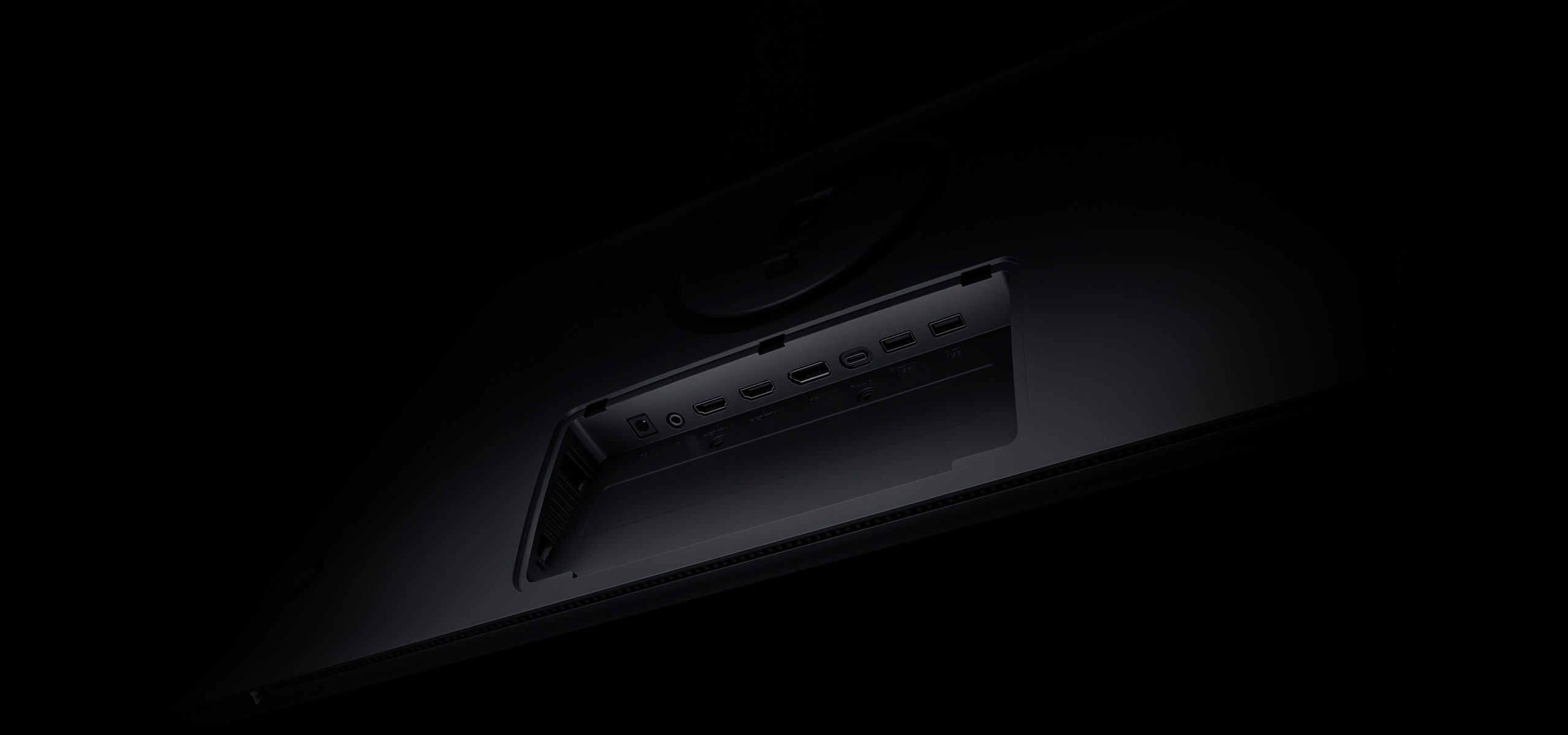
ALL-IN-ONESmart single-cable connectivityBuilt to adapt to your needs

One cable for a simpler setupVersatile USB-C portConnect your laptop, smartphone, or tablet with a single USB-C cable for video and data transfer, plus up to 90W reverse charging. Built-in expansion ports simplify peripheral connections for a tidier workspace.16

Up to 90W reverse charging16

Video / data transfer

DP 1.4USB-C (up to 90W reverse charging)
Multiple ports for plug-and-play connectivity

Headphone jack

USB 2.017

Game console

Laptop

Smartphone

Tablet

Create in comfortMultifunctional standThe multifunctional stand supports height, pivot, swivel and tilt adjustments, as well as wall mounting. The OSD menu orientation can be switched manually for portrait use.8, 9
TiltPivot


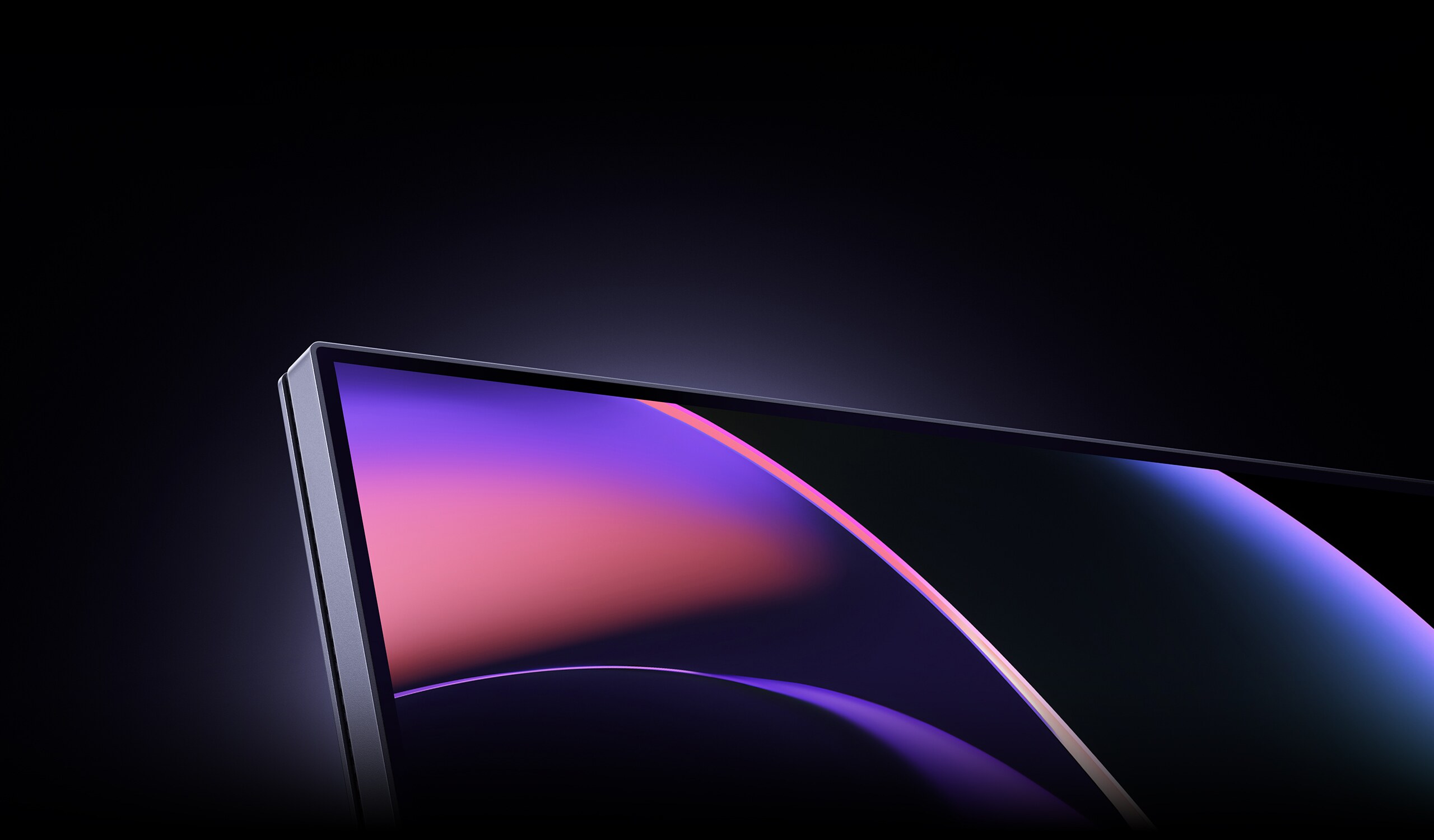
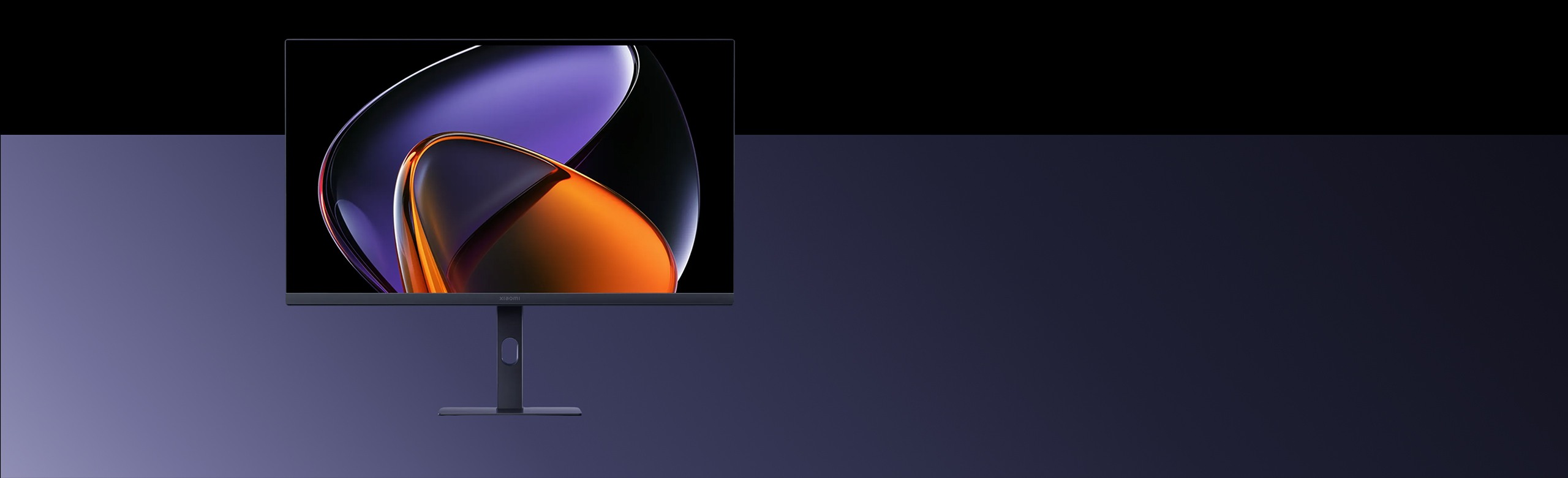
Enhanced multi-monitor viewingThree-sided narrow-bezel designThe three-sided narrow-bezel design maximises the viewing area for a more immersive experience. When multiple monitors are used together, it creates a wider, more expansive view.
Notes:1. The product supports a maximum resolution of 3840 × 2160. For optimal performance, we recommend using the included HDMI cable to connect the monitor via the HDMI port. If another HDMI cable is used and the display cannot achieve the optimal resolution and refresh rate, please check with the supplier whether the HDMI cable and source device support the maximum resolution.2. This product supports HDMI input up to 3840 × 2160 at 120Hz. A 240Hz refresh rate requires eSports mode to be enabled. Once enabled, the display resolution switches to 1920 × 1080.3. Colour gamut coverage figures are typical values. Data comes from Xiaomi Internal Labs and may vary depending on the measurement method. Please refer to the actual product.4. 100% sRGB and 98% DCI-P3 colour gamut coverage figures are calculated in the CIE 1976 colour space.5. In standby or screen-off mode, the maximum output power can reach 90W.6. ΔE<1 refers to the average value. ΔE measures perceived colour difference and quantifies colour reproduction accuracy. A lower ΔE value indicates less colour deviation. Each monitor is individually calibrated for sRGB and DCI-P3 modes during production. Colour gamut modes must be enabled manually. Go to the OSD menu and navigate to Picture mode > Colour space > sRGB / DCI-P3.7. Refers to TÜV Rheinland Low Blue Light (Hardware Solution) Certification, ID: 0217010353.8. Wall mount bracket sold separately.9. Stand movement, adjustment angles and effects shown are for reference only. Please refer to the actual product.10. Each LCD pixel consists of three RGB subpixels and achieves a 10-bit colour display effect through special software processing. By combining the RGB primary colours, the screen can display approximately 1.07 billion colours (2¹⁰ × 2¹⁰ × 2¹⁰).11. 10-bit high colour depth is achieved through 8-bit + FRC technology.12. Supported on selected Xiaomi devices in Standard mode. Actual performance may vary depending on screen settings and other factors. Please refer to the actual product.13. This monitor supports HDR. To play HDR content, set HDR mode to Auto or On in the monitor menu and enable HDR on your computer.14. 400 nits brightness is a typical value, measured on a full-white screen with screen brightness set to 100 in the menu. Actual results may vary slightly depending on the test environment, signal source and test equipment.15. The optimised hardware backlight design effectively reduces the emission intensity of short-wave blue light in the 415–455nm range by up to 50% compared with conventional backlight solutions.16. The multifunctional USB-C port delivers up to 90W output power when the monitor is in standby or energy-saving mode. Actual output power may vary depending on the connected laptop model. Please refer to the actual use.17. To transfer data through the USB-A port, including when using a keyboard or mouse, connect the monitor to a full-featured USB-C port on your computer using the included USB-C cable.*Unless otherwise stated, all data on this page comes from Xiaomi Internal Labs. Actual results may vary depending on environmental conditions.*This product is not a medical device and cannot be used as a treatment device.*All product images, on-screen content and visual effects shown on this page are for illustrative purposes only. Please refer to the actual product.*All comparisons on this page are made against Xiaomi products. Comparison images are for illustrative purposes only. Please refer to actual results.*To better showcase the product design, the power supply and cables have been omitted from images on this page. The product must be connected to a power supply using the appropriate cables during actual use.*Product images, models, data, features, performance, specifications, user interfaces and other product information may vary due to factors such as production batches or supplier changes. Xiaomi may update the above information to provide more accurate product information. Please refer to the actual product and user manual for details.